23
Taking Panoramic Pictures
1. Open the Camera application. Touch to switch to Panoramic mode.
2. Aim the camera lens at the starting point of the intended view. Touch
to start.
3. Slowly pan your device toward the other side. The status bar shows your
progress.
4. To end, touch .
Shooting Videos
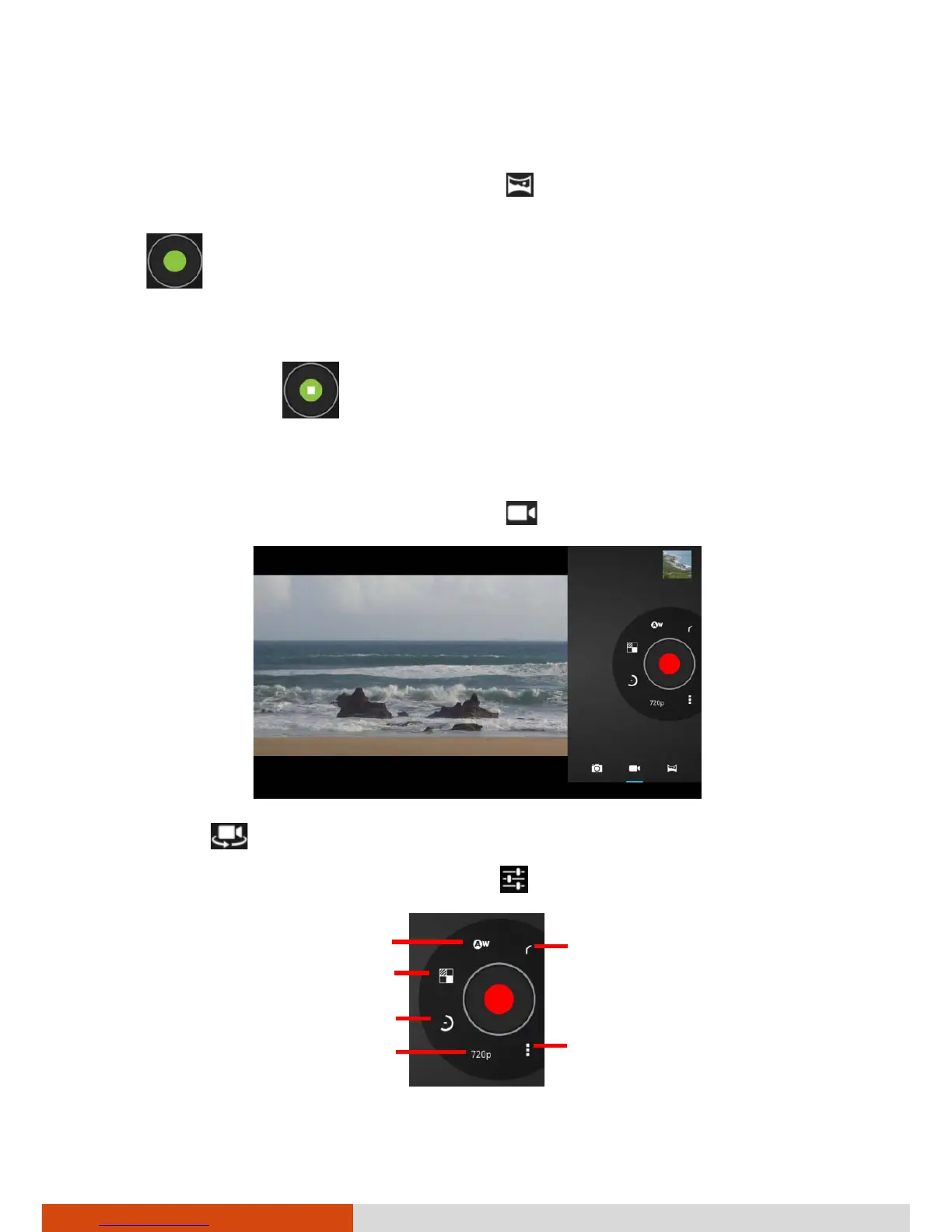
1. Open the Camera application. Touch to switch to Video mode.
2. Touch
to select the front or rear camera lens.
3. If you want to adjust settings, touch .
Return
White balance



 To Next Page