36
Chapter 7
Care and Maintenance
This chapter provides guidelines on taking care of your device.
Resetting Your Device
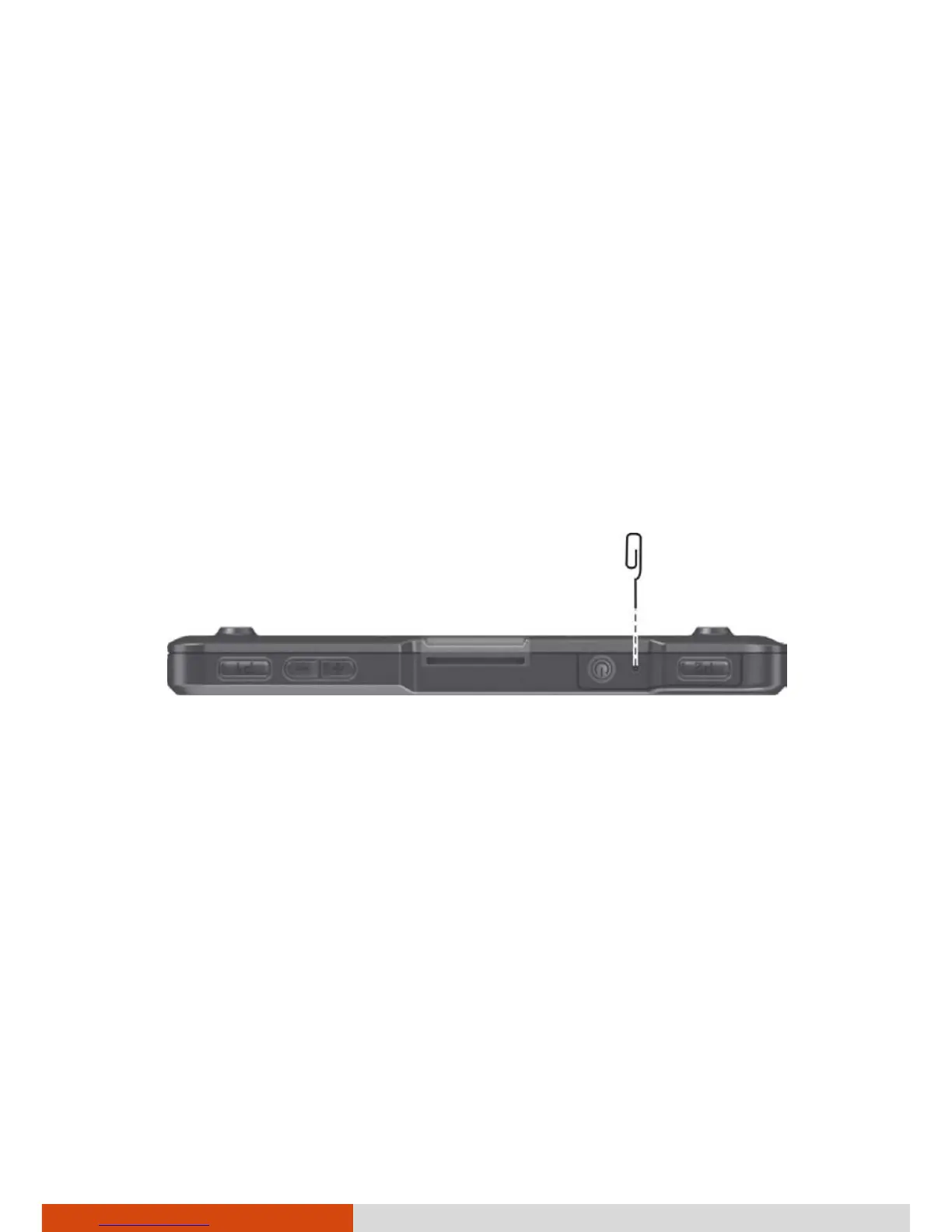
To restart the device, press and hold the Reset Switch (shown below) for
more than 5 seconds.
Alternatively, you can force the device to power off by pressing and holding
the power button for more than 10 seconds. Then turn it on again.
Caring for Your Device
Taking good care of your device will ensure trouble-free operation and
reduce the risk of damage to your device.
Keep your device away from excessive moisture and extreme
temperatures.
Avoid exposing your device to direct sunlight or strong ultraviolet light
for extended periods of time.
Do not place anything on top of your device or drop objects on your
device.



 To Next Page