
 Need help?
Do you have a question about the Getac VR-X20 and is the answer not in the manual?
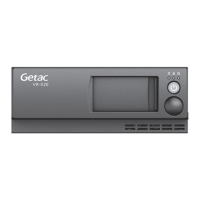
Details the LEDs, power button, and power status indicators on the device's front panel.
Describes the dual SIM card tray located on the side panel for SIM card installation.
Provides detailed pin assignments for DC-in and GPIO connectors, critical for system wiring.
Highlights warnings for uninsulated voltage, electric shock risk, and the need for qualified service.
Details dangers of explosion or fire with improper battery handling, replacement, and storage.
Explains compliance with FCC rules, including conditions for operation and potential interference.
Outlines compliance with Industry Canada's licence-exempt RSSs and operating conditions.
 General
| Brand | Getac |
|---|---|
| Model | VR-X20 |
| Category | Security System |
| Language | English |

 To Next Page