26
The program is started by selecting automatic mode by pressing the MODE key until the
AUTO symbol is displayed on the VDU.
In AUTO operating mode the hourly profile relative to the fraction of the day in progress
(AP/PM) is displayed.
The profile relative to the other fraction of the day can be displayed by pressing the
keys simultaneously. The indication is active for 5 seconds, after which the current
profile reappears.
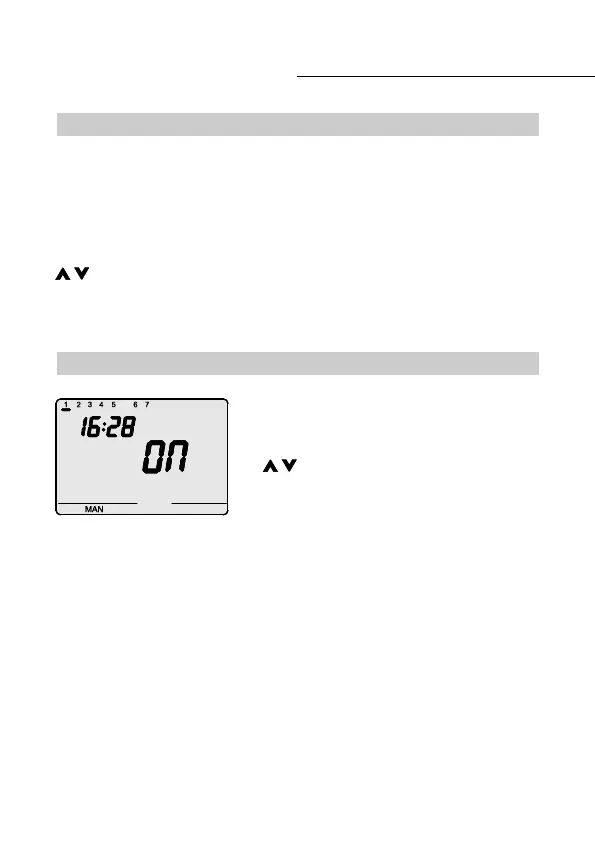
The manual operating mode activated by pressing the
MODE key until the MAN message is displayed on the
VDU.
The keys are used to set the required output
status. The selected status (ON/OFF) is displayed on
the VDU.
Automatic operation
Manual operation
USER INSTRUCTIONS


 To Next Page