4
©Ghost Controls 2021
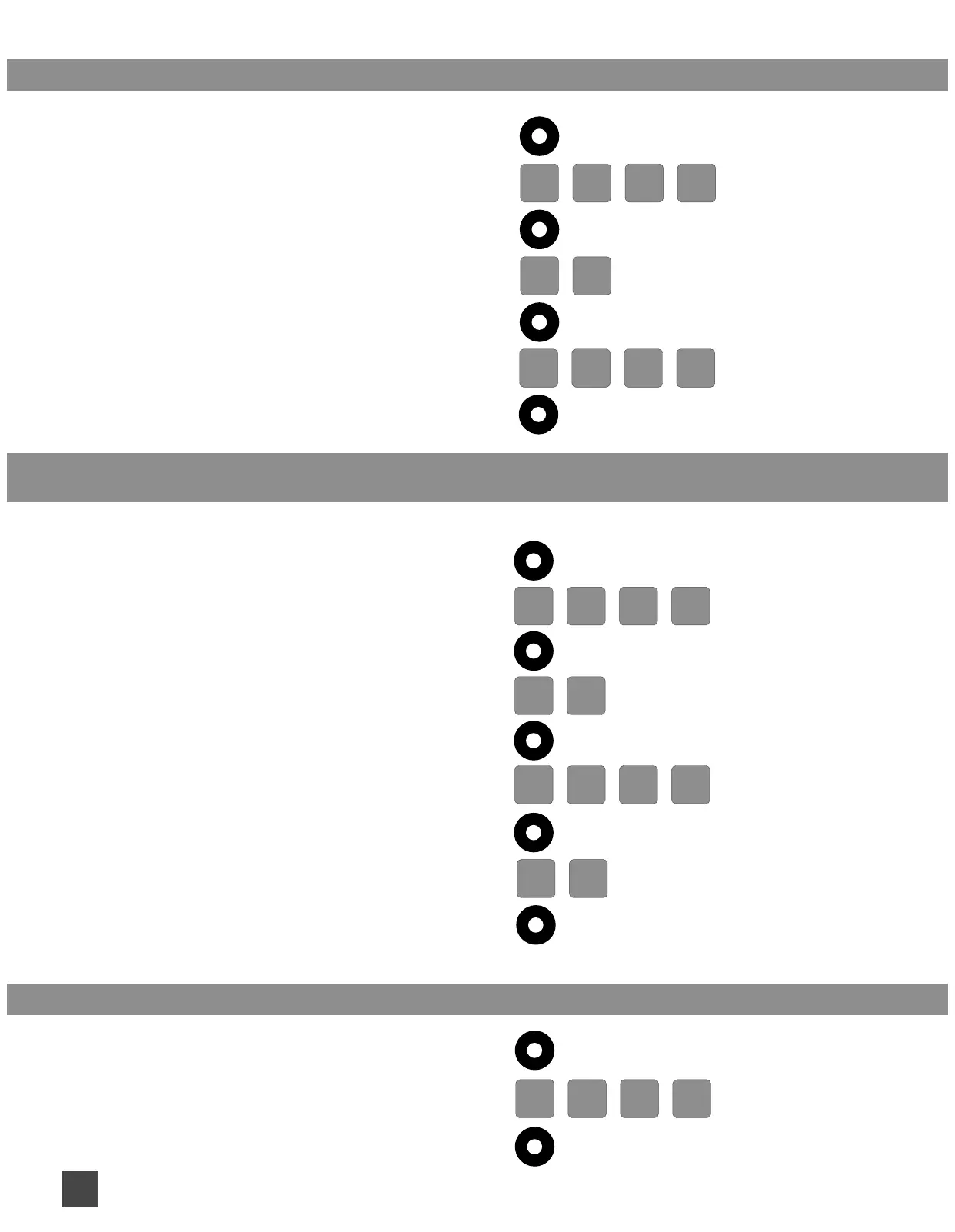
ADD ADDITIONAL ACCESS PINS CANNOT USE 0 0 0 0:
1. Press and Release PROGRAM BUTTON
2 2
(the PartyMode, 1-Key, Vacation LEDs comes on)
2. Enter your PRIMARY PIN
3. Press and Release PROGRAM BUTTON
4. Enter 2 2
5. Press and Release PROGRAM BUTTON
6. Enter additional 4 DIGIT ACCESS PIN
7. Press and Release PROGRAM BUTTON
ADD A TIME BASED TEMPORARY ACCESS PIN:
(access pin will work for a certain number of days and cannot be 0 0 0 0)
1. Press and Release PROGRAM BUTTON
(the PartyMode, 1-Key, Vacation LEDs comes on)
2. Enter your PRIMARY PIN
3. Press and Release PROGRAM BUTTON
4. Enter 2 3
5. Press and Release PROGRAM BUTTON
6. Enter NEW TIME BASED ACCESS PIN
7. Press and Release PROGRAM BUTTON
8. Enter the NUMBER OF DAYS Allowed
EXAMPLE: for 5 days.... 0 5
9. Press and Release PROGRAM BUTTON
ADD A USE BASED TEMPORARY ACCESS PIN: (access pin will work for a number of uses)
1. Press and Release PROGRAM BUTTON
(the PartyMode, 1-Key, Vacation LEDs comes on)
2. Enter your PRIMARY PIN
3. Press and Release PROGRAM BUTTON
3
D D
2


 To Next Page