61
HAR DWI R E D A C C .
© G host C ontr o l s
®
2 0 2 0
CONNECTING HARDWIRED DEVICES
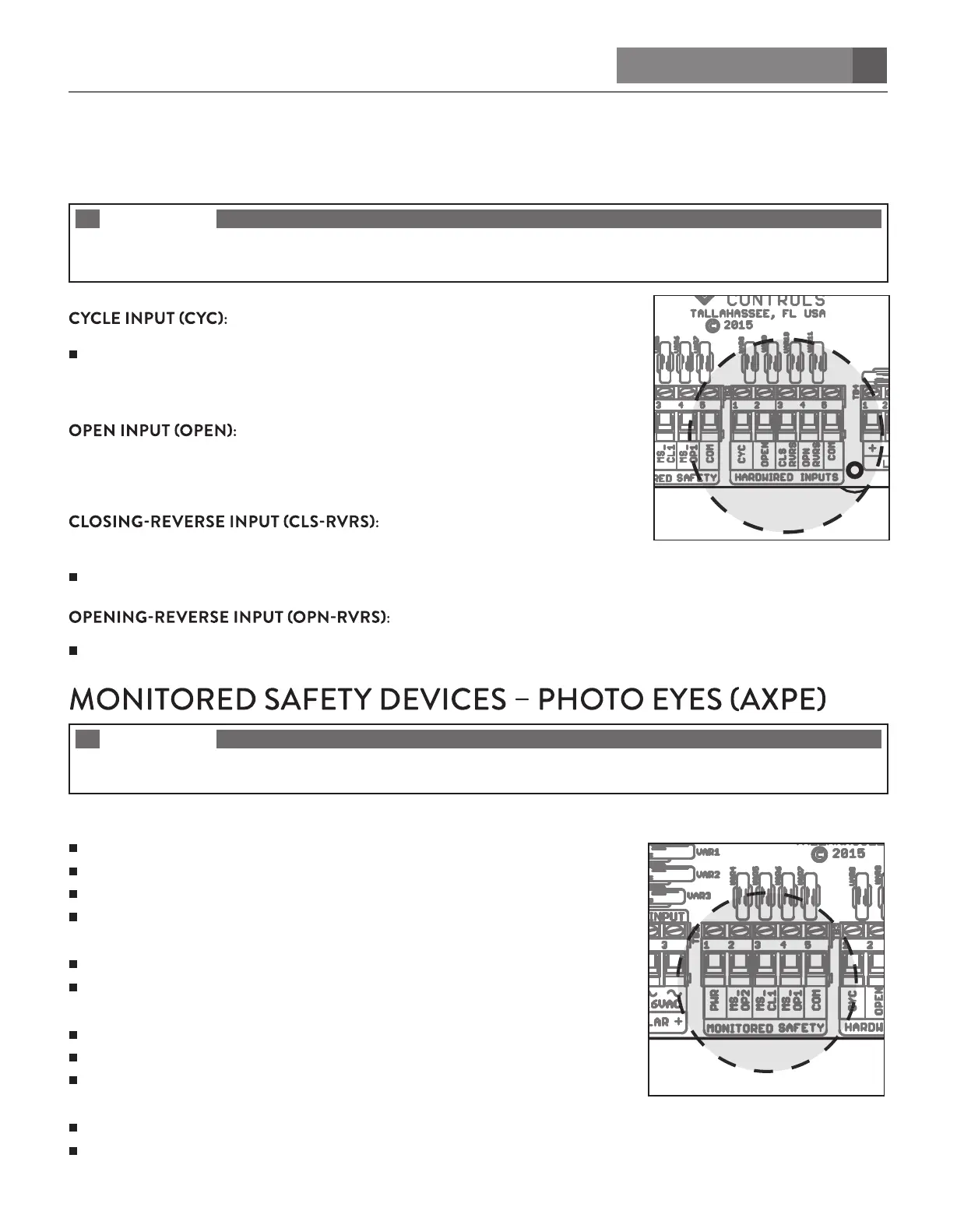
Accepts “DRY CONTACT” input signals as control input. DRY CONTACT is passive (no power) such as a simple push
button that switches from short circuit to open circuit.
NOTE
INACTIVE — Opens circuit or has no connection.
ACTIVE — Input is shorted to COM or BATTERY NEGATIVE.
Use this terminal for Ghost Controls Push Button (AXPB).
Active — Signal must go from INACTIVE then ACTIVE for the system to
recognize the input and respond accordingly.EX: OPEN > STOP > CLOSE >
STOP > OPEN >...
Use this terminal for Ghost Controls Vehicle Detector
(AXXV).
Active — Opens gate to the full open position and prevents it from closing.
Use this terminal with photo eye
beams or safety edge.
Active — Prevents gate from closing and if gate is closing it will reopen gate to the full open position.
Use this terminal with photo eye beams or safety edge.
Active — Prevents gate from opening and if gate is opening it will reverse gate to the closed position.
NOTE
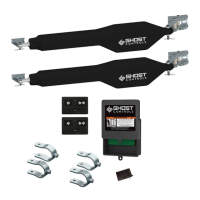
Please refer to manufacturer’s manual or website for more detailed instructions on how to connect and use accessories with
your gate opener.
TERMINALS TO USE FOR REVERSE OPENING:
PWR = Switched 12 Volts (+)
MS–OP1 = Photos beam’s output for 1st arm open-direction protection
MS-OP2 = Photos beam’s output for 2nd arm open-direction protection
COM = BATTERY NEGATIVE
IF THE BEAM IS BLOCKED OR DEVICE IS DISCONNECTED
Gate can not be open if idle
Gate will reverse direction and run to the closed position if it was opening
TERMINALS TO USE FOR REVERSE CLOSING:
PWR = Switched 12 Volts (+)
MS-CL1 = Photos beam’s output for close-direction protection
COM = BATTERY NEGATIVE
IF THE BEAM IS BLOCKED OR DEVICE IS DISCONNECTED
Gate can not be open if idle
Gate will reverse direction and run to the open position if it was closing


 To Next Page