EN 6
CONNECT AND CONTROL (ELECTRIC GUITAR
ONLY)
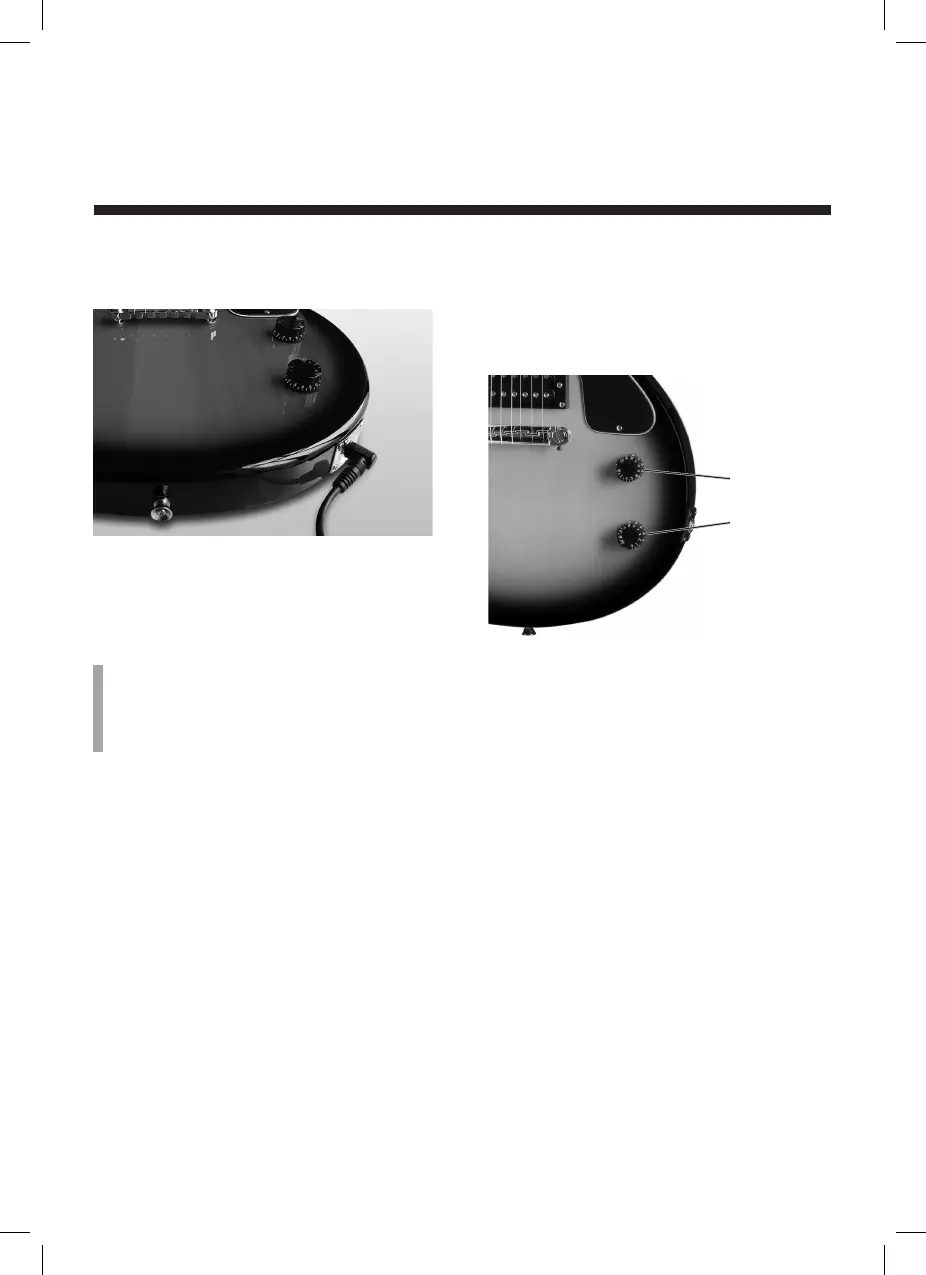
Connecting your guitar to amplifier
A 3 meter cable is included to connect the
guitar to the amp. Plug the ‘L’ shaped end
into the guitar and the straight end into the
amp.
Note
Before plugging your guitar into the amp and
turning it on, make sure the Volume and Gain
controls on the amp are all the way down.
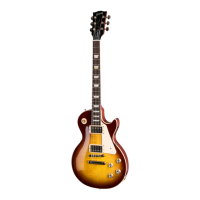
Control Adjustments
Your Maestro electric guitar has two
controls.
Volume
Tone
• The Volume control sets the amount of
output from the guitar. Turn clockwise
for more output, counter-clockwise for
less output.
• The Tone control can reduce high
frequencies, which produces a “darker”
sound as you turn it further counter-
clockwise.
Refer to the amplifier manual for guidance
on how to use with your guitar.
um_maestro_us_2L_170922.indd 6 22/09/2017 13:21:03


 To Next Page