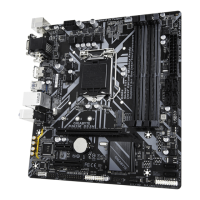
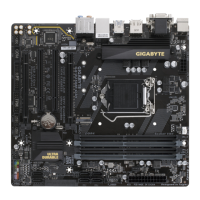
2-1 Installation Precautions
The motherboard contains numerous delicate electronic circuits and components which can become
damaged as a result o electrostatic discharge (ESD). Prior to installation, careully read the user's
manual and ollow these procedures:
• Prior to installation, make sure the chassis is suitable or the motherboard.
• Prior to installation, do not remove or break motherboard S/N (Serial Number) sticker or
warranty sticker provided by your dealer. These stickers are required or warranty validation.
• Always remove the AC power by unplugging the power cord rom the power outlet beore
installing or removing the motherboard or other hardware components.
• When connecting hardware components to the internal connectors on the motherboard, make
sure they are connected tightly and securely.
• When handling the motherboard, avoid touching any metal leads or connectors.
• It is best to wear an electrostatic discharge (ESD) wrist strap when handling ele ctro nic
components such as a motherboard, CPU or memory. I you do not have an ESD wrist strap,
keep your hands dry and rst touch a metal object to eliminate static electricity.
• Prior to installing the motherboard, please have it on top o an antistatic pad or within an
electrostatic shielding container.
• Beore connecting or unplugging the power supply cable rom the motherboard, make sure
the power supply has been turned o.
• Beore turning on the power, make sure the power supply voltage has been set according to
the local voltage standard.
• Beore using the product, please veriy that all cables and power connectors o your hardware
components are connected.
• To prevent damage to the motherboard, do not allow screws to come in contact with the
motherboard circuit or its components.
• Make sure there are no letover screws or metal components placed on the motherboard or
within the computer casing.
• Do not place the computer system on an uneven surace.
• Do not place the computer system in a high-temperature or wet environment.
• Turning on the computer power during the installation process can lead to damage to system
components as well as physical harm to the user.
• I you are uncertain about any installation steps or have a problem related to the use o the
product, please consult a certied computer technician.
• I you use an adapter, extension power cable, or power strip, ensure to consult with its installation
and/or grounding instructions.
Chapter 2 Hardware Installation
- 5 -


 To Next Page
 Loading...