Need help?
Do you have a question about the GIGA-BYTE TECHNOLOGY B550M DS3H AC and is the answer not in the manual?
Legal statement regarding the manual's content, copyright, and liability.
Explains how to find the motherboard revision number for technical information.
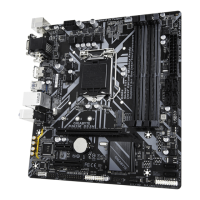
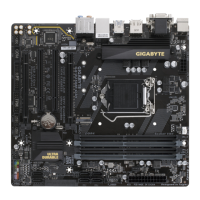
Diagrams and labels of motherboard components and connectors for identification.
Essential safety guidelines and procedures to follow before installing hardware.
Detailed specifications of the motherboard's CPU, chipset, memory, graphics, audio, LAN, and expansion slots.
Step-by-step instructions for correctly installing the CPU into the motherboard socket.
Guidelines for installing RAM modules, including dual channel configuration details.
Procedures for installing expansion cards like graphics cards into PCIe slots.
Identification and description of all ports and connectors located on the motherboard's rear panel.
Details and pinouts for various internal headers and connectors on the motherboard.
Describes the initial GIGABYTE logo screen displayed during system startup.
Explains the purpose of key functions like BIOS Setup, System Information, and Boot Menu.
Guide for installing the operating system, including steps for RAID driver integration.
Instructions on downloading and installing essential drivers and applications using GIGABYTE APP Center.
Information on setting up RAID arrays (RAID 0, 1, 10) using SATA drives.
US Federal Communications Commission (FCC) compliance information for the device.
European Union CE compliance statements, including directives for EMC, low voltage, and RoHS.
Information and link to GIGABYTE's eSupport portal for technical assistance and inquiries.
 General
| Brand | GIGA-BYTE TECHNOLOGY |
|---|---|
| Model | B550M DS3H AC |
| Category | Motherboard |
| Language | English |


 To Next Page