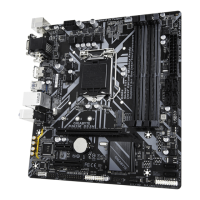
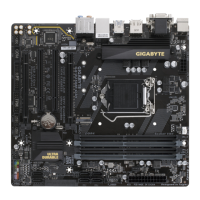
2-5 Installing an Expansion Card
Read the ollowing guidelines beore you begin to install an expansion card:
• Make sure the motherboard supports the expansion card. Careully read the manual that came
with your expansion card.
• Always turn o the computer and unplug the power cord rom the power outlet beore installing an
expansion card to prevent hardware damage.
Follow the steps below to correctly install your expansion card in the expansion slot.
1. Locate an expansion slot that supports your card. Remove the metal slot cover rom the chassis back panel.
2. Align the card with the slot, and press down on the card until it is ully seated in the slot.
3. Make sure that the expansion card is ully seated in its slot.
4. Secure the card's metal bracket to the chassis back panel with a screw.
5. Ater installing all expansion cards, replace the chassis cover(s).
6. Turn on your computer. I necessary, go to BIOS Setup to make any required BIOS changes or your
expansion card(s).
7. Install the driver provided with the expansion card in your operating system.
PCIEX16 Slot
- 11 -


 To Next Page
 Loading...