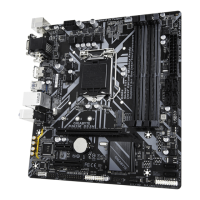
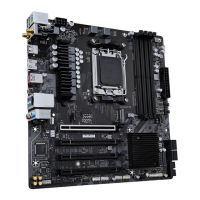
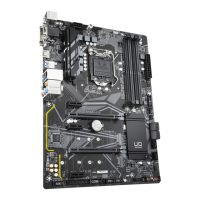
- 20 -
• Be sure to connect fan cabl es to th e fa n headers to prevent your CPU and syste m fr om
overheating. Overheating may result in damage to the CPU or the system may hang.
• These an headers are not conguration jumper blocks. Do not place a jumper cap on the headers.
3/4) CPU_FAN/SYS_FAN1/2/3 (Fan Headers)
All fan headers on this motherboard are 4-pin. Most fan headers possess a foolproof insertion design.
When connecting a fan cable, be sure to connect it in the correct orientation (the black connector wire is
the ground wire). The speed control function requires the use of a fan with fan speed control design. For
optimum heat dissipation, it is recommended that a system fan be installed inside the chassis.
CPU_FAN
1
1
1
SYS_FAN3SYS_FAN1/
SYS_FAN2
Pin No. Denition
1 GND
2 Voltage Speed Control
3 Sense
4 PWM Speed Control
Connector CPU_FAN SYS_FAN1~3
Maximum Current 2A 2A
Maximum Power 24W 24W
5) SATA3 4/5/6/7 (SATA 6Gb/s Connectors)
The SATA connectors conform to SATA 6Gb/s standard and are compatible with SATA 3Gb/s and SATA
1.5Gb/s standard. Each SATA connector supports a single SATA device. The Intel
®
Chipset supports RAID 0,
RAID 1, RAID 5, and RAID 10. Please navigate to the "Conguring a RAID Set" page o GIGABYTE's
website or instructions on conguring a RAID array.
Pin No. Denition
1 GND
2 TXP
3 TXN
4 GND
5 RXN
6 RXP
7 GND
SATA3
SATA3
7
6
4
5
To enable hot-plugging for the SATA ports, please navigate to the "BIOS Setup" page of GIGABYTE's
website and search or "SATA Conguration" or more inormation.
1
1
7
7
1
7


 To Next Page
 Loading...