EasyManua.ls Logo

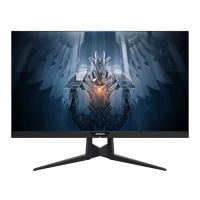
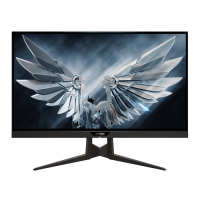
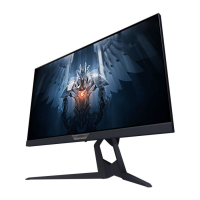
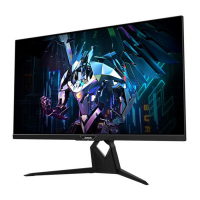
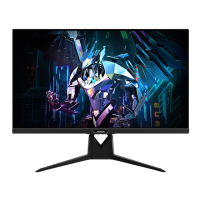
Gigabyte AORUS FI27Q-X - User Manual

Gigabyte AORUS FI27Q-X
45 pages
Print Icon
To Next Page IconTo Next Page
Loading...
USER GUIDE
GAMING MONITOR
TACTICAL

Questions and Answers

  • S
    Susan NelsonAug 10, 2025
    How to troubleshoot a Gigabyte AORUS FI27Q-X Monitor that won't turn on?
    • P
      palmerchristineAug 10, 2025
      If your Gigabyte monitor isn't powering on, ensure the power cable is securely connected to both the monitor and the power source. Also, inspect the cable and plug for any signs of damage. Finally, verify that the monitor's power switch is in the 'on' position.
  • K
    Katrina MurphyAug 16, 2025
    Why is there no sound coming from my Gigabyte AORUS FI27Q-X Monitor?
    • C
      cookrandyAug 17, 2025
      If you're experiencing sound issues with your Gigabyte monitor, start by ensuring the headphone cable is properly connected. Then, adjust the volume level on the monitor. Lastly, check your computer's sound settings to ensure they are properly configured.
  • C
    Charles DunnAug 22, 2025
    What to do if my Gigabyte AORUS FI27Q-X Monitor has no image?
    • M
      mtranAug 22, 2025
      If your Gigabyte monitor displays no image, first, check that the monitor and computer are correctly connected and both are powered on. Next, ensure you've selected the correct input source on the monitor. Finally, try adjusting the Brightness and Contrast settings to see if the image appears.
  • E
    Elizabeth LiAug 29, 2025
    How to fix distorted colors on Gigabyte Monitor?
    • S
      Sean ChaseAug 29, 2025
      If the colors on your Gigabyte monitor appear distorted, first, make sure the input signal cable is properly connected. If the issue persists, configure the image related settings on your monitor.
  • K
    Kelly DanielSep 3, 2025
    How to adjust the screen size on Gigabyte AORUS FI27Q-X?
    • M
      Mary PerezSep 3, 2025
      If the image on your Gigabyte monitor doesn't fill the entire screen, try different Display Mode (aspect ratio) settings.

Gigabyte AORUS FI27Q-X Specifications

General IconGeneral
Screen Size27 inches
Resolution2560 x 1440 (QHD)
Response Time0.3ms (MPRT)
Panel TypeIPS
Brightness400 cd/m²
HDRHDR400
VESA Mount100 x 100 mm
Aspect Ratio16:9
Display TechnologyLCD
Contrast Ratio1000:1
Viewing Angle178° (H) / 178° (V)
Weight7.5 kg
Refresh Rate240Hz
ConnectivityHDMI, DisplayPort
Adaptive SyncAMD FreeSync Premium Pro
FeaturesBlack Equalizer, Aim Stabilizer, OSD Sidekick
Ports2 x HDMI 2.0, 1 x DisplayPort 1.4, 2 x USB 3.0

Related product manuals