Template Module, Version 2.1, 11.08.2020 / Template Basiseinstellungen: Version 3.1 - 07.07.2020
Overview
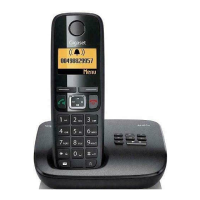
Gigaset A690-A690A/AS690-AS690A / LUG-Kombi IE-UK (Amazon) en / A31008-M2816-L141-1-7619 / overview_Kombi.fm /
6
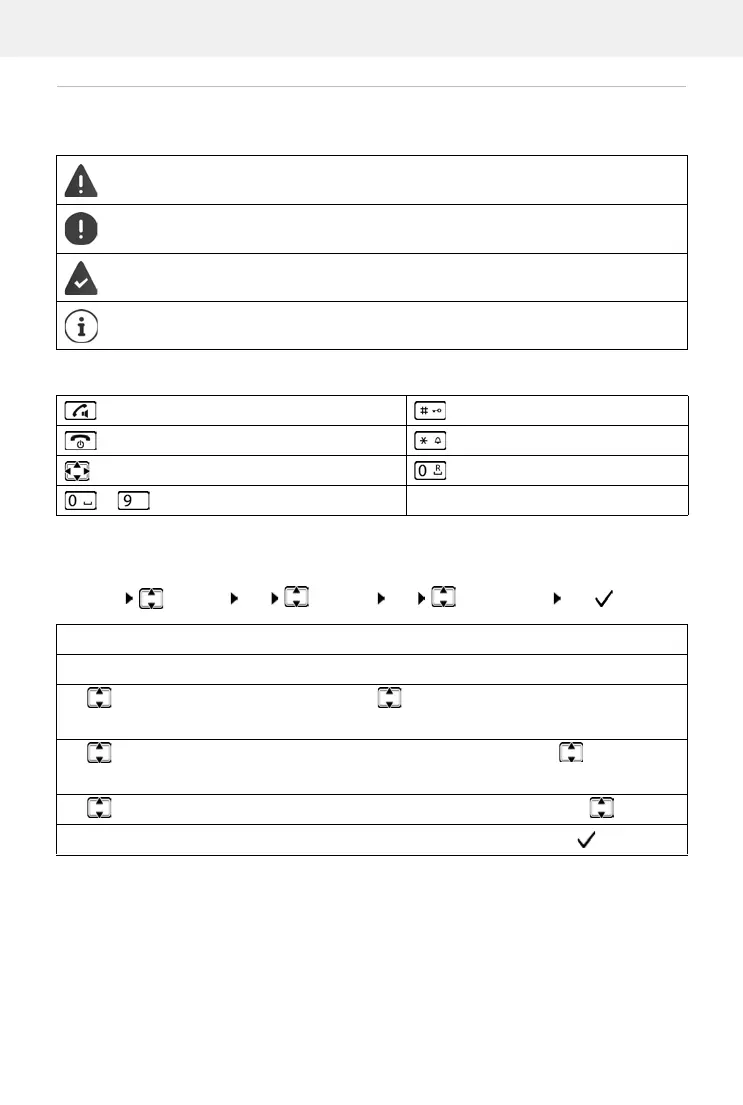
Symbols used in the user guide
Icons
Buttons
Procedures
Example: Enabling/disabling Auto Answer:
Warnings, the non-adherence to which can result in damage to devices or personal
injury.
Important information regarding function and appropriate handling or functions
that could generate costs.
Prerequisite for carrying out the following action.
Additional helpful information.
Talk/Handsfree key Hash key
End call key Star key
Control key Recall key
to Digit/letter keys Menu, OK Display keys
Menu Settings OK Handset OK Auto Answer OK ( = enabled)
Step Actions required
Menu Press the Menu display key.
Settings
OK
Use the control key to navigate to entry Settings.
Press OK to confirm. The Settings submenu is opened.
Handset
OK
Select the Handset entry using the control key .
Press OK to confirm. The Handset submenu is opened.
Auto Answer Select the Auto Answer entry using the control key .
OK Enable or disable it using OK. Function is enabled .



 To Next Page