Template Module, Version 2.1, 11.08.2020 / Template Basiseinstellungen: Version 3.1 - 07.07.2020
Getting started
Gigaset A690-A690A/AS690-AS690A / LUG-Kombi IE-UK (Amazon) en / A31008-M2816-L141-1-7619 / starting_Kombi.fm / 2/
8
Getting started
Package contents
• One base, one power adapter, one phone cable
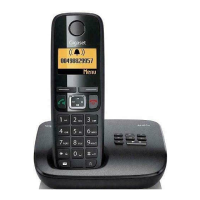
• One handset, two batteries, one battery cover
• One user guide
Base
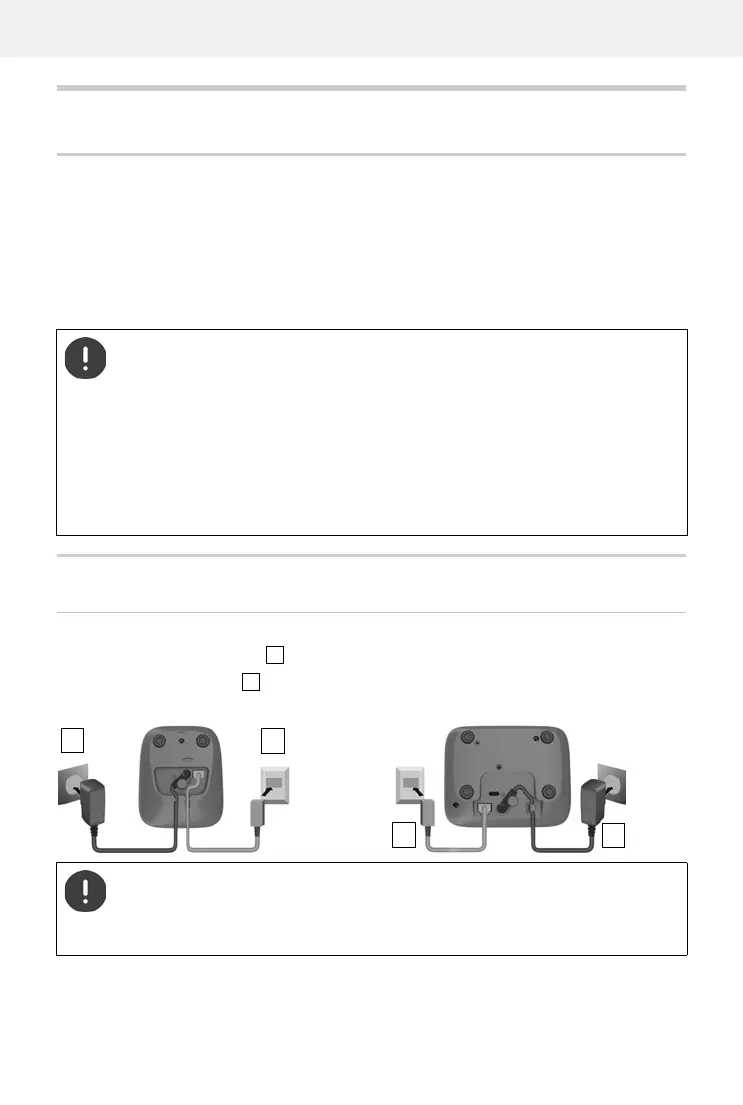
Connecting the base to power supply and telephone network
Connect the power adapter .
Connect the phone jack and insert the cables into the cable channels.
Models with multiple handsets, per handset:
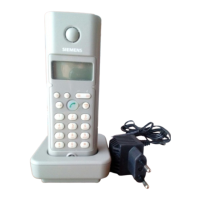
• One handset, one charging cradle with power adapter, two batteries and one battery cover
The base and charging cradle are designed for use in closed, dry rooms within a
temperature range of +5°C to +45°C.
Position the base on a level, non-slip surface at a central point in the flat or house. The
device's feet do not usually leave any marks on surfaces. However, due to the multi-
tude of different varnishes and polishes used on furniture, contact marks on the
surfaces cannot be completely ruled out.
Never expose the telephone to heat sources, direct sunlight or other electrical devices.
Protect your telephone from moisture, dust, corrosive liquids and vapours.
This device is only suitable for a maximum installation height of 2 m.
The power adapter must always be connected as the phone does not work without
a power supply.
The local answer machine (if available) is not ready until about 30 seconds after the
base has been connected.
Device without answer machine
2
1
Device with answer machine
2
1



 To Next Page