Gigaset C575-C575A / LUG_Kombi CH en / A31008-M2907-F101-1-2X19 / settings_HS.fm / 4/27/20
Template Module, Version 2, 20.02.2020
Handset
63
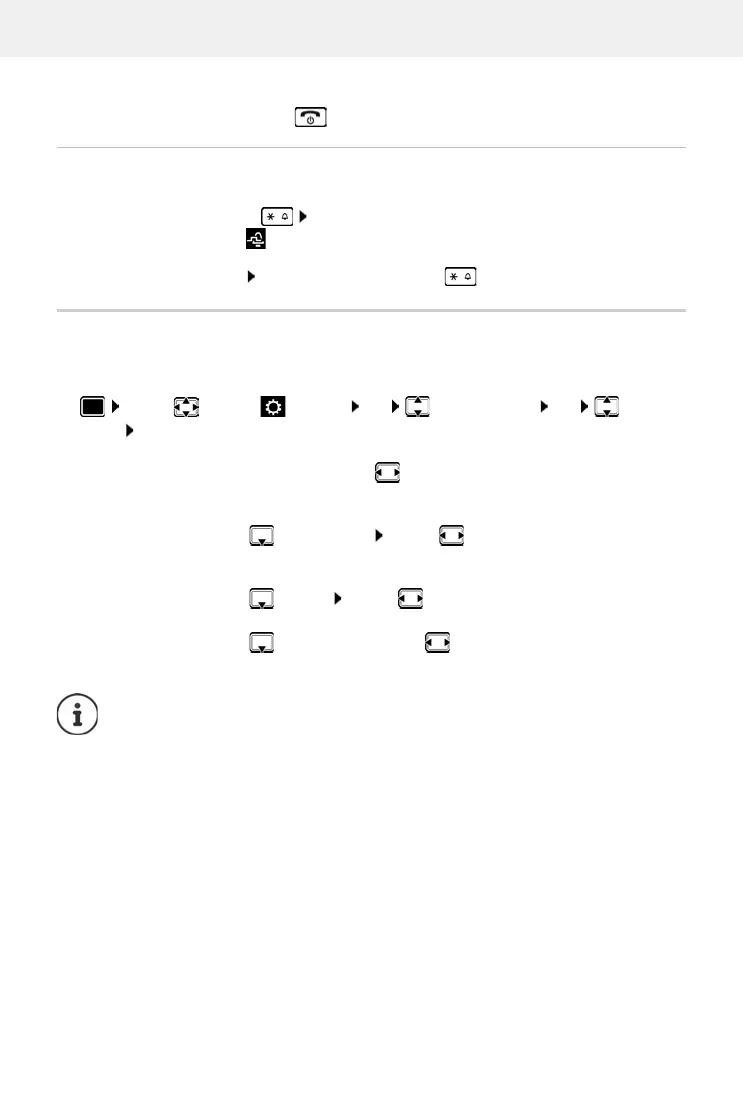
Switching the ringtone off for the current call
¤ Press Silence or the End call key
Switching the alert tone (beep) on/off
Switch on an alert tone (beep) instead of the ringtone:
¤ Press and hold the star key Press Beep within 3 seconds . . . the following icon
appears in the status bar
Switching off the alert tone: Press and hold the star key
Switching advisory tones on/off
The handset notifies acoustically about different activities and statuses. These advisory tones
can be switched on/off independently of each other.
¤ . . . use to select Settings OK Audio Settings OK Advisory
Tones OK . . . then
Tone when keys are pressed:
¤ Key Tones: . . . use to select On or Off
Confirmation/error tone after making entries, advisory tone when a new message has been
received:
¤ Confirmation . . . use to select On or Off
Warning tone when there are fewer than 10 minutes of talktime remaining
(every 60 seconds):
¤ Battery . . . use to select On or Off
Warning tone when the handset is moved out of range of the base station:
¤ Out of Range: . . . use to select On or Off
Save settings:
¤ Save
There is no battery warning when the baby monitor is switched on.










 To Next Page