8
en
gaset
410
en en
30054-
6529-
101-2-6
19
410_en_
-
.
m
29.11.2011
Other settings
Using the set key K and a
sequence of numbers, you can make
various settings which are explained
in the following table.
Each process starts as follows:
c K Lift the handset, press
the set key.
To finish the process:
K & Press the set key, hang
up the handset.
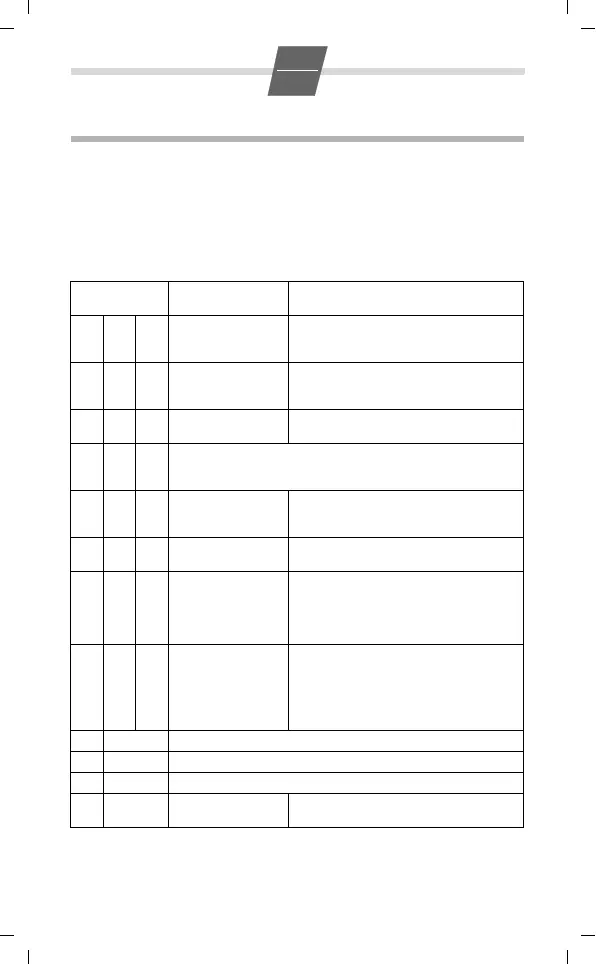
The following settings are available:
Sequence of
numbers
Value Description
1020
1
2
1 s
3 s
6 s
Sets the length of the pause that can be
inserted with the pause key
1100
1
2
T off, R off, M on
T off, R off, M off
T off, R on, M off
Sets the mute function
T: Transmitter, R: Receiver, M: Melody
1110
1
deactivated
activated
Activates/deactivates the key click
1250
1
Resets all settings to the factory settings.
Empties the memory, i.e. the contents of the repertory and speed
dial keys are deleted.
1320
1
2
slow flashing
fast flashing
deactivated
Sets or deactivates LED call indication
1910
1
1.5 : 1
2 : 1
Sets the pulse ratio for pulse dialling
1920
1
2
3
4
85 / 85 ms
85 / 110 ms
85 / 140 ms
110 / 110 ms
70 / 70 ms
Sets the signal time / signal pause for tone
dialling
1950
1
2
3
4
5
90 ms
120 ms
270 ms
375 ms
600 ms
100 ms
Sets the flash time for tone dialling
5 0–4 Sets the ringer volume, 5 levels
6 0–9 Sets the ringer melody, 10 melodies
9 1–3 Sets the volume on the handset, 3 levels
#1
2
Tone dialling
Pulse dialling
Sets the dialling mode



 To Next Page