Gigaset E290-E290A / LUG-Kombi CH en / A31008-M2901-F101-1-2X19 / telephony.fm / 5/5/20
Template Module, Elderly, Version 1.1, 01.04.2019
Making calls
23
Dialling from the redial list
The list contains the 10 numbers last dialled with the handset.
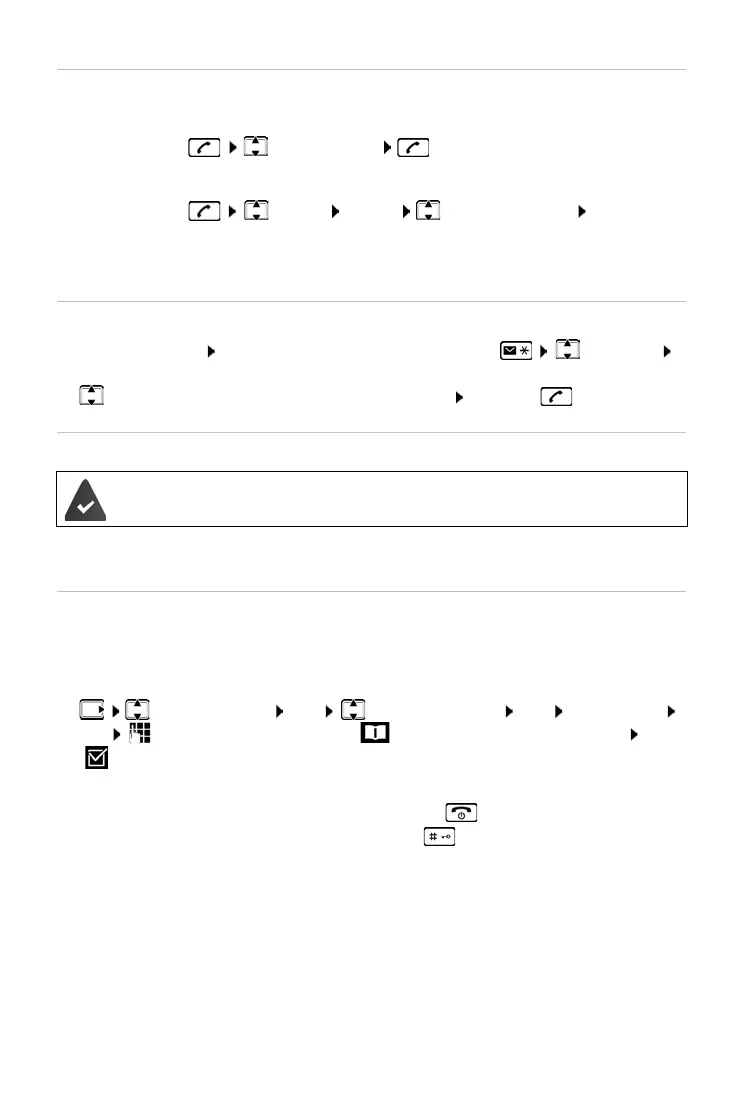
¤ Press briefly Select entry
Dialling from the call list
Open the call list: Press and hold the Messages key Call List
OK
¤ Scroll to the required entry and press the Talk key
Dialling with speed dial key
¤ Press and hold the quick dial key to which the required number is
assigned
Managing entries in the redial list
¤ Press briefly Select Menu Select function OK
Possible functions: Use Number / Copy to Directory / Delete Entry / Delete
List
Entries from the directory are assigned to keys 2 to 9.
One touch call
A predefined number is dialled by pressing any key. This allows children, who
are unable to enter a number, to call a certain number for example.
Enabling one touch call mode:
¤ Call Manager OK One Touch Call OK Activation
OK Enter the number or use to take it from the directory OK
( = enabled)
Make a one touch call:
¤ Press any key . . . the saved number is dialled
Cancel dialling:
¤ Press the End call key
End one touch call:
¤ Press and hold the key



 To Next Page