Template Module, Elderly, Version 1.1, 01.04.2019,
Local answer machine (if available)
Gigaset E290-E290A / LUG-Kombi CH en / A31008-M2901-F101-1-2X19 / answering_A.fm / 5/5/20
34
Local answer machine (if available)
Either the handset or the keys on the base are used to personalise settings on
and operate the answering machine. The following sections describe opera-
tion from the handset. Operation
from the keys on the base Overview –
Base.
Setting up the answer machine
The default setting is answer machine already set up. You can change this.
Recording your own announcements
You can record your own announcements using the handset. The pre-
recorded announcement is used if no personal announcement is available.
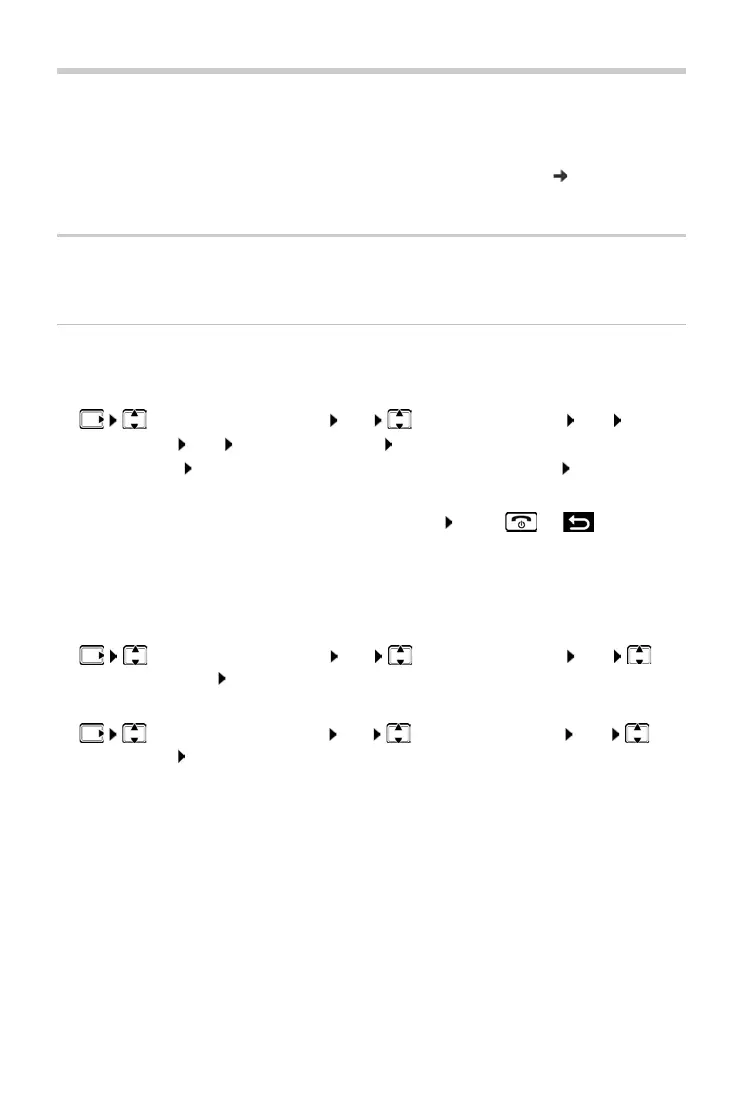
¤ Answering Machine OK Announcements OK Rec
announce.
OK Start recording? OK . . . You hear the ready tone
(short tone)
Record the announcement (min. 3 seconds) Confirm with
OK
Cancelling and discarding an announcement:
Press or
After the recording, the announcement is played back for you to check.
Recording ends automatically when the max. recording time of 170 seconds
is r
eached or there is a pause in speaking of longer than 2 seconds.
Play back the announcement:
¤ Answering Machine OK Announcements OK
Play announce.
OK
Delete announcement:
¤ Answering Machine OK Announcements OK Del
announce.
OK



 To Next Page