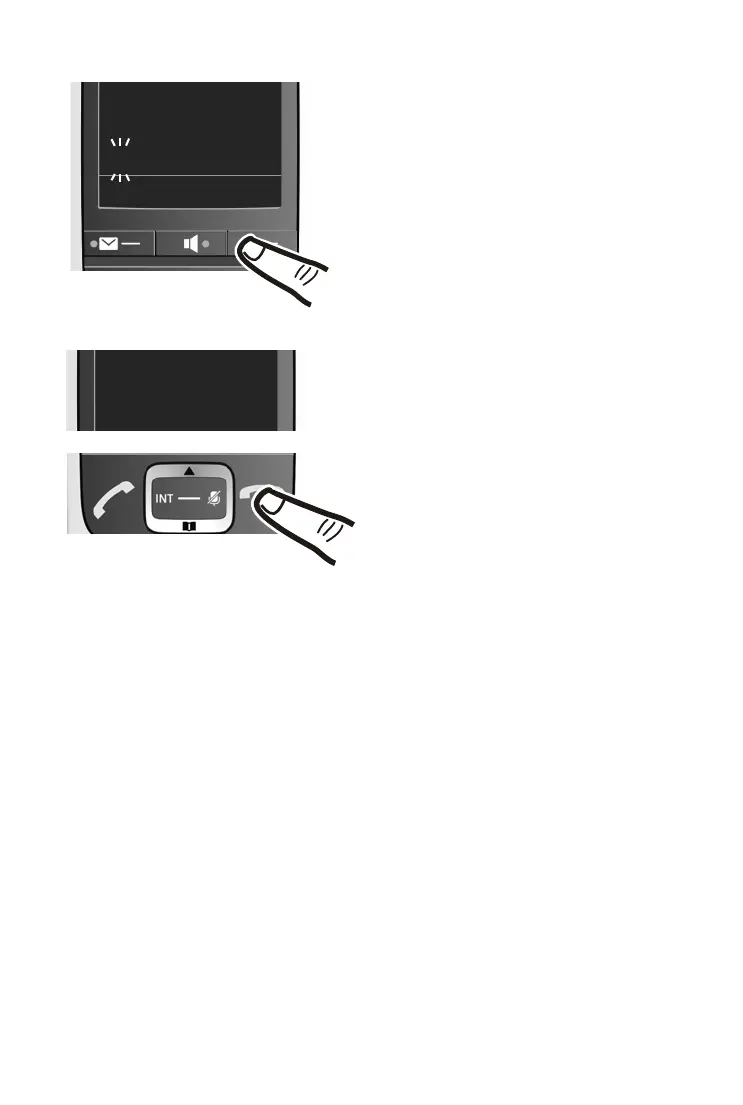
¤ Enter the hours and minutes as four-digit num-
bers via the keypad
e.g., QM15 for 7.15 a.m.
If necessary, use the control key to swap
between fields.
¤ Press and hold the end call key a to return to
idle status.
The display shows Saved. You will hear a confirma-
tion tone.
¤ Press the key below §OK§ on the display
screen to confirm your entry.



 To Next Page