Gigaset Fusion / LUG IE-UK-International en / A31008-XXXXX-XXXX-X-XXXX / answering_m.fm / 12/16/22
Template Module, Version 2.2, 15.11.2022 / Version - 29.11.2022
Answer machines
55
Actions for voice messages
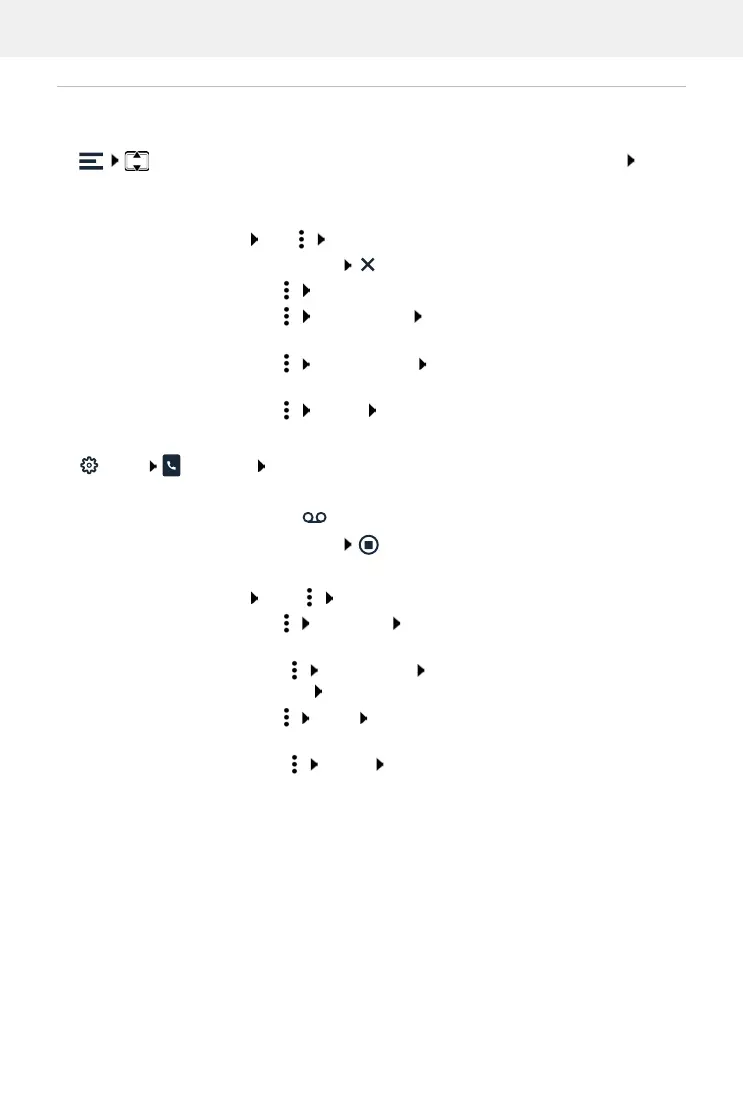
In display menu
Messages . . . All local answer machines that have been set up are listed Tap an
answer machine . . . The list of voice messages on this answer machine is opened
In Web user interface
Home Messages Voicemail . . . The list of voice messages on all answer machines
is opened
Play back:
Tap the voice message
or: Tap Play message
Cancel playback:
Call back a caller:
Tap Make call . . . The call is initiated
Saving a number to the
directory:
Tap Save number Set up a new entry for this number or
select an existing entry to which to add the number
Copy a number to the
black list:
Tap Block number Confirm with Block ... Calls from this
number will no longer be put through
Delete entry:
Tap Delete Confirm with Ye s
Play back:
Tap the icon next to the voice message
Cancel playback:
Call back a caller:
Click the number . . . The call is initiated over the phone speaker
or: Click Direct call
Select connection for
callback:
Tap Select line Select a connection . . . The call is initiated
using the selected connection
Saving a number to the
directory:
Click New contact Select Local contacts or Central
contacts Create entry
Copy a number to the
black list:
Tap Block Confirm with Ok . . . Calls from this number will
no longer be put through
Delete entry:
Click Delete Confirm with Ok


 To Next Page