4.7.2 Factory maintain
1. You need to select the "MAINTAIN" item in the "SYSTEM MENU", then select "FACTORY KEY".
2. Input the password to enter the factory maintain menu, this function is available for specific maintenance personnel
of our company only.
4.7.3 Network configuration
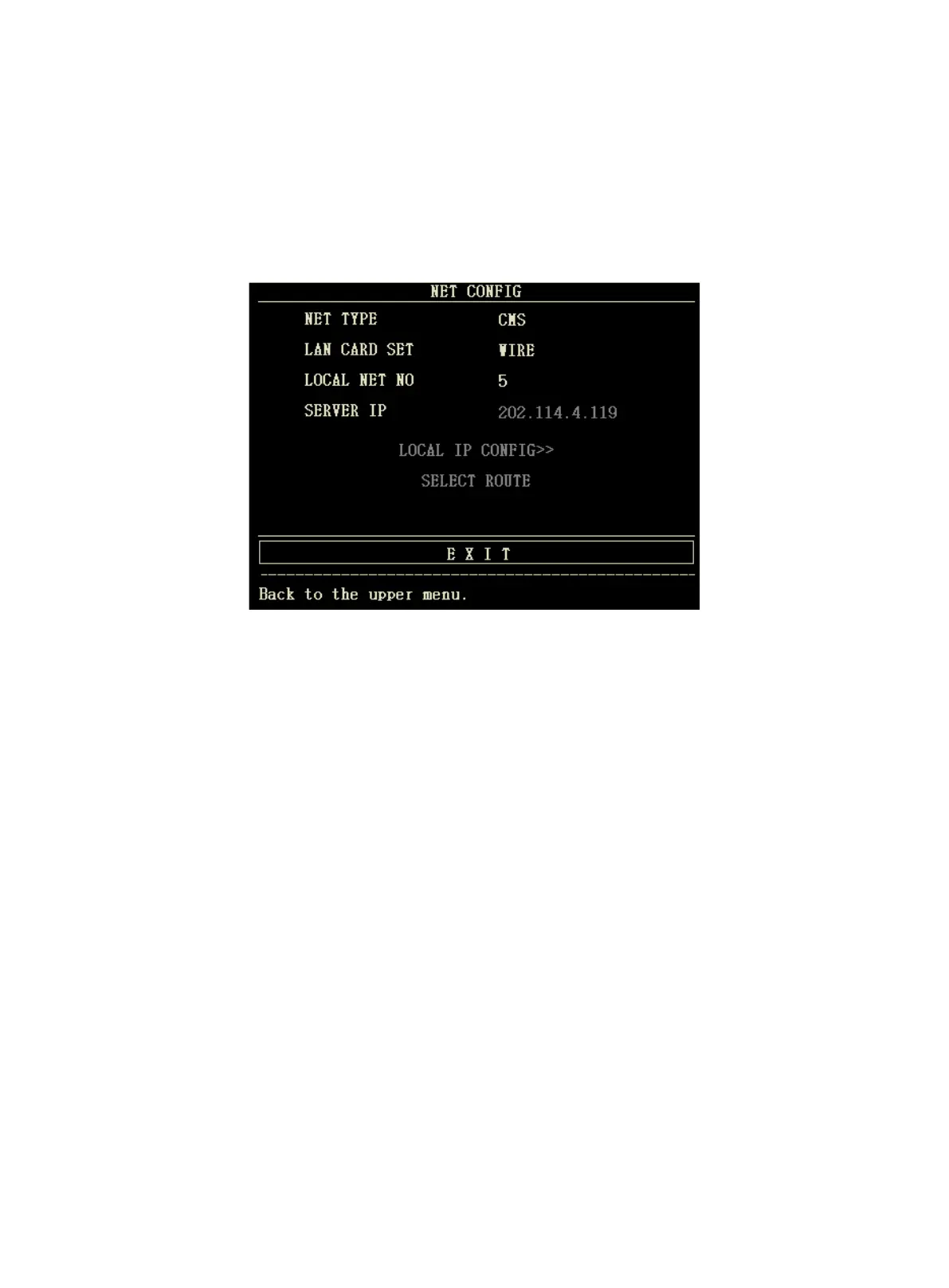
Click "NIT CONFIG" item, the following menu will pop up:
n NET TYPE: CMS / CUSTOM
CMS:the Server IP is fixed, "202.114.4.119","LOCAL IP CONFIG" is unavailable.
CUSTOM:when this item is selected, CMS and machine's IP can be changed as you need.The following is
"LOCAL IP SETUP"menu.
n LAN CARD SET: 3G / Wireless / Wire
² 3G
It is strongly required to use the accompanying 3G bracket provided by manufacturer. CDMA2000 is appointed network,
but WCDMA can be ordered.
NOTE:
l The monitor supports 3G, wireless and wire .
² Wireless
It is strongly required to use the accompanying wireless network card provided by manufacturer. The router complied
with IEEE802.11 (ordinary or household wireless network router) should be used, and it shall support the authentication
method of WPA, WPA2 or WEP. Wireless network router should access to the Internet by WAN.
² Wire
The device has an interface for wire network mode, it accesses to wire LAN complied with IEEE802.3 by RJ45
connector. Wire network should access to the Internet by WAN of the router.
l NET TYPE: CMS or CUSTOM, select the network type according to your need



 To Next Page