2. UP-DOWN: to adjust the up and down of channel-1/channel-2 ECG waveform
3. DEF POS: return to the original position
n DEFAULT: pick this item to access the ECG DEFAULT CONFIG dialog box, in which user may select
either the FACTORY DEFAULT CONFIG or the USER DEFAULT CONFIG. After selecting one item
and exiting the dialog box, the system will pop up a dialog box asking for user’s confirmation.
10.6 ECG Alarm and Prompt Message
11.6.1 Alarms
Alarms occurring in the process of ECG measurement contain two types: physiological alarm and technical alarm.
Prompt messages may also appear in the mean time. For the audio and visual features during the appearance of these
alarms and prompt messages, please refer to the related description in Chapter 5 Alarm. In the screen, physiological
alarms and prompt messages (general alarms) are displayed in the physiological alarm area of the monitor, while
technical alarms, and prompt messages that unable to trigger alarms are displayed in the technical alarm area. This
section does not describe the alarm part about arrhythmia and ST analysis.
Among physiological alarms, those belonging to the type that the parameter has exceeded the limits may activate the
recorder to automatically output the parameters and related measured waveforms when the alarms occur on the
condition that the alarm record switch in related menu is On.
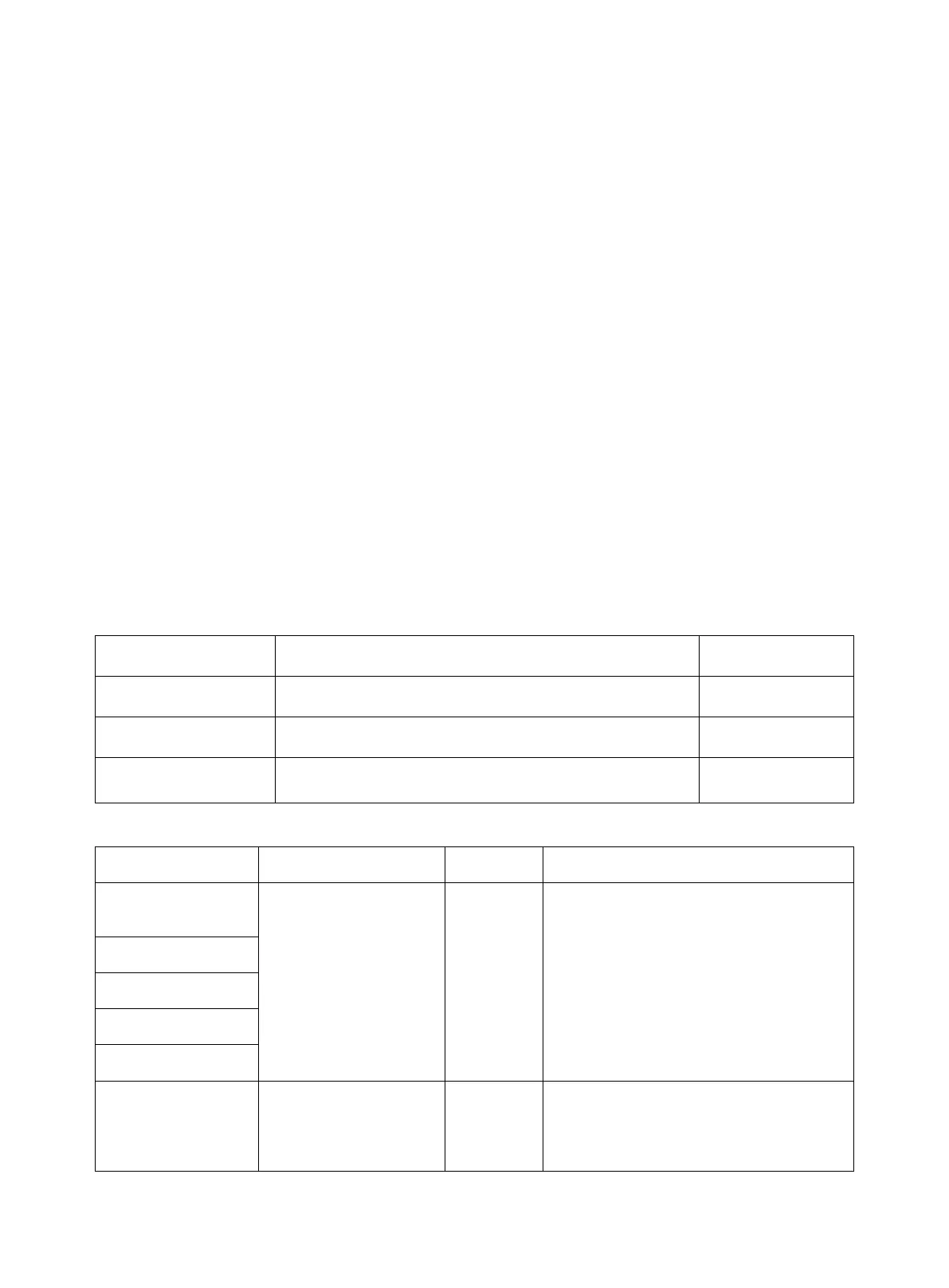
Tables below describe respectively the possible alarms those may occur during the measurement.
Physiological alarms:
No ECG signal of the patient is detected.
Measured HR value is higher than the upper alarm limit.
Measured HR value is lower than the lower alarm limit.
Technical alarms:
ECG LEAD OFF or
RESP LEAD OFF
ECG electrodes fall off
the skin or ECG cables
fall off the monitor.
Make sure that all electrodes, leads and patient
cables are properly connected.
Occasional
communication failure
If the fault persists, stop using the
measurement function provided by this ECG
module, and inform the biomedical engineer
or maintenance personnel of our company.



 To Next Page