③
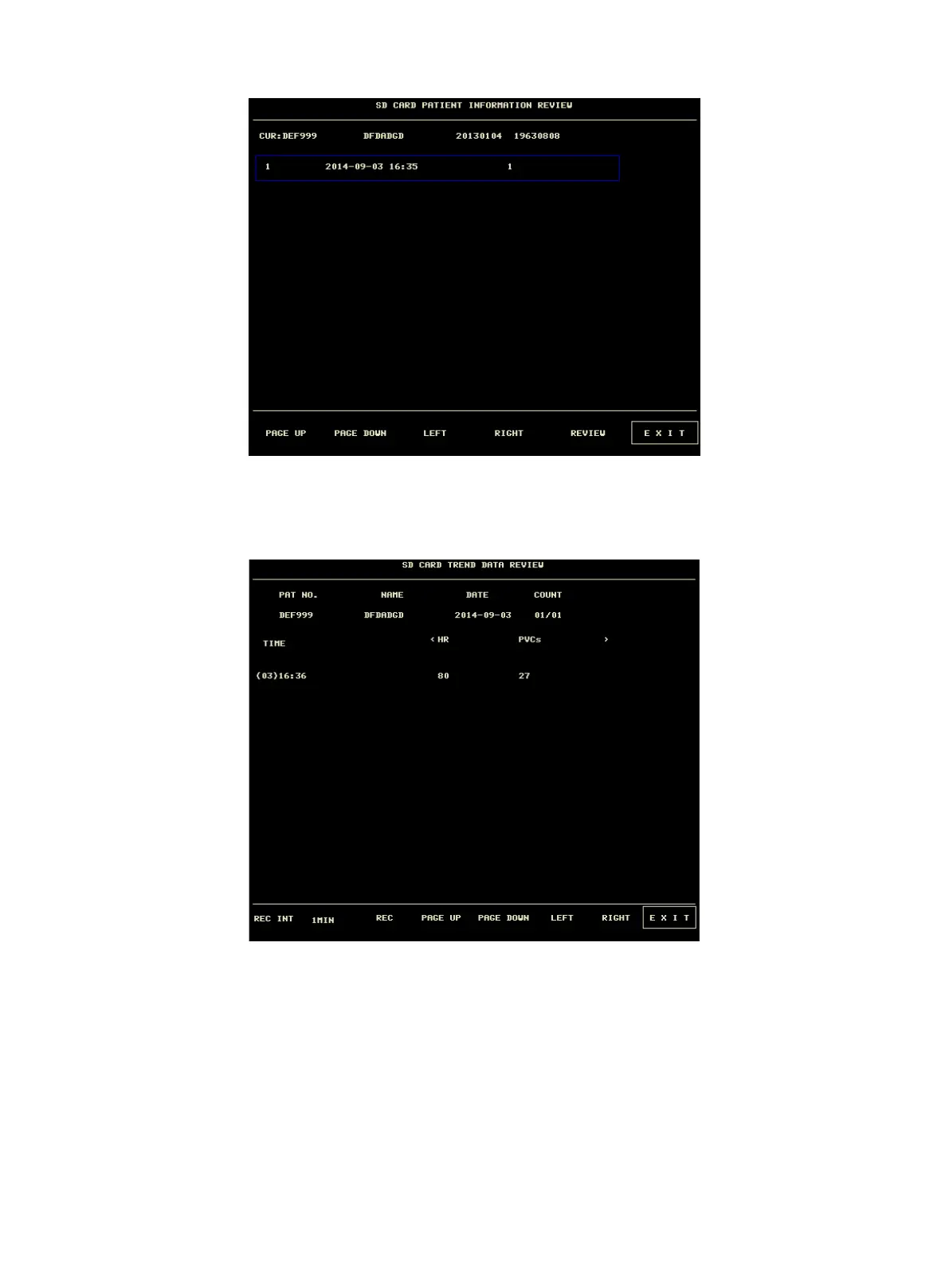
Review trend data
Select an item in above menu by using the cursor, then press "REVIEW" button, the trend data will be
displayed in a list. The resolution is 1 minute.
The buttons are:
u Page UP/ PAGE DOWN: to view trend data of different time.
u LIGHT/ RIGHT: to view trend data of different parameter.
u REC: to print current list.



 To Next Page