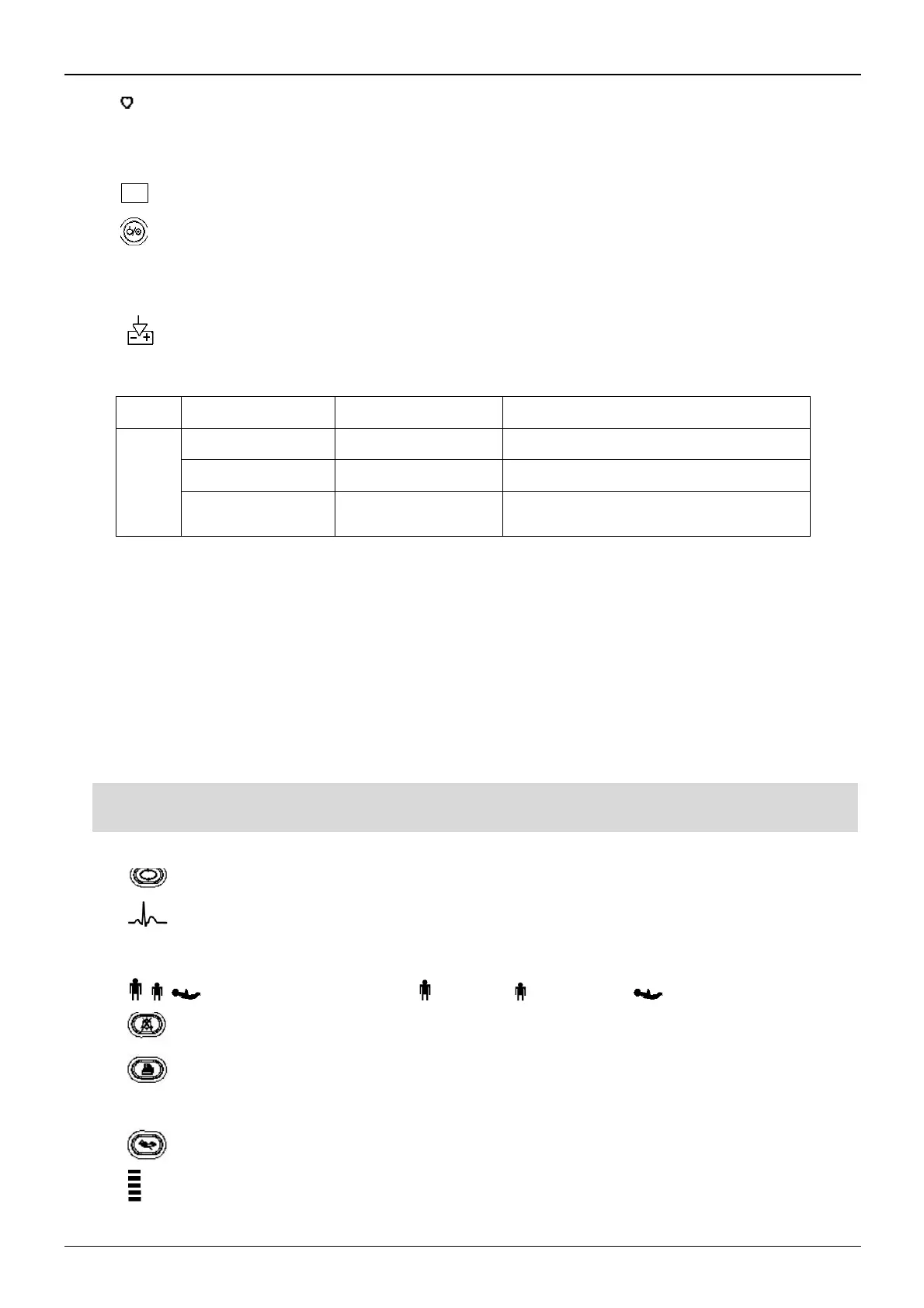
4. " ": heart beat indicator.
5. HR/PR: display of heart rate / pulse rate; unit: bpm. Heart rate is priority to be displayed.
6. SpO
2
: display of SpO
2
value; Unit: “%”.
7. " ": LCD panel
8. " ": Power button: Long pressing power button to start or shut off the monitor; Short pressing to enter into or
exit form power saving mode
.
9.
~
: AC Power indicator.
10. : DC Power indicator.
Description to AC, DC Power indicator:
this device is on and using AC power supply
the device is on and using built-in battery
the device is off and battery is being charged
while the AC power is connected
11. "MAP/Time": display mean arterial pressure at the end of a successful measurement and end time (in Manual
or STAT mode) or counting down time (in Auto mode) alternatively. Cuff pressure is displayed during BP
measurement or the hemostat function is in use.
There are 2 situations of display when the NIBP measurement finishes:
1) When NIBP measurement mode is set to “Manual” or “STAT”, the mean arterial pressure or measuring time will
be displayed alternately, the time format is "hh:mm".
2) When NIBP measurement mode is set to “AUTO”, the counting down time will be displayed, the time format is
"mm:ss". If the counting down time is over 1 hour, then it displays "hh:mm".
Note: BP value can be displayed in two units, “×××” mmHg” or “××.×” kPa, refer to section “4.9.3 NIBP Setup” to
set the unit of BP value. The conversion between two units is: 1kPa=7.5 mmHg, 1mmHg=0.133kPa.
12. " " NIBP Setup key: A shortcut key to change the NIBP measuring mode and cycle time for Auto mode.
13. " ": ECG lead selection key: A short press of this key to shift ECG lead, holding this key and pressing
NIBP setup key (12) will lock or un-lock the key operation..
14. " ": Patient category indicator: “ ” for adult; “ ” for pediatric; “ ” for neonate.
15. " " Alarm silence key.
16. " " Print. The built-in printer is optional. If installed, press this key to print the current measured data.
17. "
。
": Alarm silence indicator. When it is on, it indicates that the alarm is silenced.
18. " " NIBP: press to start/cancel NIBP measurement.
19. “ ”: Bar-graph of pulse intensity.



 To Next Page