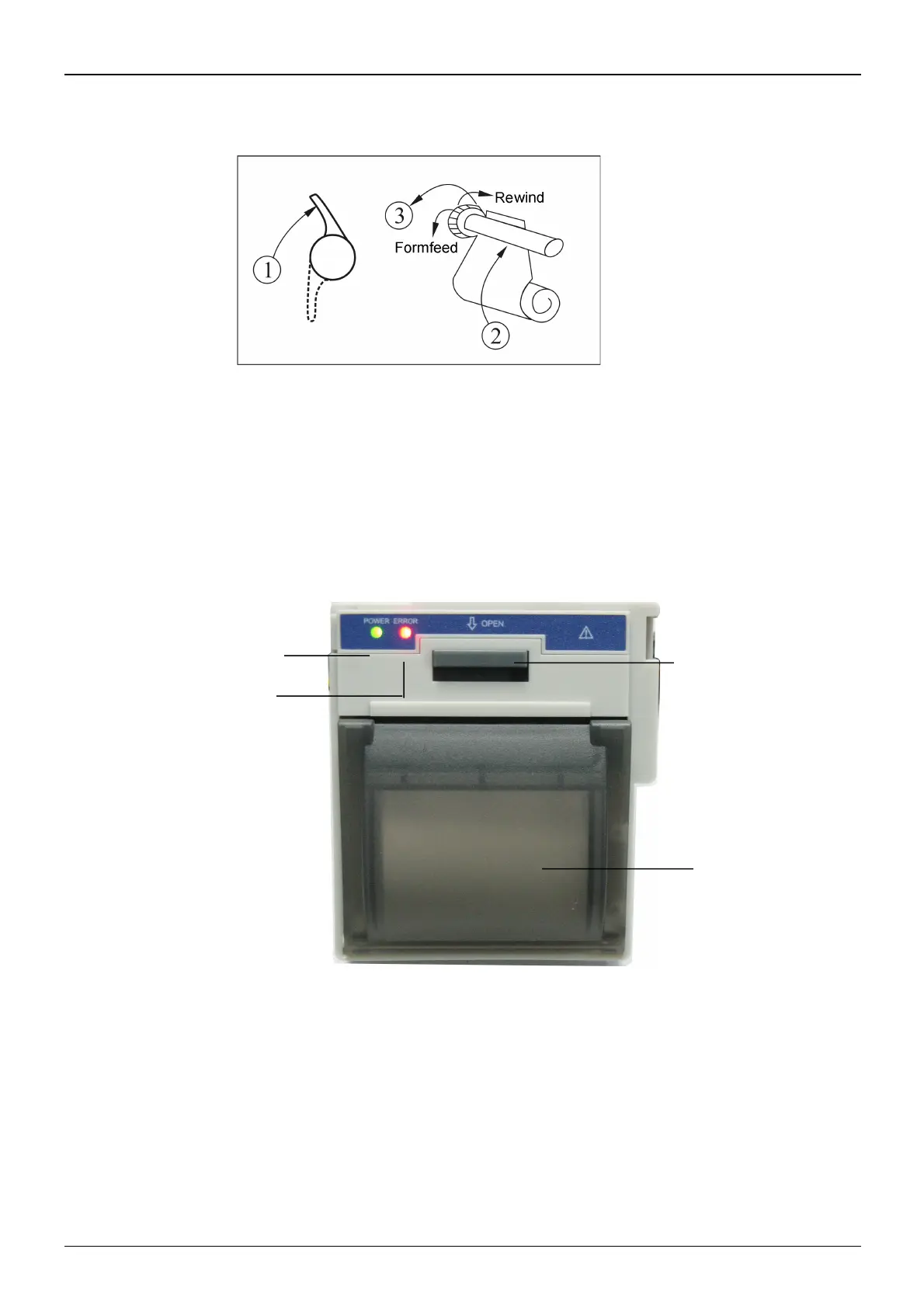
Figure 3.12 Loading and taking out printer paper
P8 printer may be used due to the different configuration
P8 printer operation instruction:
Power indicator: green light shows the power is on, when the monitor is out of power, the green light is off.
Error indicator: red light which shows the printer is out of paper or the printer paper is not properly installed. When the
printer successfully installs, the red light is off.
Figure 3.12 P8 printer



 To Next Page