Loading printer paper:
Step 1: press and hold down the cartridge button to open the paper cartridge;
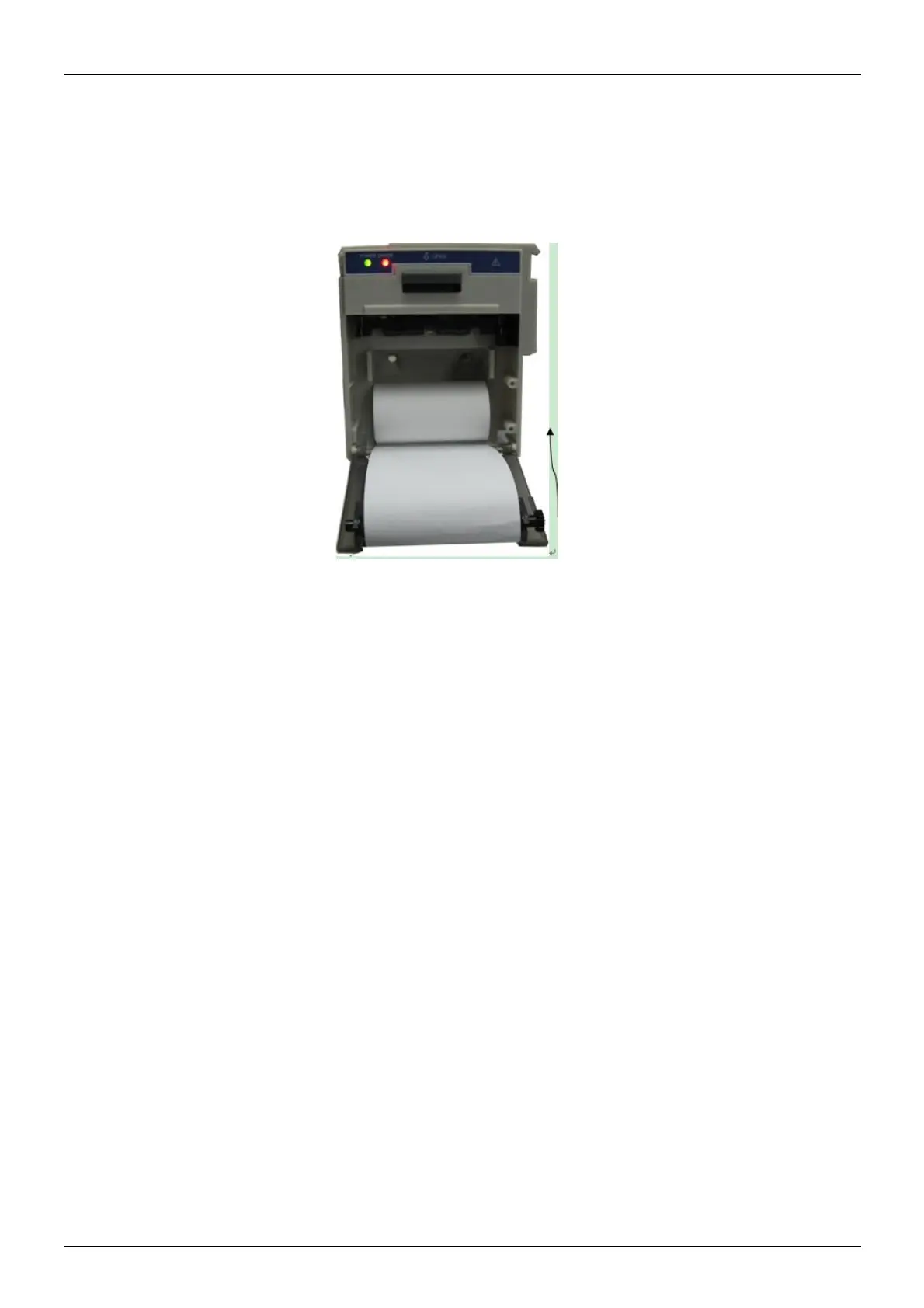
Step 2: Install the paper to the printer properly, pull the paper out of the printer for 2 cm, as shown in figure 3.13.
Step 3: Close the printer cover along the direction of arrow, as shown in figure 3.13.
Figure 3.13 printer paper



 To Next Page