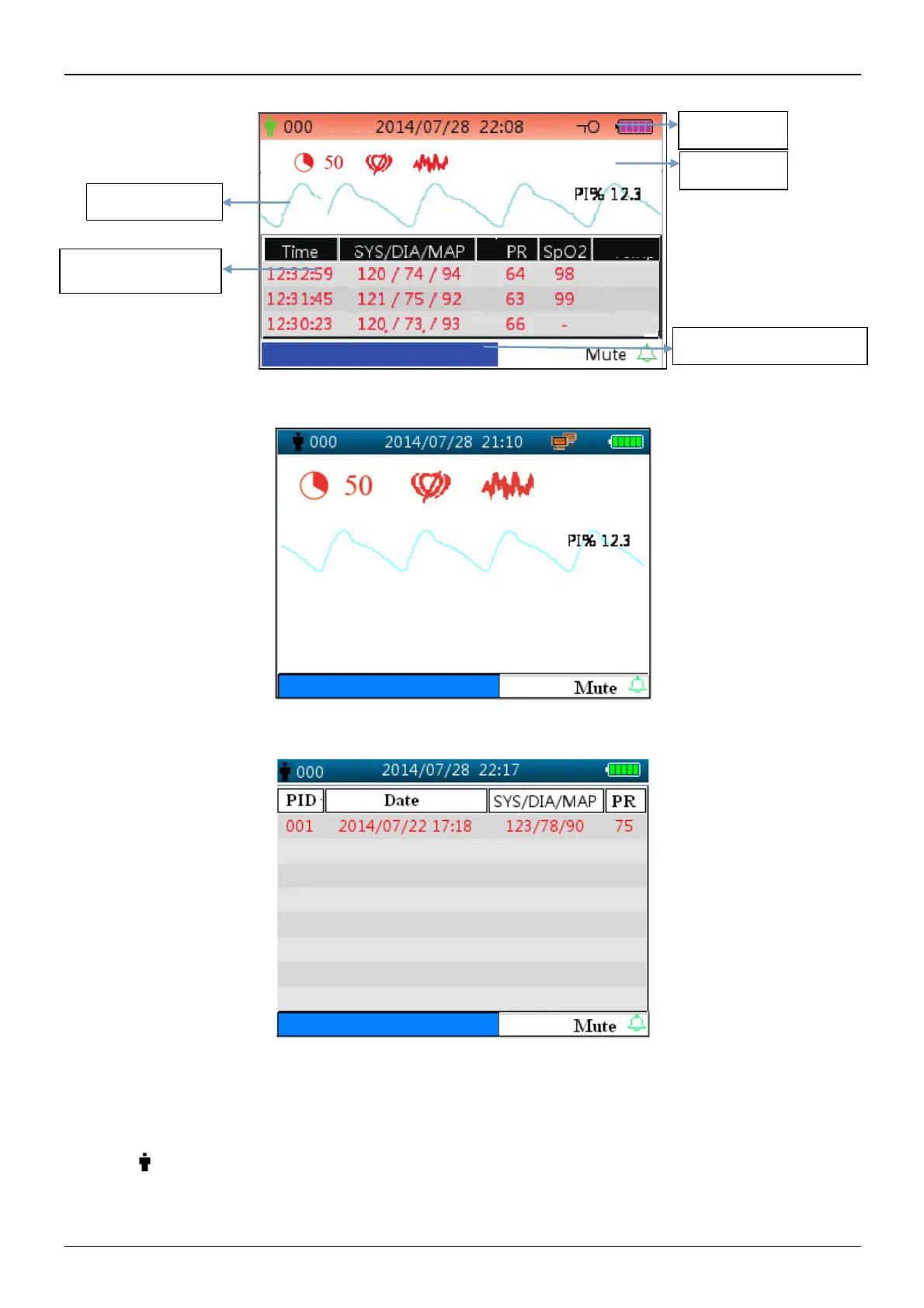
Figure 4.2B Default monitoring screen (monitor with SpO
2
and NIBP function only)
Figure 4.2C Default monitoring screen (monitor with SpO
2
function only)
Figure 4.2D Default monitoring screen (monitor with NIBP function only)
Note: if the monitor is configured with NIBP function only, then the monitoring screen shows NIBP list and event
list only.
Title line:
² " 000": the ID number of the patient currently being monitored.
² "2014/07/28 22:08": the current date and time, year/month/day hour:minute.



 To Next Page