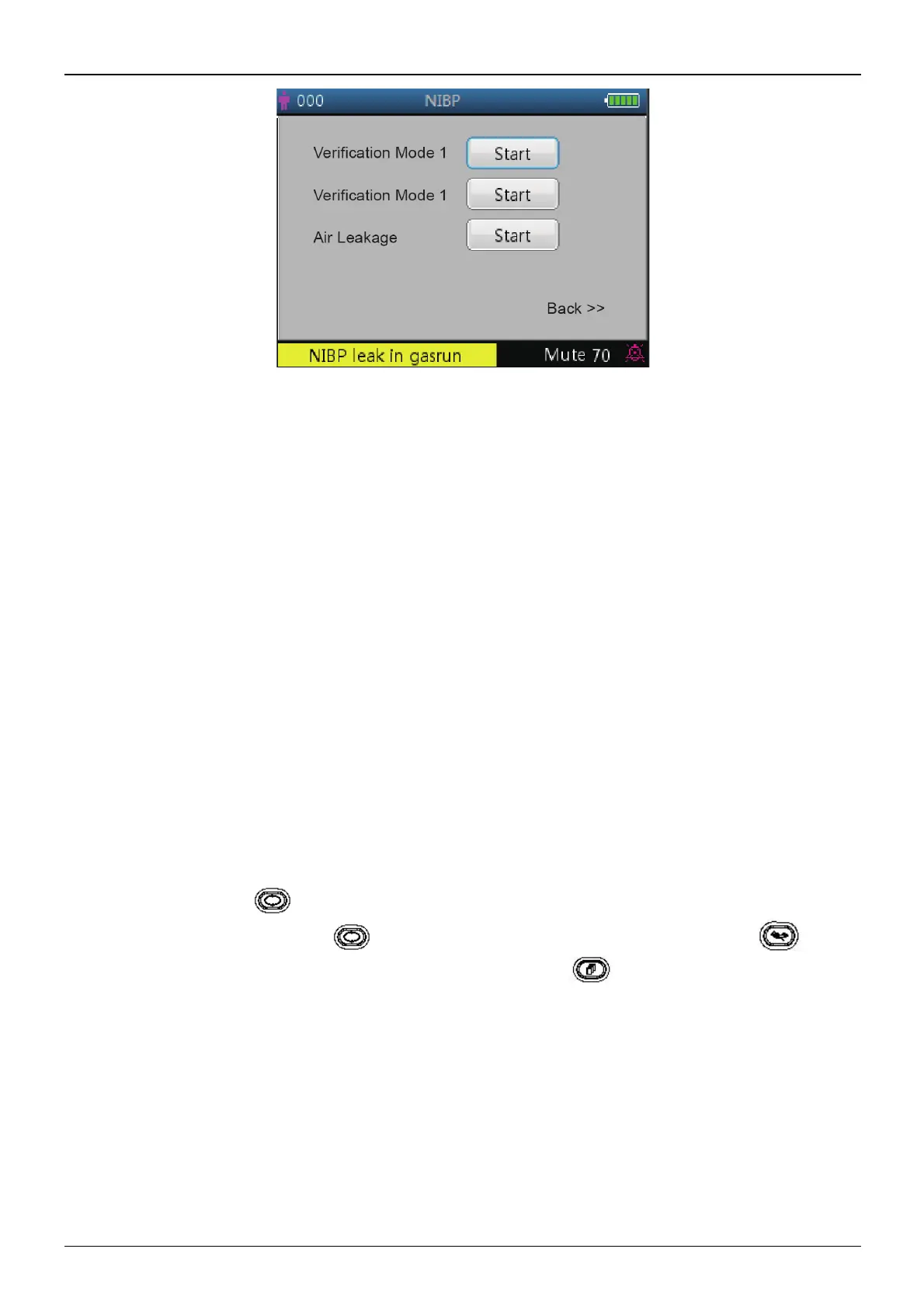
Figure 4.14 NIBP verification setup screen
Screen description:
² "Verification mode 1": Pressure is generated automatically by the internal pump. Move the cursor to NIBP
Verification mode 1 "Start” button, and press the OK button to begin the pressure meter verification. (Duri
ng
this process, the “Start” shifts to “Stop”, after the verification the “Stop” shifts to “Start”).
² "Verification mode 2": Pressure is coming from an external source. Move the cursor to NIBP Verification mode
2”Start” button and press the OK key to begin the pressure meter verification. (Again, the “Start” shifts to
“Stop” during this process, after the verification the “Stop” shifts to “ Start”).
² "Air leakage": Checks the air leakage in the pneumatic system. Move the cursor to Air Leakage “Start” button,
then press the OK key. The pump inflates to certain pressure and then the valve will be closed to detect leakage
for 10 seconds. The pressure will be released automatically and the screen will display the result
² If the following messages pop up, then NIBP measurement should be stopped.
1)
Pressure verification...
2) Air leakage preparing...
3) Air leakage countdown...
4) Air leakage in 10s:…
Safety instruction:
? The NIBP calibration and Air leakage detection can only be carried on when the NIBP measurement is set to mode
“Manual”.
NIBP setup screen description:
Short press the NIBP setup " " key to enter into NIBP setup screen, as shown in figure 4.15.
In NIBP setup screen, short press the " " key to select measuring mode. Press NIBP measuring " " key to
confirm the setting and exit from setup screen. Short press the display view " " key to exit.
Press up/down keys to select patient type.
² NIBP Mode: select NIBP measuring mode
.
When "STAT" (short-term automatic NIBP measurement) mode is selected, the LED display segments for MAP value
will change to display "STAT" prompting the current NIBP mode, therefore the MAP value will not be displayed. When
the "STAT" mode finishes 5 minutes (or measurement error occurs or it is interrupted manually), then the device will
shift into "Manual" mode automatically.



 To Next Page