EasyManua.ls Logo

Glacier bay 1001407752 - User Manual

Glacier bay 1001407752
36 pages
Print Icon
To Next Page IconTo Next Page
Loading...
THANK YOU
INSTALLATION AND CARE GUIDE
We appreciate the trust and confidence you have placed in Glacier Bay through the purchase of this kitchen
faucet. We strive to continually create quality products designed to enhance your home. Visit us online to see
our full line of products available for your home improvement needs. Thank you for choosing Glacier Bay!
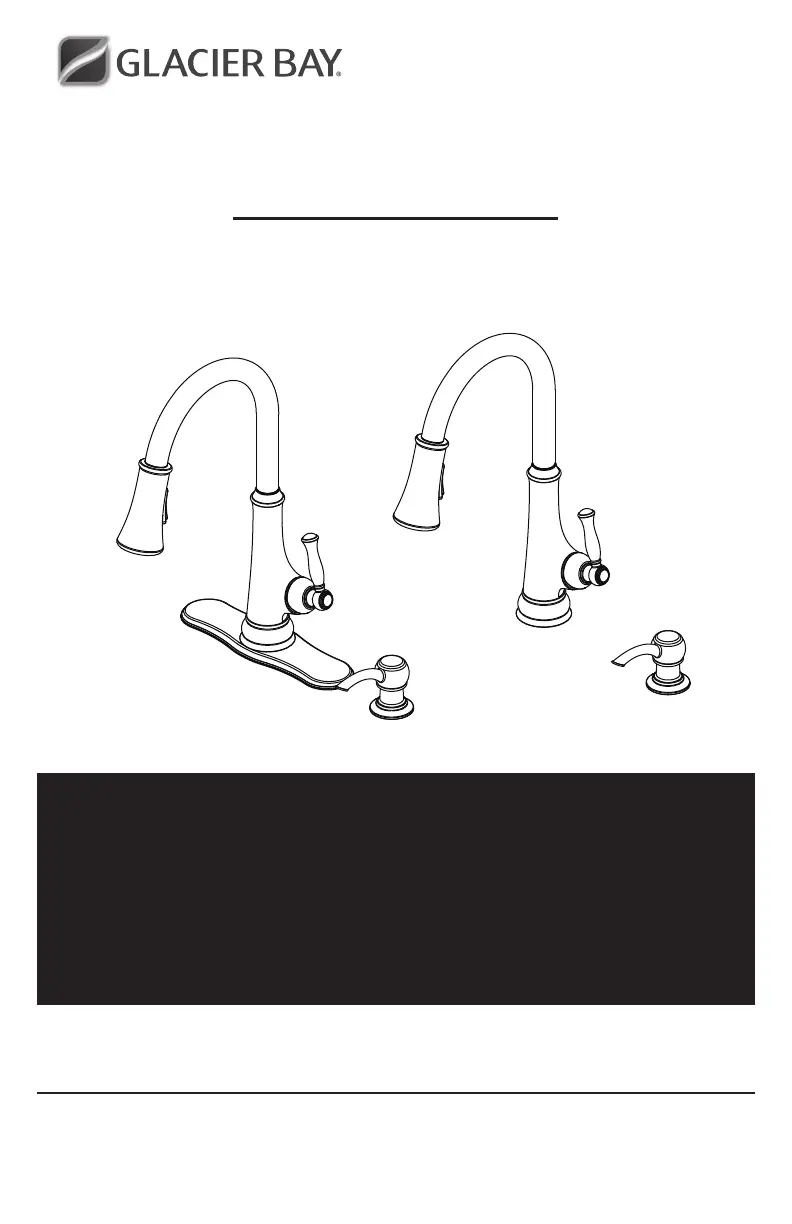
TOUCHLESS LED SINGLE-HANDLE PULL-DOWN
SPRAYER KITCHEN FAUCET
Questions, problems, missing parts?
Before returning to the store, call Glacier Bay Customer Service
8 a.m. - 7 p.m., EST, Monday - Friday
9 a.m. - 6 p.m., EST, Saturday
1-855-HD-GLACIER (1-855-434-5224)
HOMEDEPOT.COM/GLACIERBAY
3/2020 REV.03THD
Model#
67536-0508D2
HD67536-0501
HD67536-0527H2
SKU#
1001407752
304236320
304236333

Questions and Answers

  • J
    John DeckerJul 26, 2025
    What to do if the Glacier bay 1001407752 Plumbing Product sensor is not activating the water flow?
    • K
      kathrynwillisJul 26, 2025
      If the sensor on your Glacier Bay plumbing product isn't activating the water flow, the sensor window may need cleaning. If cleaning doesn't solve the issue, it indicates that the control box needs replacement. Contact Glacier Bay customer service to request a new control box and replace the old one.
  • R
    Ronald WilsonAug 4, 2025
    How to fix Glacier bay 1001407752 Plumbing Product when water will not shut off?
    • J
      joshuamcclureAug 4, 2025
      If the water won't shut off when you turn the handle of your Glacier Bay plumbing product to the OFF position, it's likely that the cartridge is damaged. To resolve this, turn off the water supply, remove the handle, and replace the cartridge.
  • M
    Mrs. Susan WebbAug 14, 2025
    Why is there a low flow of water in my Glacier bay 1001407752 Plumbing Product?
    • C
      clindseyAug 14, 2025
      A low water flow or a non-functioning LED indicator in the spray head of your Glacier Bay plumbing product can be caused by a dirty or damaged washer in the 'in' end of the control box. To fix this, remove the hose and unscrew the connector. Take out the washer from the control box and either clean or replace it. Then, reassemble the connector and hose.

Summary

Pre-Installation Steps

Faucet Installation Guide

Preparing for Installation

Shut off water, remove old faucet, clean mounting surface before proceeding.

Installing the Faucet Assembly

Guides through installing the faucet body with or without an escutcheon.

Securing the Faucet Assembly

Install washers, position hose, and tighten the mounting nut to secure the faucet.

Installing the Sensor Cable

Connect the sensor cable to the control box and secure the connection.

Attaching Quick Connectors to Receiving Block

Connect hoses with color tags to the control box for sensor operation.

Installing the Batteries

Install four AA batteries into the battery pack, ensuring correct polarity.

Installing the Battery Pack

Mount the battery pack and connect its cable to the control box.

Operation and Maintenance

Troubleshooting Common Issues

Glacier bay 1001407752 Specifications

General IconGeneral
BrandGlacier bay
Model1001407752
CategoryPlumbing Product
LanguageEnglish

Related product manuals