9
• Incorrect meter
operating temperature.
Repeat the test after meter return to operating
temperature. If the problem persists, please
contact local distributor for service.
Chapter 7
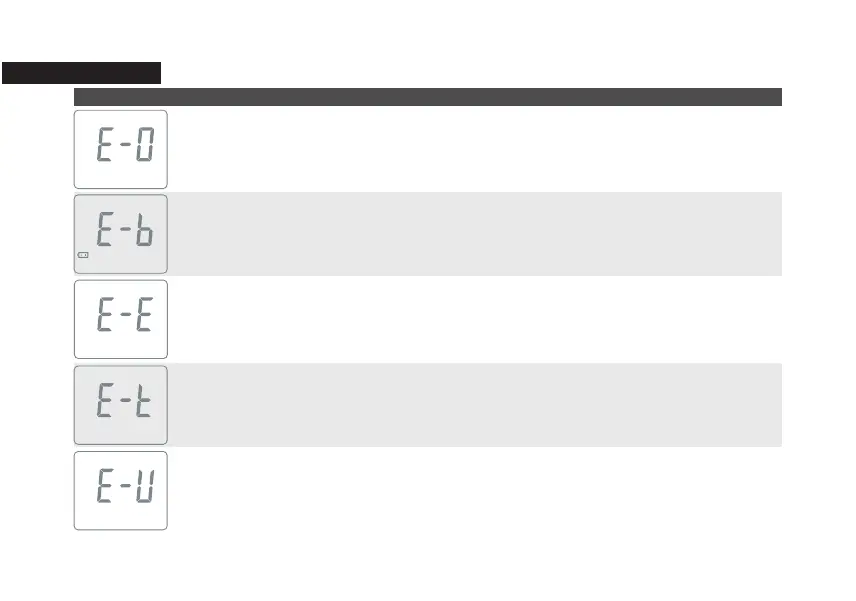
Error Message and Trouble Shooting
Message Cause Solution
• Problem with code strip.
• Problem with test strip.
• Insert strip improperly.
Repeat the coding procedure (Chapter 2.3) and
insert the strip again. If the problem persists,
please contact local distributor for service.
• Low battery. Replace with new battery.
• Problem with code strip
or meter.
• Insert code strip
improperly.
Repeat the coding procedure (Chapter 2.3).
If the problem persists, please contact local
distributor for service.
• Used strip.
• Damped strip.
Follow Chapter 3.1 and repeat the test with
a new strip. If the problem persists, please
contact local distributor for service.



 To Next Page