Your travel limit setup
is now complete!
Once limits are set the unit will automatically
perform a full calibration cycle. When the
door is closed after calibration, the limits are
successfully setup and your door ready to use.
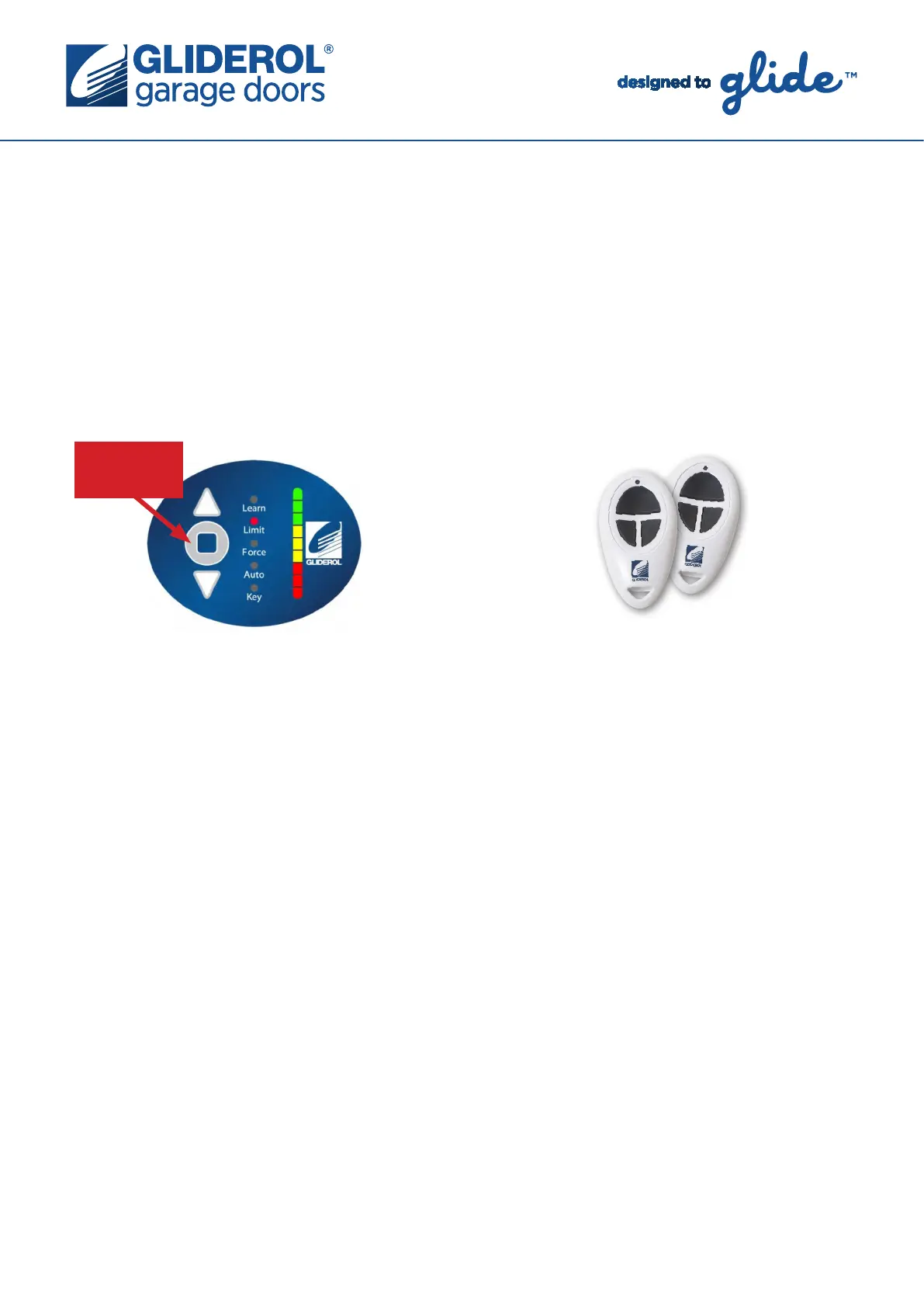
ENTER
BUTTON
Glidermatic GRD+
Setting Door Travel Limits cont...
www.gliderol.com.au
The following instructions demonstrate how to set the travel limits of your Gliderol Roller door. Setting
your door travel limits is a vital part of the initial setup of your Glidermatic GRD+ operator. Essentially,
this communicates to the operator the specific distance it must travel to complete an open/close cycle.
All steps must be completed in quick succession to prevent the unit from exiting Limit setup mode.
Step 5:
Set the bottom/close door limit by using the
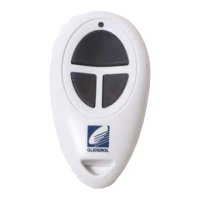
arrow (Up & Down) buttons on the operator (or
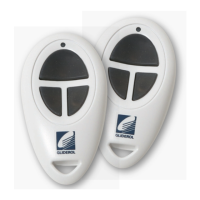
the buttons on your Gliderol Handset) to lower
the door curtain to it’s closed position. Press
‘Enter’ to confirm limit.


 To Previous Page