EasyManua.ls Logo

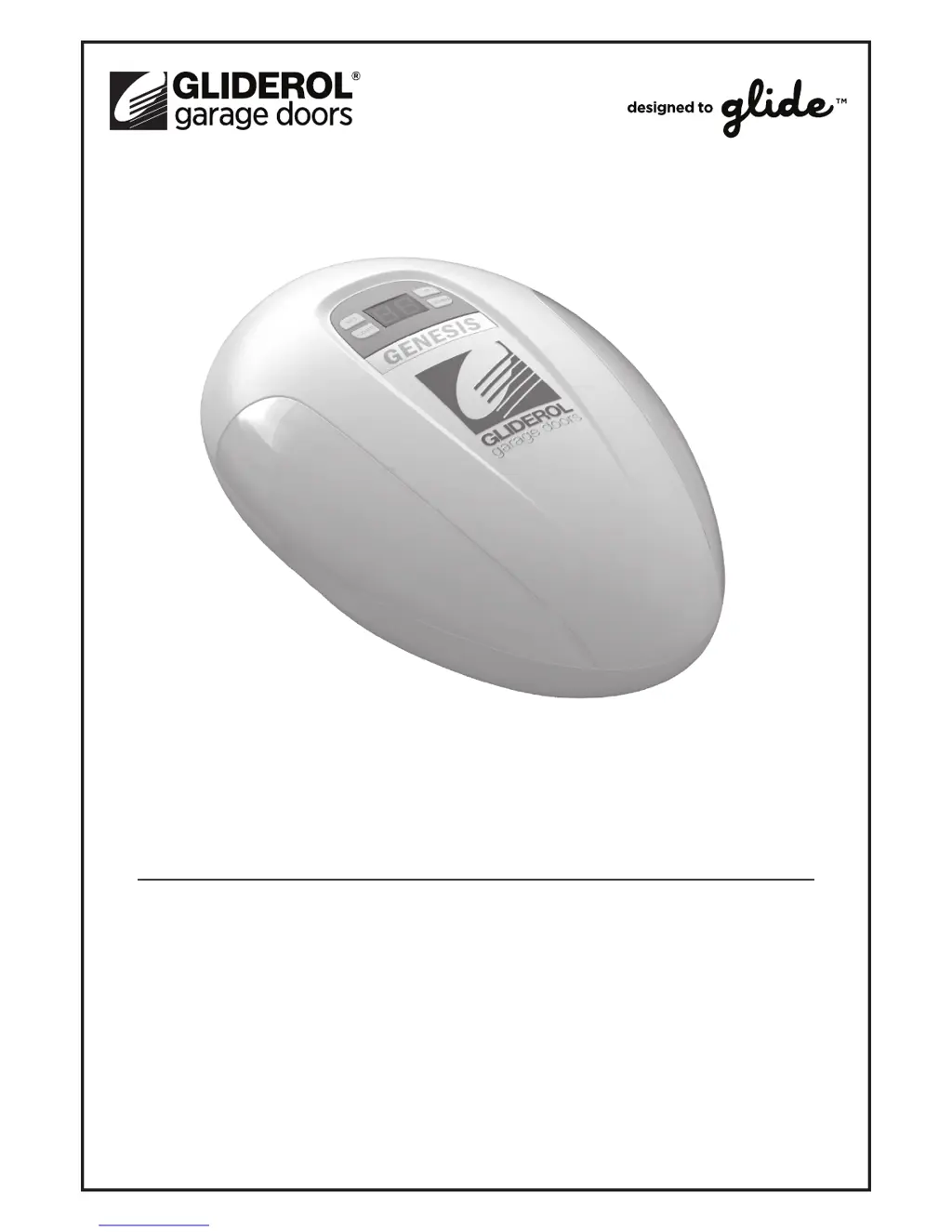
Gliderol GENESIS - User Manual

Gliderol GENESIS
16 pages
Print Icon
To Next Page IconTo Next Page
Loading...
GENESIS SERIES
GENESIS & GENESIS OPTIMA
Sectional Garage Door Opener
Installation & User Guide
®

Questions and Answers

Summary

IMPORTANT - SAFETY INFORMATION

Technical Features & Specifications

Details the intuitive control system, DC motor, LED display, decoding, manual disengagement, and optional features.

Technical Information

Provides technical specifications for power input, motor, working temperature, humidity, force, frequency, decoding, and transmitter power.

Preparing for Installation

Tools Required

Lists the necessary tools for installing the garage door opener, including a tape measure, saw, drill, wrenches, and ladder.

Product Contents

Details the items included in the package for both the Genesis and Genesis Optima opener models.

Installation Instructions

Install Lintel Bracket

Guides on correctly positioning and anchoring the lintel bracket to the garage opening for secure installation.

Attach Manual Release Mechanism to Track

Instructions for securing the manual release mechanism onto the thrust block within the opener's track.

Adjust the Belt Tension

Explains how to adjust the belt tension by turning the nut clockwise, warning against overtightening.

Secure Track to Power Unit

Details how to align and secure the track to the power unit using provided U-brackets and nuts.

Attach Track to Lintel Bracket

Steps for attaching the track to the previously installed lintel bracket using a track pin and R-clip.

Position Track and Power Unit

Guides on positioning the track and power unit, ensuring 30mm clearance and alignment with the open door.

Secure Track and Power Unit to Ceiling

Instructions for locating fixing points and securing the track and power unit to the ceiling using L-brackets.

Install Door Hinge, J-Arm and Manual Release Cord

Details on installing the door hinge, J-arm, and manual release cord, ensuring proper clearance and engagement.

Opener Programming

Program Reference Table

A table mapping program names like 'Door Travel Limits' and 'Force Settings' to their display codes (P1, P2).

Optional Terminals and Connections

Illustrates circuit board connections for battery backup, photo beams, and wall button installation.

Control Panel Display

Describes the control panel display and its buttons (SET, CODE, UP, DOWN) used for setup and adjustments.

Initial Powering Up of Opener

Steps for initial power-up, ensuring manual release is locked, and checking the courtesy light and LED display.

Program Door Travel Limits

Step-by-step guide to setting the door's open and closed travel limits using the control panel buttons.

Program Force Settings

Instructions for adjusting the opener's force settings to ensure safe auto-reverse operation upon detecting an obstruction.

Opener Accessories Programming

Enable Optional Photo Sensor Beams

Guide to enabling the Photo Sensor Beams feature, which prevents closing when an obstruction is detected.

Enable Optional Auto-Close Setting

Instructions for enabling the Auto-Close setting, which automatically closes the door after a set delay.

Remote Programming

Programming a New or Additional Remote

Steps for programming new or additional remote controls to operate the garage door opener.

Erasing all Programmed Remotes

Procedure to erase all previously programmed remote control settings from the opener.

Safety Instructions

Installation Information

Safety precautions related to installation, including disabling locks and ensuring door condition.

Safe Door Operation Methods

Guidelines for safe operation, emphasizing manual mode testing, remote use visibility, and keeping clear of moving doors.

Door Inspection and Electrical Information

Door Inspection Information

Recommendations for regular door inspection, checking for wear, lubrication, and safety auto-reverse function.

Electrical Information

Emphasizes that all wiring must be done by a licensed electrician and specifies power cord replacement procedures.

Manual Release Information

Cautionary notes on using the manual release cable, warning about uncontrolled door movement and slow operation.

Troubleshooting Guide

Warranty

Manufacturers Product Warranties Statement

Outlines the manufacturer's warranty statement, covering consumer rights and Gliderol's specific warranty terms.

Schedule of Warranty Period for Individual Components

Details the warranty periods for different components of the Genesis and Genesis Optima openers, including conditions for validity.

Gliderol GENESIS Specifications

General IconGeneral
ManufacturerGliderol
TypeGarage Door Opener
ModelGENESIS
Remote Control Frequency433MHz
SpeedUp to 200 mm/sec
Control TypeRemote Control, Wall Button
Warranty2 years

Related product manuals