EasyManua.ls Logo

Gliderol GENESIS OPTIMA - User Manual

Default Icon
16 pages
Print Icon
To Next Page IconTo Next Page
Loading...
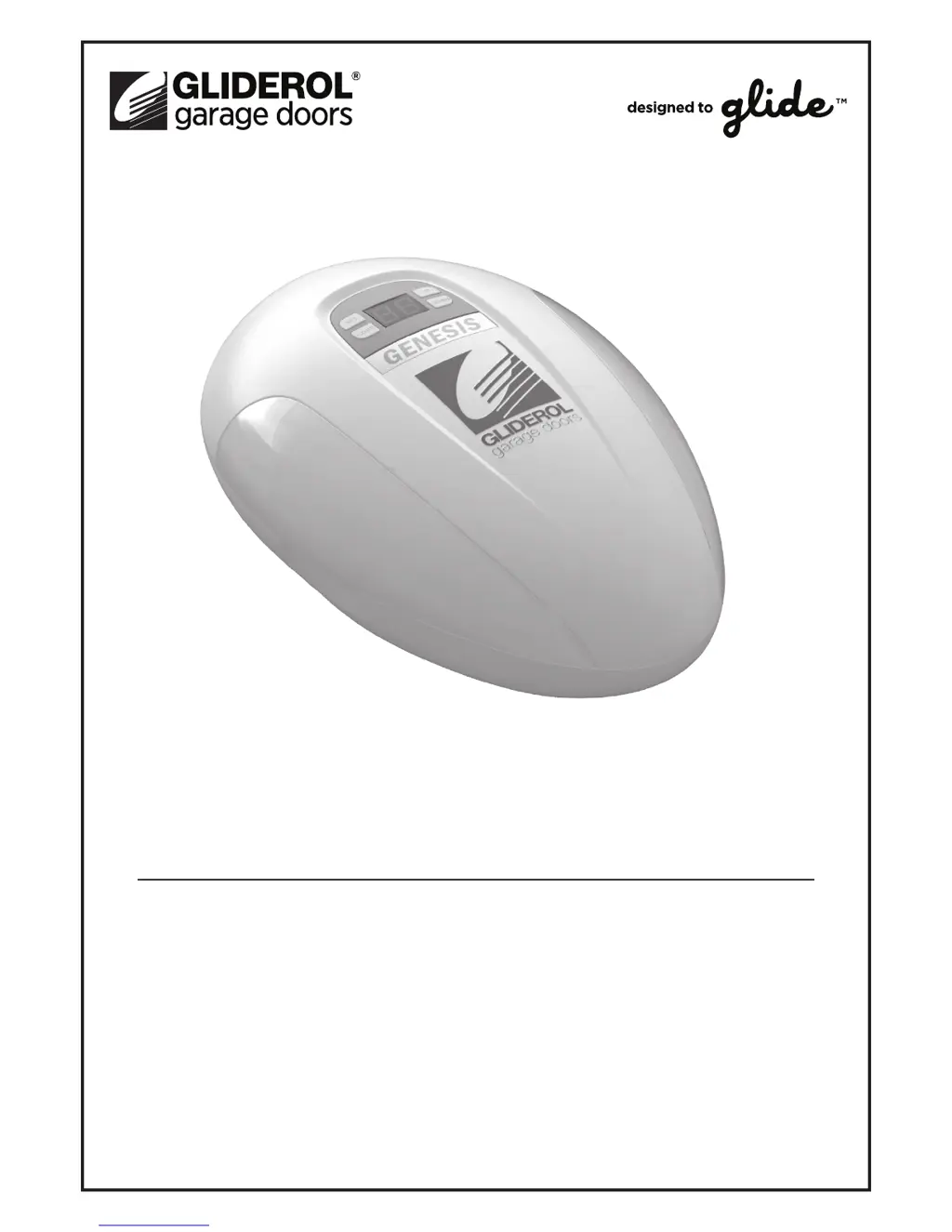
GENESIS SERIES
GENESIS & GENESIS OPTIMA
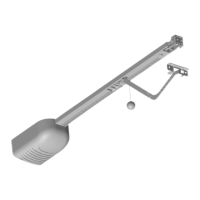
Sectional Garage Door Opener
Installation & User Guide
®

Questions and Answers

  • R
    robert13Aug 7, 2025
    Why is the wall button working, but Gliderol GENESIS OPTIMA remotes are not?
    • S
      Sarah BensonAug 7, 2025
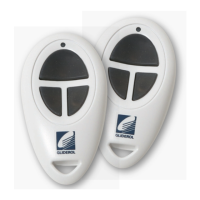
      If the wall button for your Gliderol Garage Door Opener works but the remotes don't, try reprogramming the remote. If that doesn't work, replace the remote batteries.
  • J
    Jason ContrerasAug 12, 2025
    How to fix a short remote range on a Gliderol GENESIS OPTIMA Garage Door Opener?
    • C
      Caitlyn RichardsonAug 12, 2025
      If the remote range for your Gliderol Garage Door Opener is too short, try changing the remote batteries.
  • W
    Wesley ReyesAug 17, 2025
    What to do if my Gliderol GENESIS OPTIMA does not operate?
    • M
      Mary HernandezAug 17, 2025
      If your Gliderol Garage Door Opener isn't working, first check the power cable connection to ensure it's properly plugged in. Also, inspect the fuse and replace it if it has blown.
  • C
    Calvin StewartAug 21, 2025
    What to do if my Gliderol Garage Door Opener door will not close?
    • H
      Helen McdonaldAug 22, 2025
      If your Gliderol Garage Door won't close, it might be due to the Photo Sensor Beam functionality. If you're not using a Photo Sensor Beam, disable the feature. If you are using it, make sure the beam isn't blocked by anything.
  • J
    Jason GriffinAug 27, 2025
    What to do if Gliderol GENESIS OPTIMA will not operate after setting door travel limits?
    • D
      Denise BrownAug 27, 2025
      If your Gliderol Garage Door Opener won't operate after setting the door travel limits, check the Hall IC cable to ensure it's properly plugged in and the screws are tight. If it is, try resetting the Door Travel Limits.
  • C
    Cameron LyonsSep 1, 2025
    How to fix a sagging belt on a Gliderol GENESIS OPTIMA Garage Door Opener?
    • M
      Mark WestSep 1, 2025
      If the belt on your Gliderol Garage Door Opener is sagging, it might be loose. Adjust the M8 nut on the end of the shaft in a clockwise direction.

Summary

Installation Instructions

Install Lintel Bracket

Instructions for correctly installing the lintel bracket, a critical mounting point for the opener.

Attach Manual Release Mechanism to Track

Guidance on connecting the manual release mechanism to the opener's track.

Adjust the Belt Tension

Steps to properly tension the drive belt within the opener's shaft.

Install Door Hinge, J-Arm and Manual Release Cord

Details on installing the door hinge, J-arm, and manual release cord for operation.

Opener Programming

Program Door Travel Limits

Guide to setting the specific open and close travel limits for the garage door.

Program Force Settings

Instructions on adjusting the opener's force settings for safe and effective operation.

Opener Accessories Programming

Remote Programming

Programming a New or Additional Remote

Steps to program new remote controls for operating the garage door opener.

Safety Instructions

Safe Door Operation Methods

Best practices and warnings for safe manual and remote operation of the door.

Troubleshooting Guide

Gliderol GENESIS OPTIMA Specifications

General IconGeneral
ManufacturerGliderol
ModelGENESIS OPTIMA
TypeGarage Door Opener
Motor Voltage24V DC
Drive TypeChain Drive
Remote Control Frequency433 MHz
Courtesy LightYes
Motor TypeDC Motor
Warranty2 years
Safety FeaturesAuto-reverse mechanism
Speed0.2m/s
ControlRemote control, Wall button

Related product manuals