12
6.0 Remote Programming
6.1 Programming a New or Additional Remote
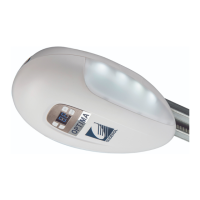
Complete the below steps to program a new or additional remote for your opener. Please note, if you are
replacing a lost or stolen handset we recommend erasing all existing handset data from your operator
prior to programming your new handset.
Item Description Display
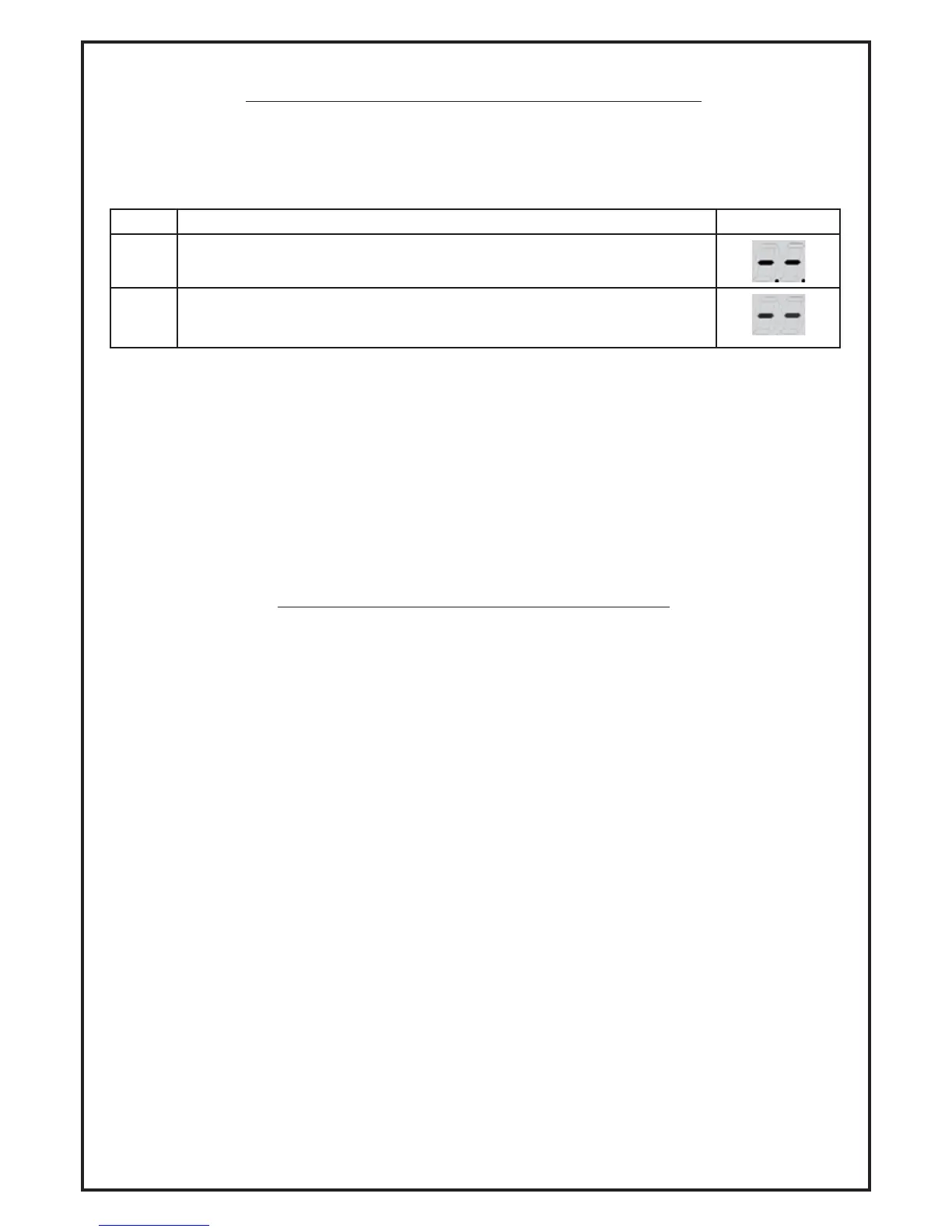
6.1.1 Press the ‘CODE’ button and ‘-. -.’ will be visible on the display.
6.1.2
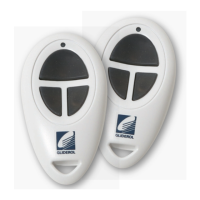
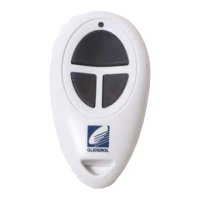
Press and hold the desired button on your remote that you would like
to operate your door until the dots shown on display flash. Your remote
settings have now been saved in the units memory.
The Opener can be programmed to be used by up to 15 remotes.
To program a single remote to operate multiple doors (up to 3), simply repeat the above steps and
select a different button for operation.
6.2 Erasing all Programmed Remotes
To erase all stored remote information, simply press and hold the ‘CODE’ button for more than
8 seconds. The dots shown on the display will disappear to confirm all remote programming
information has been erased.
7.0 Safety Instructions
7.1 Installation Information
Before installing the Opener, remove all unnecessary ropes or chains and disable any equipment, such as
locks, not needed for powered operation.
Before installing the Opener, check the door is in good mechanical condition, correctly balanced and
opens and closes properly.
Ensure Manual Release cord is installed and accessible without interfering with vehicles.
Permanently fix the warning labels against entrapment in a prominent place or near fixed controls.
Permanently fix the label concerning manual release adjacent to its actuating member.
7.2 Safe Door Operation Methods
When operating the door for the first time ensure the door works properly in manual mode.
Test Method: Pull the cord to unlock the trolley, open and close the door manually by hand.
Only use remotes when door is in direct view and clearly visible. Ensure remote is out of reach of children
and pets.
Do not stand or walk under moving door. Watch the moving door and keep people away until the door is
completely opened or closed.
The operator must not be used by children or persons with reduced physical, sensory or mental
capabilities, or lack of experience and knowledge, unless they have been given supervision or
instructions.



 To Next Page