13
7.3 Door Inspection Information
Check at least twice a year to make sure the door is properly balanced and that all parts are in good
working order. Frequently examine the installation, in particular check cables, springs and mountings for
signs of wear, damage or may cause injury. All moving parts must be lubricated.
Every month check the door safety auto reversing works when the door contact 50mm high object
placed on the floor. Adjust if necessary and recheck since an incorrect adjustment may present a hazard.
If it is not functioning properly the door must be serviced by an authorised Gliderol service technician
immediately.
7.4 Electrical Information
All wiring and electrical works must be completed by a licensed electrician. Ensure earthing wire is
connected with earth.
If the supply power cord is damaged, it must be replaced by the manufacturer, or by its service
technician or similarly qualified person to avoid hazard.
7.5 Manual Release Information
Take care when operating the manual release cable since an open door may fall rapidly due to weak or
broken springs or being out of balance.
In the process of unlocking the carriage there can be uncontrolled movement of doors
• If the spring tension is loose or spring broken;
• If the door is not balanced;
• If the door is opened manually the carriage can collide with the drive (during building works limit the
door run in opening direction);
• In manual operation the doors must be operated in slow speed only.
8.0 Troubleshooting Guide
Problem Causes Solution
The Openers belt is sagging. The belt is loose. Adjust M8 nut on end of shaft
in clockwise direction.
The Opener does not operate. The power cable plug may be
loose.
A fuse may have blown.
Check the power cable
connection.
Replace fuse if it is blown.
After setting door travel limits,
the Opener will not operate.
Hall IC cable may be loose/
unplugged.
Possible programming error.
Plug Hall IC cable in properly
or tighten screws. Reset Door
Travel Limits.
The door will not close. Photo Sensor Beam
functionality may be enabled.
Disable Photo Sensor Beam
functionality if not connected.
If connected, ensure beam is
not obstructed.
The wall button is working but
the remotes are not.
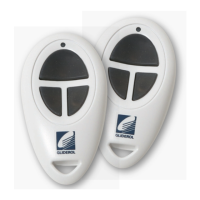
Remote programming error.
Remote battery may be low.
Reprogram remote.
Change remote batteries.
Remote range is too short. Remote battery may be low. Change remote batteries.
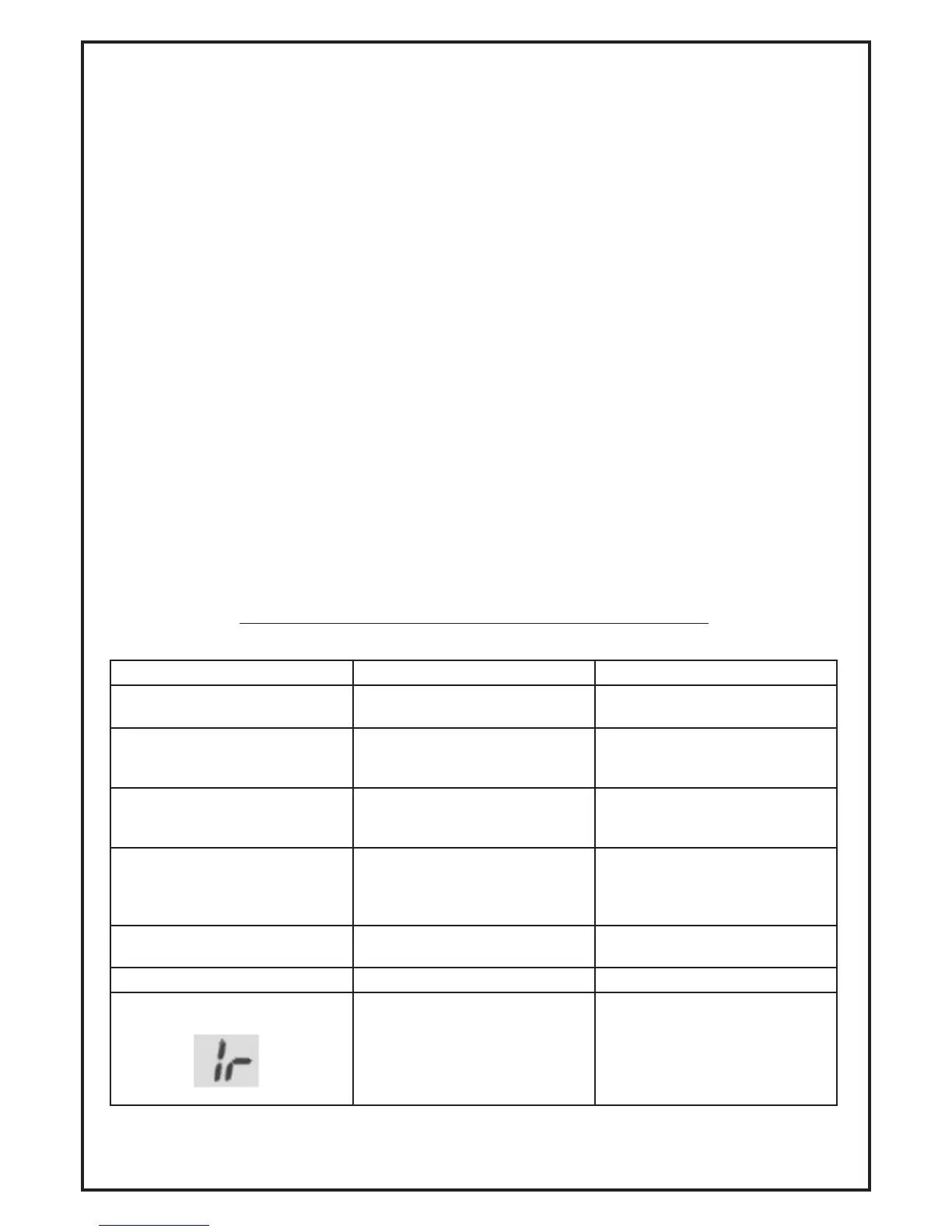
The operator does not operate
display:
PE Beam function has been
enabled but not present.
PE Beam triggered.
If the PE Beam is connect,
ensure it is not obstructed. If PE
Beam is not present, disable PE
Beam setting. Refer to secton
5.1 and ensure P3 functions
displays (H0).



 To Next Page