9
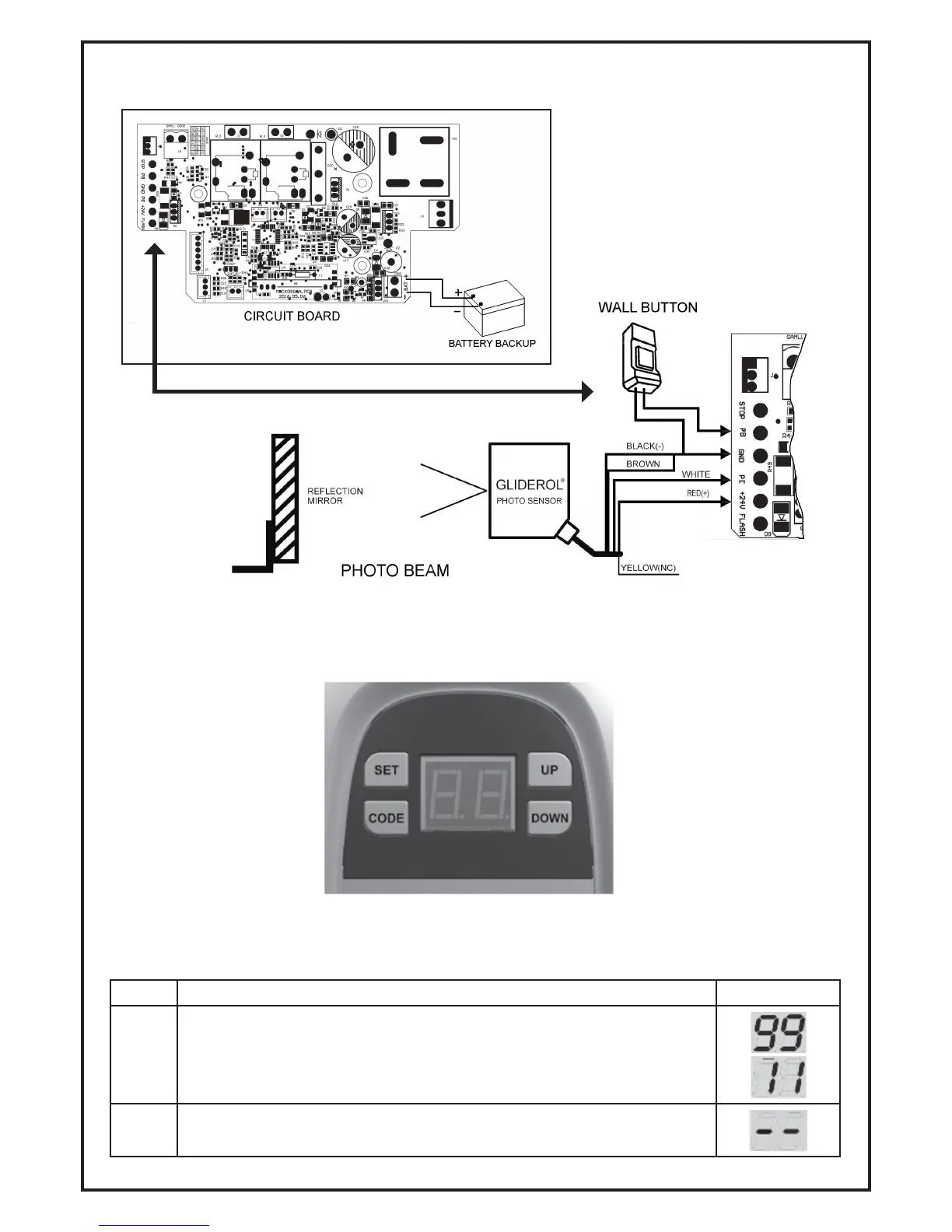
4.2. Optional Terminals and Connections
4.3 Control Panel Display
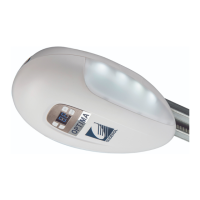
The Control Panel Display is used to setup and adjust all functionality.
4.4 Initial Powering Up of Opener
Once your Opener has been installed, push and pull the door by hand to ensure the manual release
thrust block is locked into place before turning on the power.
Item Description Display
4.4.1
Once the power has been switched on, the courtesy light will turn on and
the LED display will show numbers from 99 to 11.
4.4.2
The Opener will then be ready for programming.


 To Next Page