GlideScope System Quick Start
The monitor may be used immediately by
plugging it into an AC power source, or by
fully charging the battery prior to rst use.
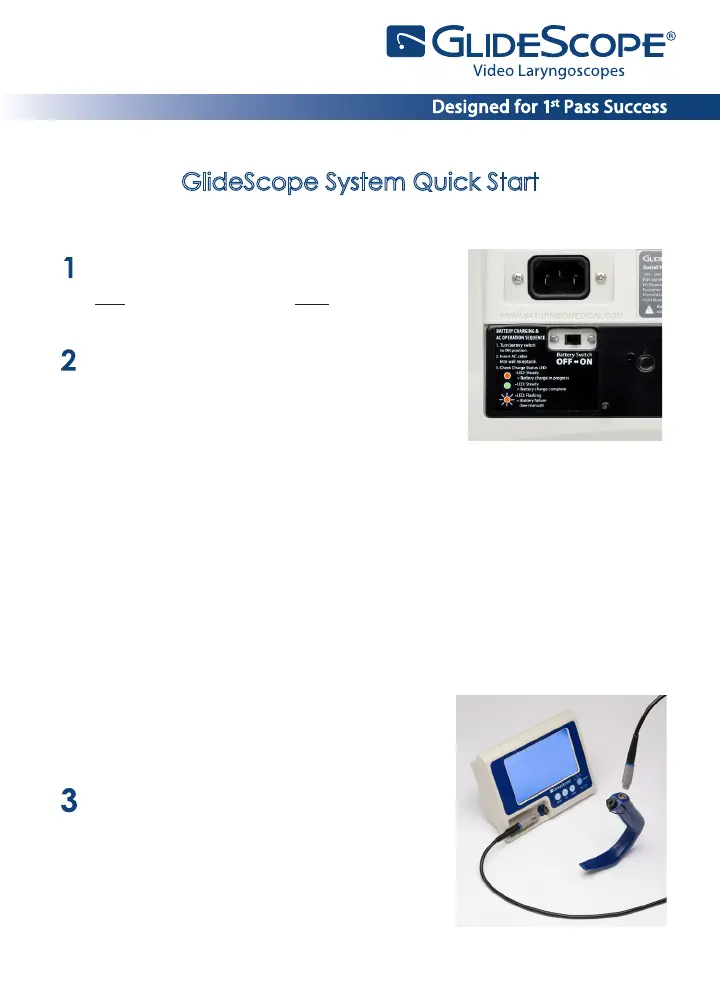
To ensure proper charging, follow these steps
in order:
• Make sure the AC power cord is
disconnected and the power switch is in
the OFF position.
• Slide the power switch at the back of the monitor to the ON position.
• Plug the monitor into an AC power source:
◦
Insert the female end of the power cord into the port on the back
of the monitor.
• The charge status LED will turn orange, indicating that the recharging
cycle has begun.
• When charging is complete, the status LED will turn green. At this
point the unit is fully functional on battery power.
If the AC power cord is inserted before
the power switch is in the ON position, the
charge status LED will ash orange.
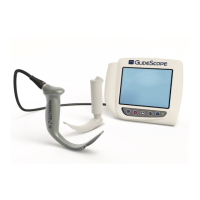
Connect the video laryngoscope to the
monitor.
• If using the GVL®:
Connect either end of the video cable
to the GVL connector. Connect the
video cable to the monitor connector.



 To Next Page