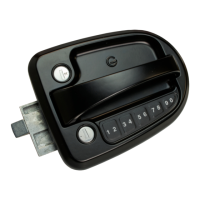
Global Link Ultra E Lock Instructions
March 2019 Page 3
Programming the Customer Code
A 4-digit code is required for keyless locking and unlocking from the outside of the door. The lock
supports 2 codes—the factory default code and a customer code.
The factory default 4-digit code is preprogrammed and cannot be erased. This code can be found
on a label affixed to the inside handle of the lock.
Adding or changing the customer code
1. Press and hold the 9-0 key for 3 seconds until the lock beeps twice.
2. Enter the factory default code or the current user code. Two beeps indicate a correct
code.
Note: Each key represents two numbers. For example, to enter “2”, press the 1-2 key.
3. Enter the new code. The three varied beeps indicate a new code was entered.
4. Enter the new code again to confirm. (If you enter an incorrect digit, press and hold the
9-0 key and re-enter the code.) Three varied beeps indicate success.
Note: If 4 quick beeps sound, the codes did not match; start again.
Beeps Summary
The lock sounds a series beeps to signal success or failure of an action. The keypad flashes
each time the lock sounds a beep.
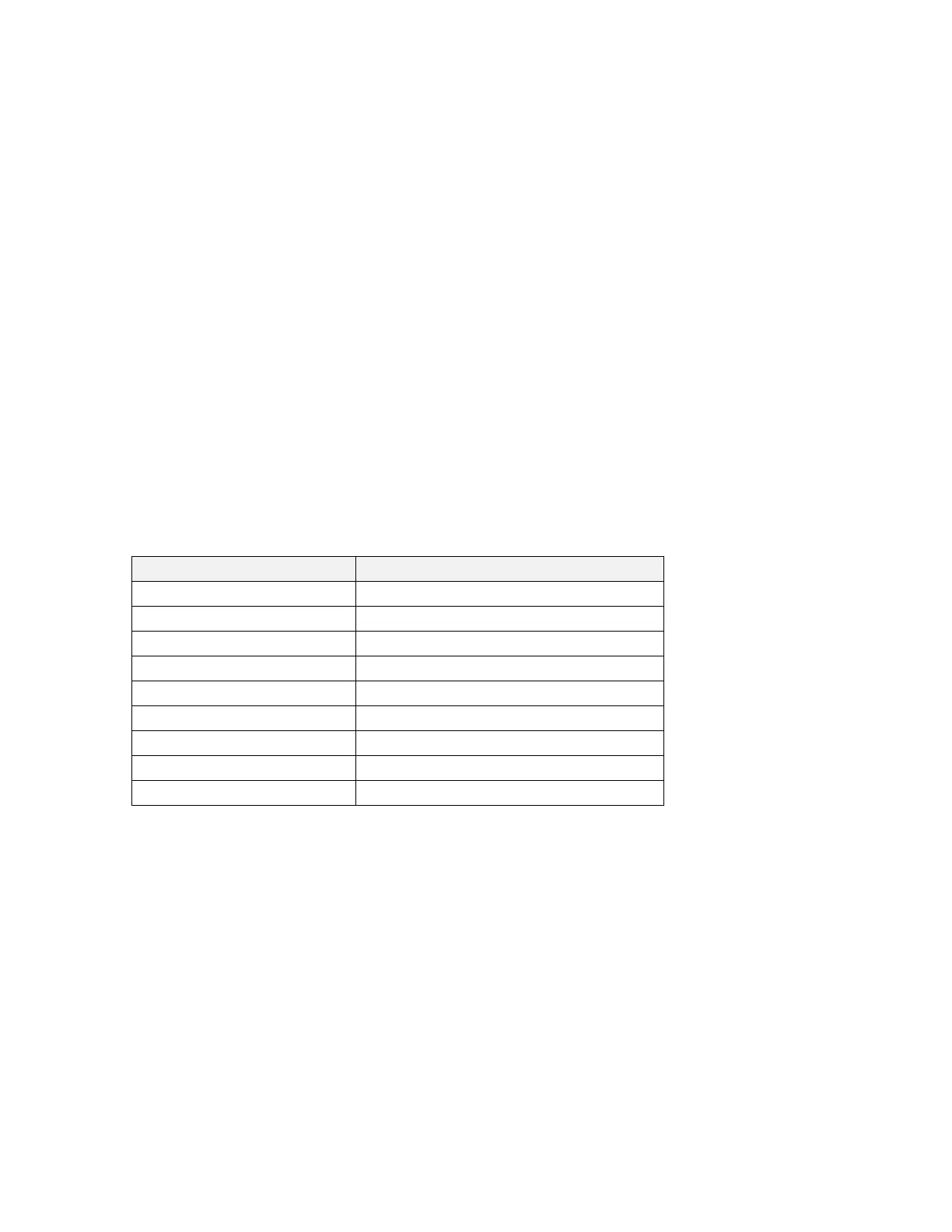
Beeps Meaning
1 short beep Keypress
2 beeps Factory default code or user code entered
2 beeps (after 3 seconds) Programming mode entered
2 ascending beeps Unlocking successful
2 descending beeps Locking successful
3 varied beeps New code entered
3 varied beeps Programming successful
4 quick beeps Incorrect code entered
4 quick, descending beeps Low battery


 To Next Page