This document contains the proprietary information of Globalcom Engineering. Its receipt or possession does not convey any rights to
reproduce or disclose its contents or to manufacture, use or sell anything it may describe. Reproduction, disclosure or use without specific
written authorization of Globalcom Engineering is strictly forbidden. Mod.N:Q060R04
6 BV1000CL CONNECTORS VIEW
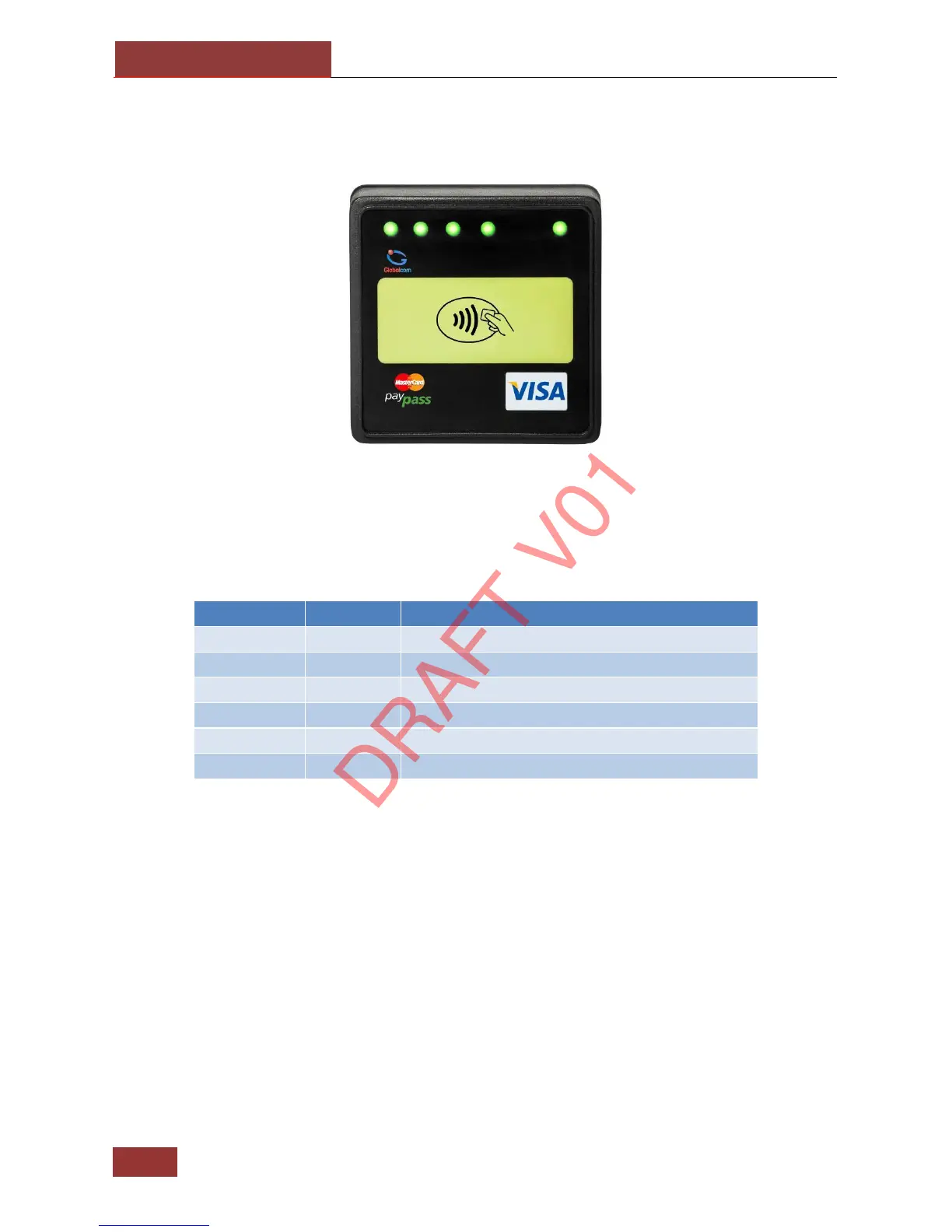
6.1 BV1000CL FRONT VIEW
Four green leds follow the rule of EMVco, together with the buzzer, to monitor the transaction
status.
The following table specify the RGB LED sequence for a normal transaction, from card insert,
through product selection and vend to card withdrawal.
Ready For Use, Idle State
Processing Transaction, Please Wait
Error, Remove Card – No Payment Made
Notes:
The yellow led indicator is optional so if the reader uses only the red and the green leds, the
sequence remains the same but with the yellow led states removed.



 To Next Page