12
9. GETTING STARTED
WARNING!!!
All menu functions and operation by remote
are the same for Room 1 and Room 2,
Except CA Settings, which is available only
for Room 1.
Easy Install
Press the POWER button to operate the
receiver from “Standby” mode. If you did not
install it before, the “Easy Install” Menu will be
displayed automatically to guide you to install
your box.
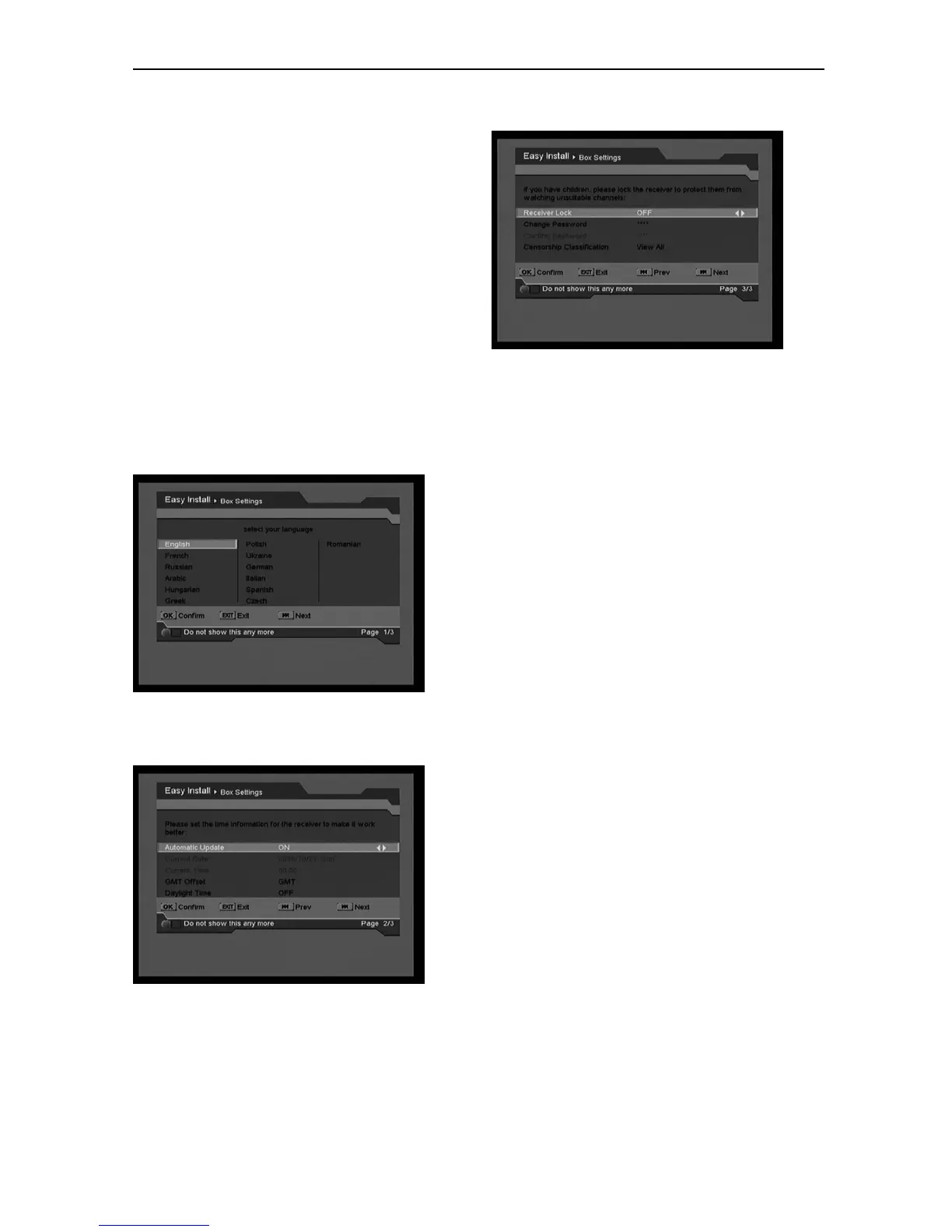
Box Setting Language
Choose Menu Language. Go to next.
Time Setting
Set Current Time. Go to next.
Parental Control
Set Password, Receiver Lock and Censorship
Classification. Go to next to enter in Install
Setting.



 To Next Page