17
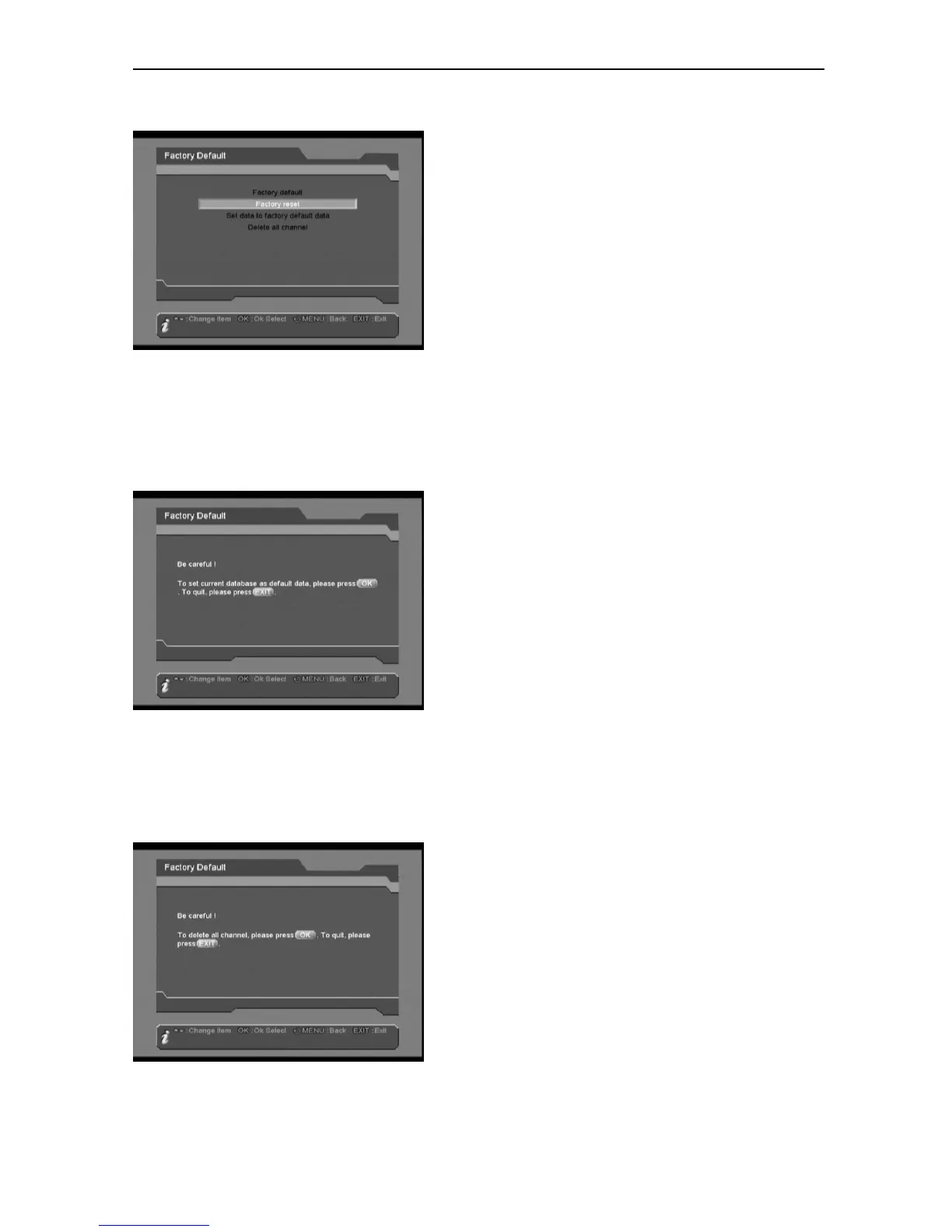
Factory reset
Press OK button to do factory reset, which will
recover all database to the same as factory
default settings, then it will automatically go to
“Easy Install” menu to re-install your system.
Press MENU/EXIT button to abort the
operation.
Set data to factory default data
Press OK button to set current database as
default data.
Press MENU/EXIT button to abort the
operation.
Delete all channel
Press OK button to delete all channels.
Press MENU/EXIT button to abort the
operation.



 To Next Page