Acadia, Acadia Denali, Enclave, Traverse Infotainment System (GMNA-
Localizing-U.S./Canada/Mexico-6014304) - 2014 - crc - 8/27/13
70 Infotainment System
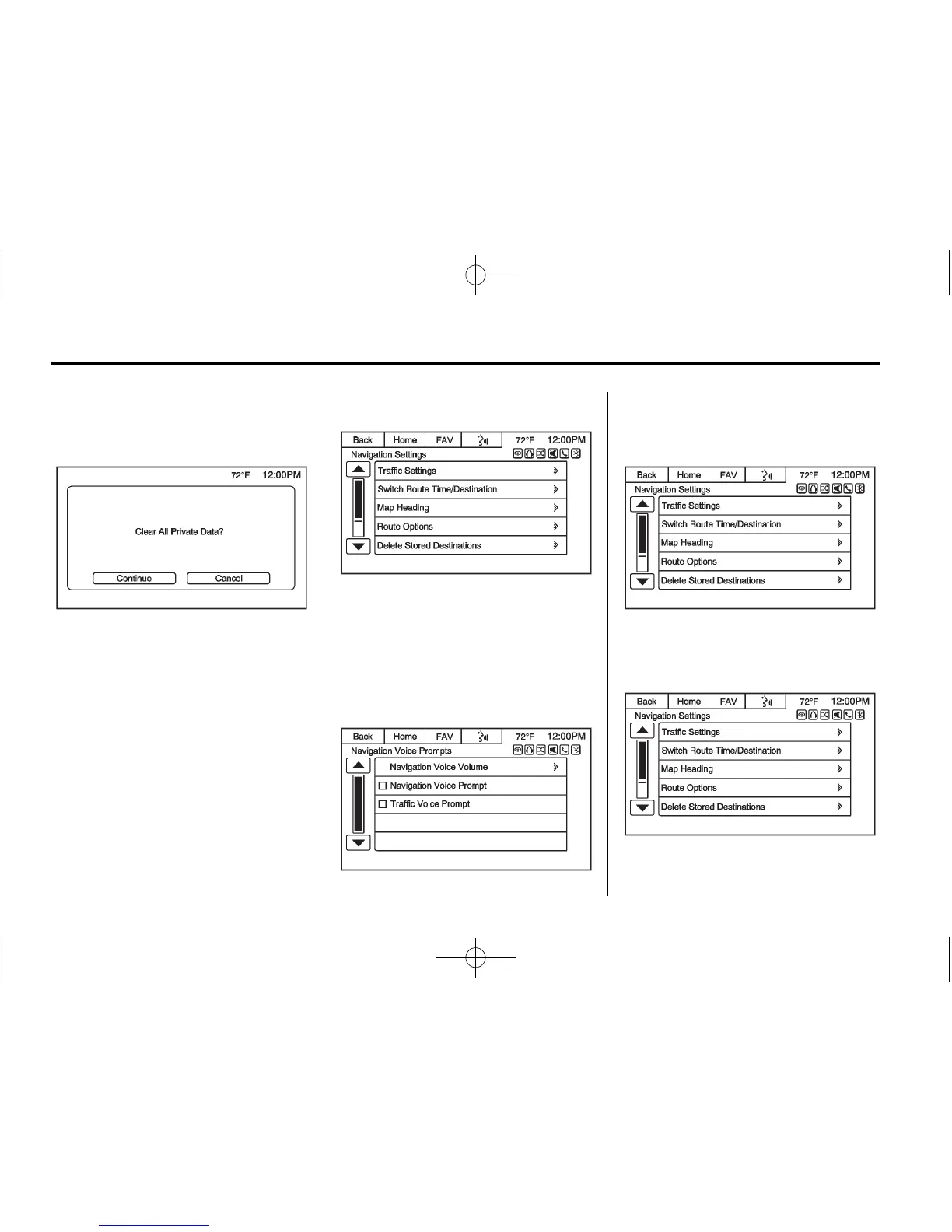
Press to delete stored personal data
such as saved destinations, phone
contacts, and audio favorites.
A pop-up message displays, Clear
All Private Data? Press the
Continue screen button to delete the
data, or the Cancel screen button to
cancel the delete function.
Navigation Settings
Select this feature to make changes
to Voice Prompt, Traffic Settings,
Switch Route Time/Destination, Map
Heading, Route Options, Delete
Stored Destinations, etc. Some of
these options are only available
after a route is planned.
Navigation Voice Prompts: The
Voice Prompt Menu allows changes
to the voice prompt features.
Traffic Settings: Press to enable
or disable the traffic feature.














 To Next Page