Acadia, Acadia Denali, Enclave, Traverse Infotainment System (GMNA-
Localizing-U.S./Canada/Mexico-6014304) - 2014 - crc - 8/27/13
Infotainment System 71
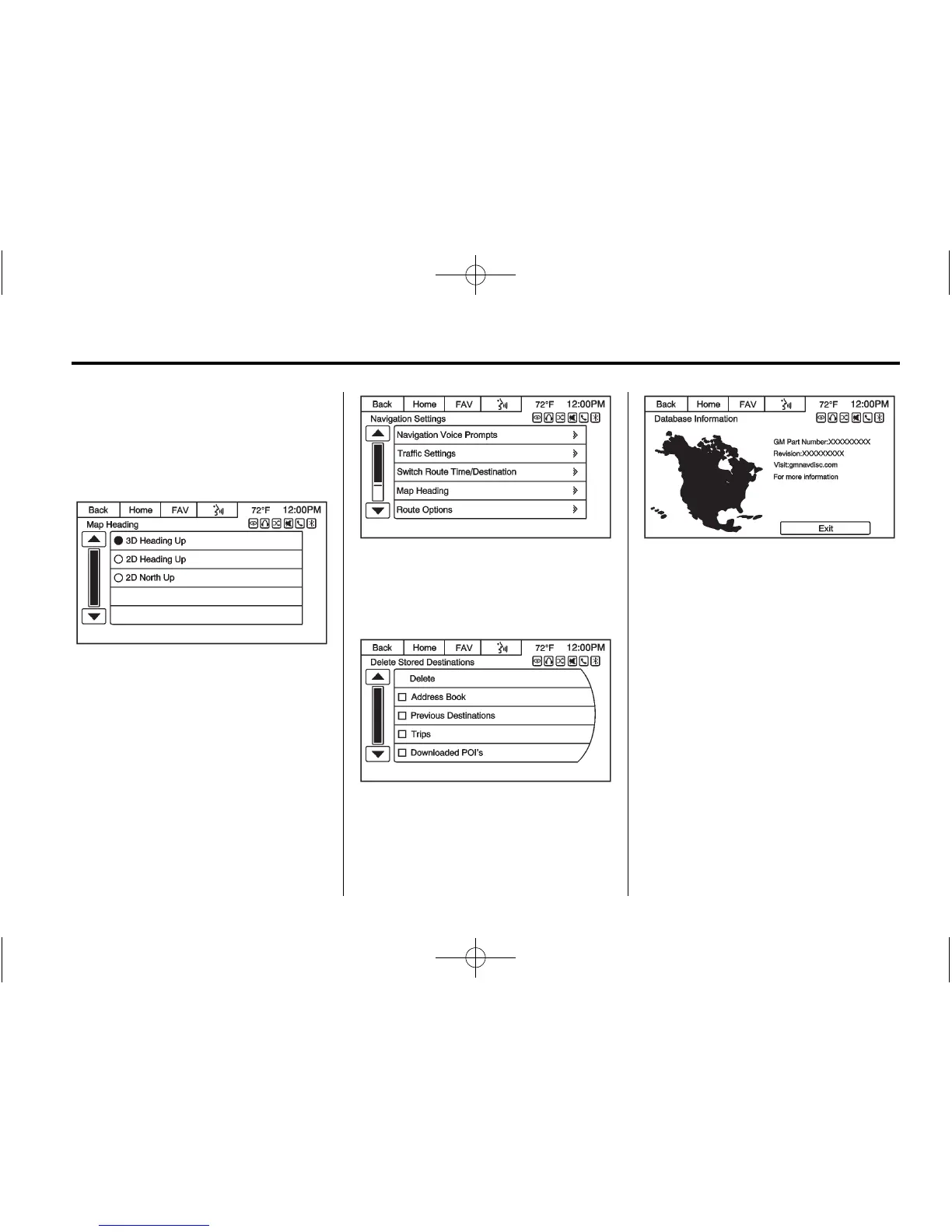
Switch Route Time/Destination:
Select this button to switch the nav
map display arrival time and
mileage between waypoints and
final destination.
Map Heading: Select to choose
between North up, Heading up,
or 3D views while navigating.
Route Options: Press to display
the various route option
preferences.
Delete Stored Destinations: Press
the Delete screen button to erase all
items under the checked list.
Database Information: Press to
display the information about the
infotainment system installed on the
vehicle.
SiriusXM
®
NavTraffic (If
Equipped)
The navigation system might have a
NavTraffic receiver. It is a
subscription service provided
through SiriusXM Satellite Radio.
A service fee is required to receive
the NavTraffic service. Real-time
traffic information is provided to fully
integrate the navigation system to
display current traffic conditions for
the chosen route. See “Traffic
Settings” in this section.














 To Next Page