1-20 In Brief
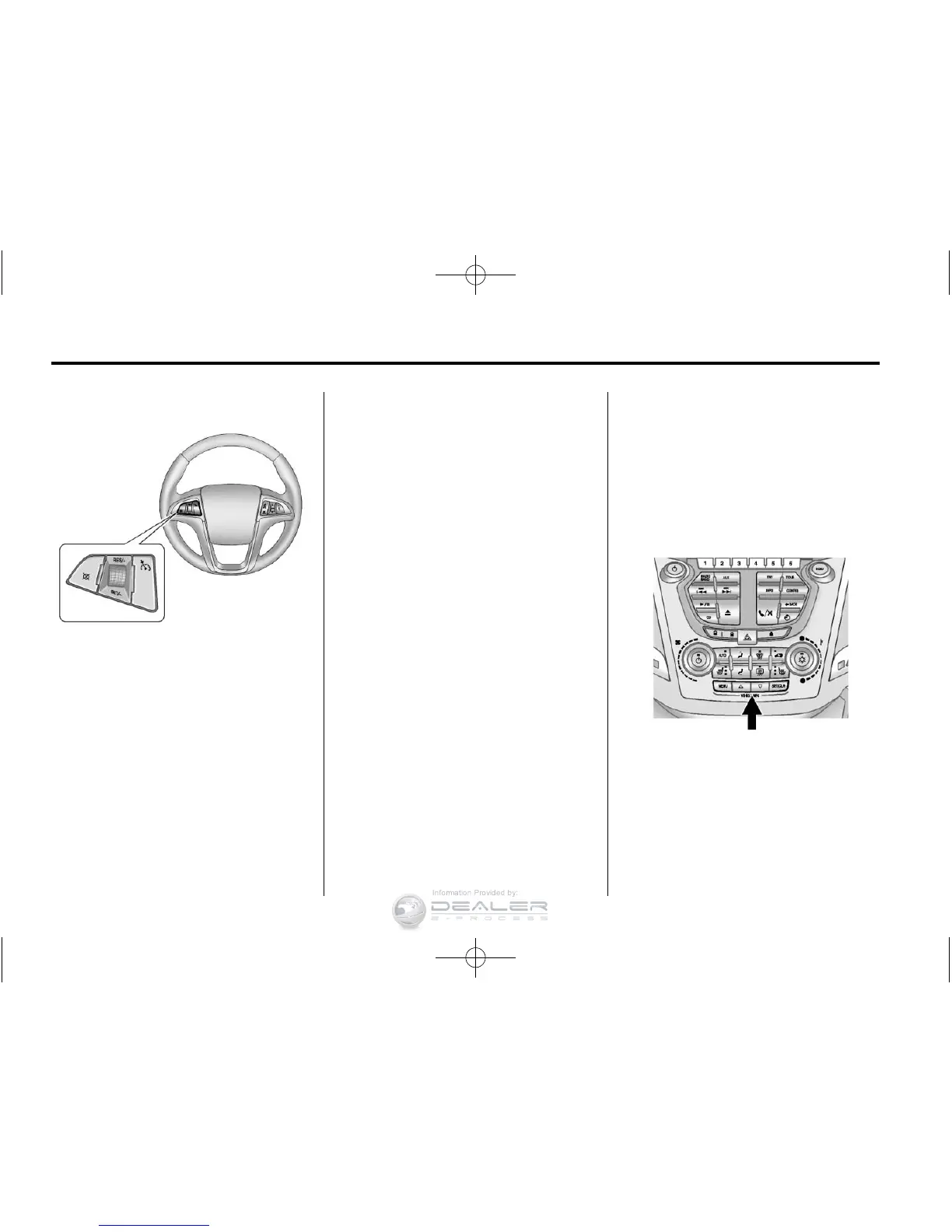
Cruise Control
5 : Press to turn the cruise control
system on and off.
\ : Press to disengage cruise
control without erasing the set
speed from memory.
RES/+ : Move the thumbwheel up
to make the vehicle resume to
a previously set speed or to
accelerate.
SET/− : Move the thumbwheel
down toward SET/- to set a speed
and activate cruise control, or to
make the vehicle decelerate.
See Cruise Control on page 9‑44.
Navigation System
The vehicle's navigation system
(if equipped) provides detailed maps
of most major freeways and roads.
After a destination has been set,
the system provides turn-by-turn
instructions for reaching the
destination. In addition, the system
can help locate a variety of points of
interest (POI), such as banks,
airports, restaurants, and more.
See the Navigation System manual
for more information.
Driver Information
Center (DIC)
The DIC display is located in the
center of the instrument panel
cluster. It shows the status of many
vehicle systems.
The DIC buttons are located below
the climate control system.














 To Next Page