Keys, Doors and Windows 2-15
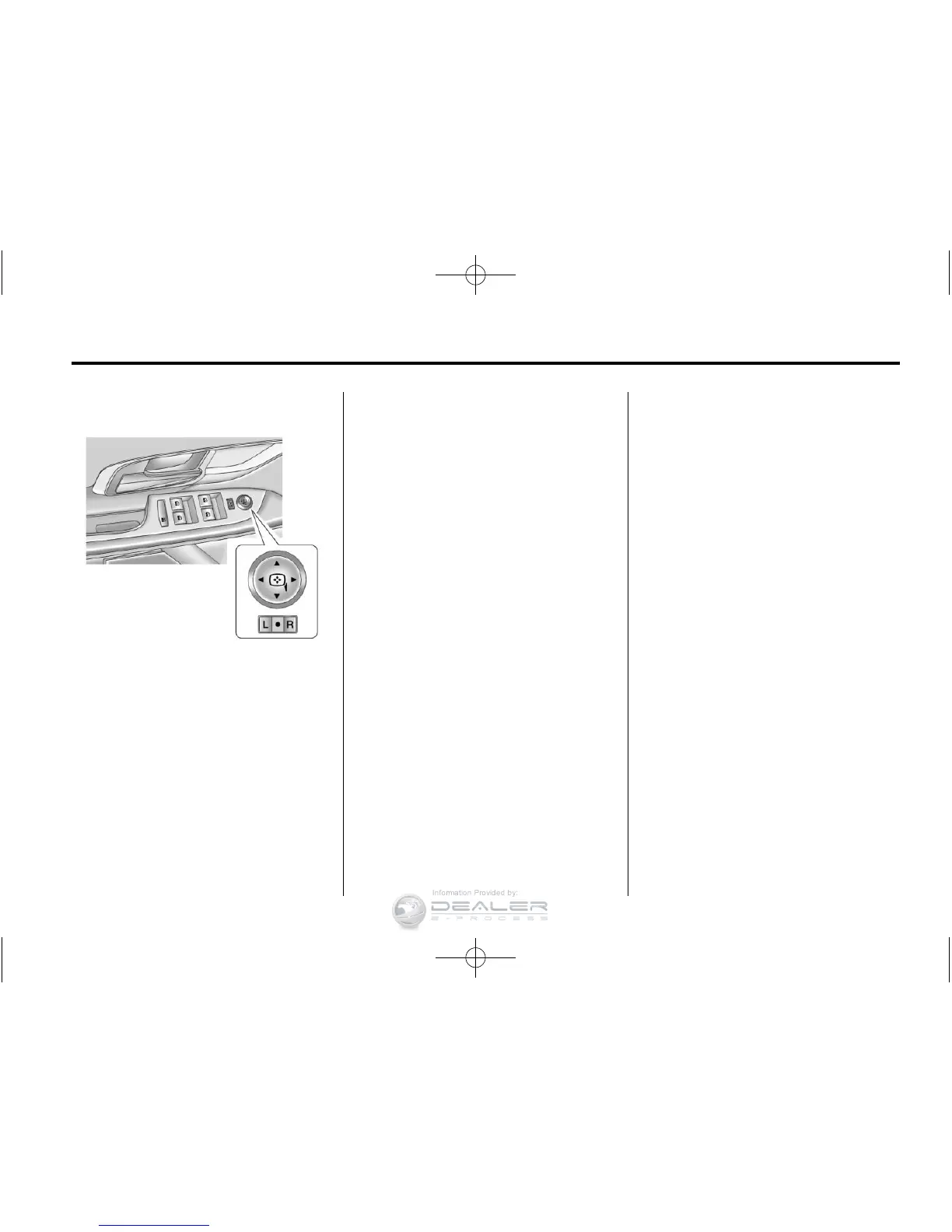
Power Mirrors
Controls for the outside power
mirrors are on the driver door.
To adjust the mirrors:
1. Move the selector switch to
L (left) or R (right) to choose the
driver or passenger mirror.
2. Press the arrows on the control
pad to move each mirror in the
desired direction.
3. Return the selector switch to the
middle position.
Heated Mirrors
For vehicles with heated mirrors:
The heated outside rearview mirrors
turn on when the rear window
defogger is on and help to clear fog
or frost from the surface of the
mirrors.
< (Rear Window Defogger):
This button is on the climate control
panel.
See “Rear Window Defogger” under
Automatic Climate Control System
on page 8‑3 for more information.
Park Tilt Mirrors
If the vehicle has the memory
package, the outside mirrors have
a park tilt feature. This feature
automatically tilts the outside
mirrors to a preselected position
when the vehicle is in R (Reverse).
This allows the driver to view the
curb for parallel parking.
The passenger and driver mirrors
return to their original position
when the vehicle is shifted out of
R (Reverse), or the ignition is turned
off or to OFF/LOCK.
This feature can be turned on or off
through the Driver Information
Center (DIC). See Vehicle
Personalization on page 5‑32.














 To Next Page