Keys, Doors and Windows 2-3
Remote Keyless Entry
(RKE) System
See Radio Frequency Statement on
page 13‑19 for information
regarding Part 15 of the Federal
Communications Commission (FCC)
rules and Industry Canada
Standards RSS-210/220/310.
If there is a decrease in the RKE
operating range:
.
Check the distance.
The transmitter may be
too far from the vehicle.
.
Check the location. Other
vehicles or objects may be
blocking the signal.
.
Check the transmitter's battery.
See “Battery Replacement” later
in this section.
.
If the transmitter is still not
working correctly, see your
dealer or a qualified technician
for service.
Remote Keyless Entry
(RKE) System Operation
The Remote Keyless Entry (RKE)
transmitter will work up to 60 m
(195 ft) away from the vehicle.
There are other conditions which
can affect the performance of the
transmitter. See Remote Keyless
Entry (RKE) System on page 2‑3.
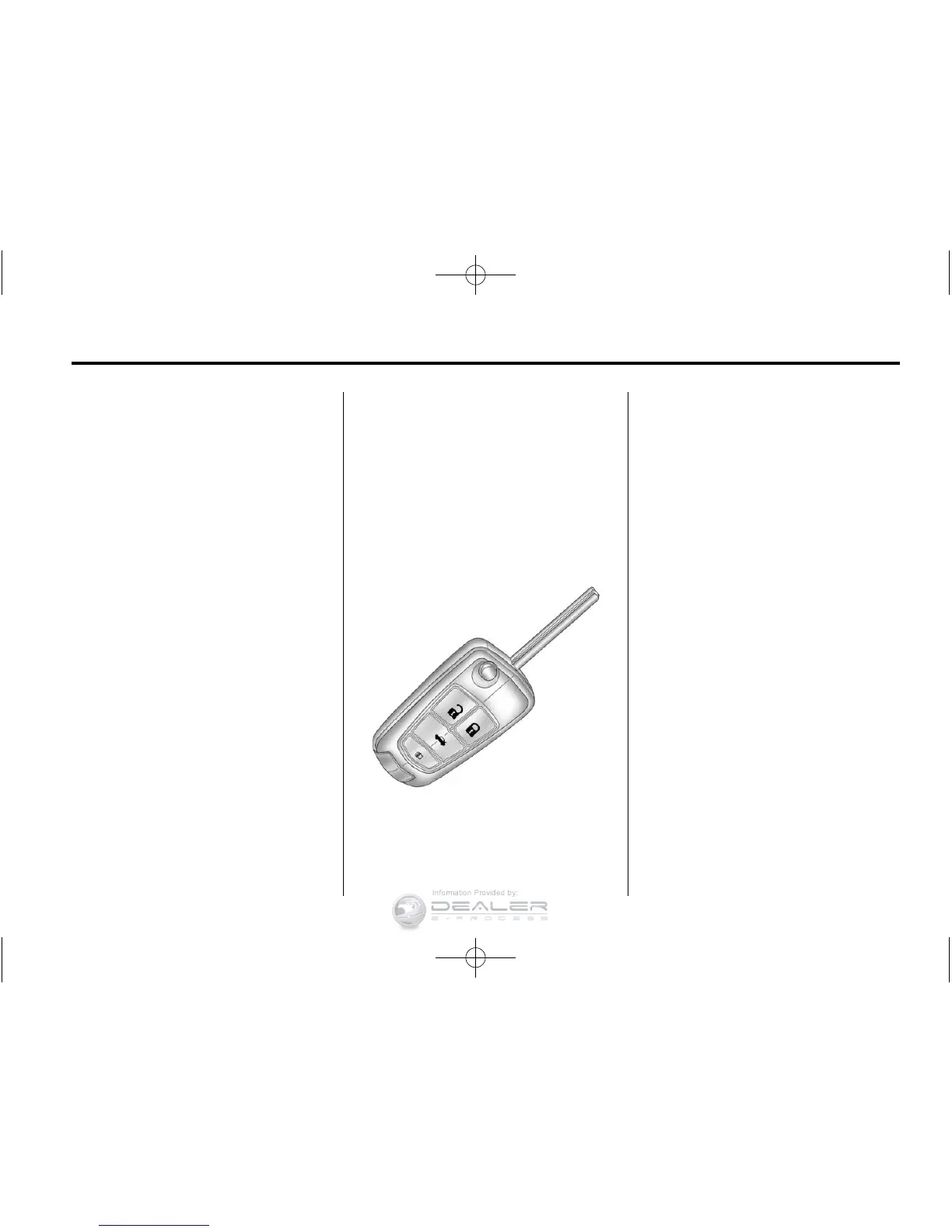
RKE Without Remote Start Shown
The following may be available:
Q (Lock): Press to lock all doors.
The turn signal indicators may flash
and/or the horn may sound to
indicate locking. See “Remote
Lock Feedback” under Vehicle
Personalization on page 5‑32.
If a passenger door is open when
Q is pressed, all doors lock. If the
driver door is open when
Q is
pressed, all doors lock except the
driver door. These settings can be
modified. See “Unlocked Door
Anti Lock Out” under Vehicle
Personalization on page 5‑32.
Pressing
Q may also arm
the theft-deterrent system.
See Anti-Theft Alarm System on
page 2‑13.
K (Unlock): Press to unlock
the driver door or all doors.
See “Remote Door Unlock”
under Vehicle Personalization on
page 5‑32. The turn signal
indicators flash to indicate
unlocking has occurred.














 To Next Page