9-50 Driving and Operating
Turning the Rear Vision Camera
System On or Off
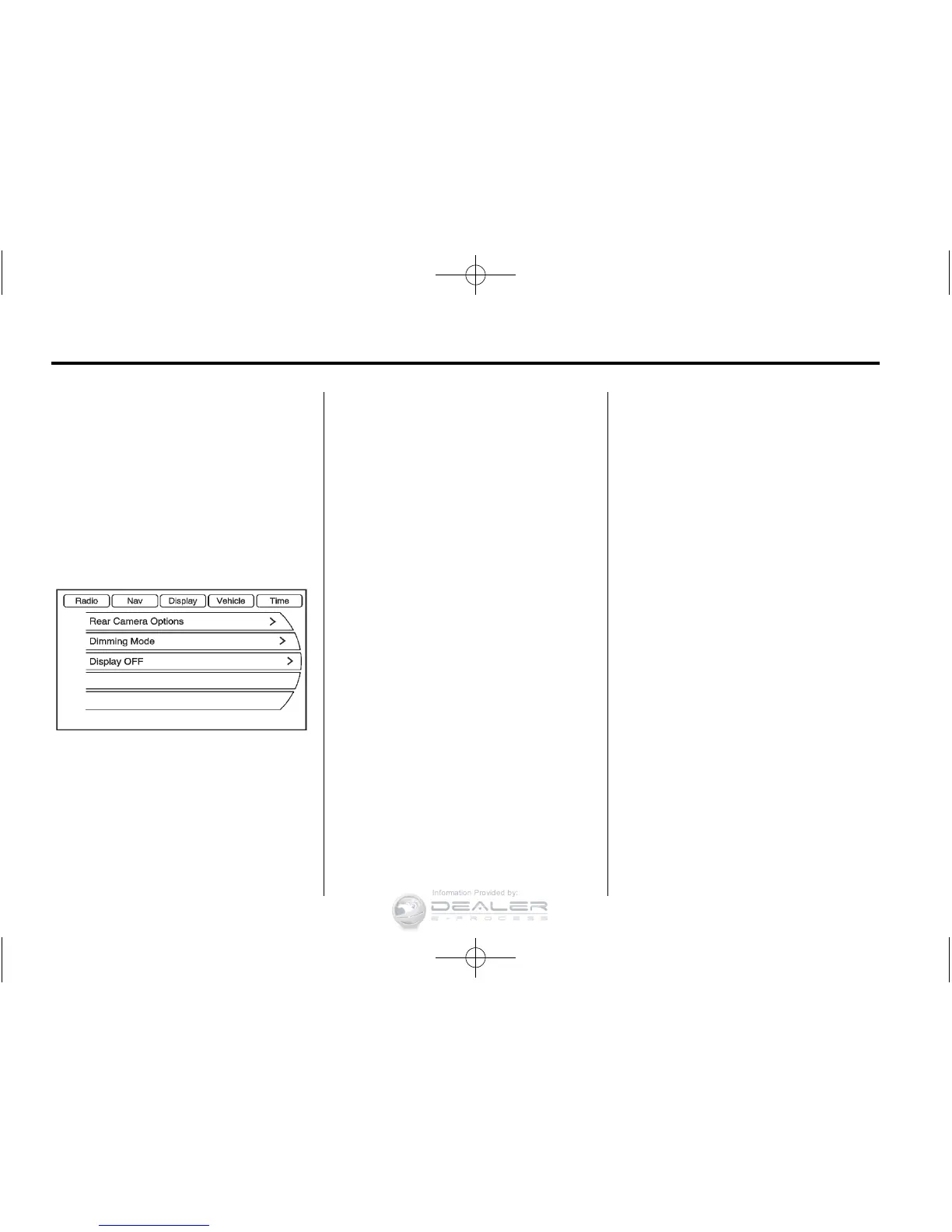
To turn the rear vision camera
system on or off:
1. Shift into P (Park).
2. Press the CONFIG button.
3. Select Display.
4. Select Rear Camera Options.
5. Select Camera. When a check
mark appears next to the
Camera option, then the RVC
system is on.
Symbols
The navigation system may have a
feature that lets the driver view
symbols on the navigation screen
while using the RVC. The Ultrasonic
Rear Park Assist (URPA) system
must not be disabled to use the
caution symbols. The error message
Rear Parking Assist Symbols
Unavailable may display if URPA
has been disabled and the
symbols have been turned on.
See Ultrasonic Parking Assist on
page 9‑46.
The symbols appear and may cover
an object when viewing the
navigation screen when an object is
detected by the URPA system.
To turn the symbols on or off:
1. Shift into P (Park).
2. Press the CONFIG button.
3. Select Display.
4. Select Rear Camera Options.
5. Select Symbols. When a check
mark appears next to the
Symbols option, symbols will
appear.
Guidelines
The RVC system has a guideline
overlay that can help the driver align
the vehicle when backing into a
parking spot.
To turn the guidelines on or off:
1. Shift into P (Park).
2. Press the CONFIG button.
3. Select Display.
4. Select Rear Camera Options.
5. Select Guidelines. When a
check mark appears next to the
Guidelines option, guidelines will
appear.














 To Next Page