3-6 Seats and Restraints
The driver seat and outside mirrors
will move to the previously saved
RKE Memory positions.
This feature is turned on or off using
the vehicle personalization menu.
See “Memory Remote Recall”
under Vehicle Personalization on
page 5‑32 for more information.
To stop recall movement, press any
of the memory, power mirror, or
power seat controls.
If something has blocked the driver
seat while recalling a memory
position, the recall may stop.
Remove the obstruction; then press
and hold the appropriate manual
control for the memory item that is
not recalling for two seconds.
Try recalling the memory position
again by opening the driver door
and pressing the RKE K button.
If the memory position is still not
recalling, see your dealer for
service.
Easy Exit Driver Seat
This feature moves the seat
rearward allowing the driver more
room to exit the vehicle.
To activate, turn the ignition off and
open the driver door. If the driver
door is already open, turning the
ignition off will activate the easy exit
driver seat.
This feature can be turned on or off
using the vehicle personalization
menu. See “Easy Exit Driver Seat”
under Vehicle Personalization on
page 5‑32 for more information.
To stop recall movement, press one
of the memory or power seat
controls.
If something has blocked the driver
seat while recalling the exit position,
the recall may stop. Remove the
obstruction; then press and hold the
power seat control rearward for
two seconds. Try recalling the exit
position again. If the exit position is
still not recalling, see your dealer
for service.
Lumbar Adjustment
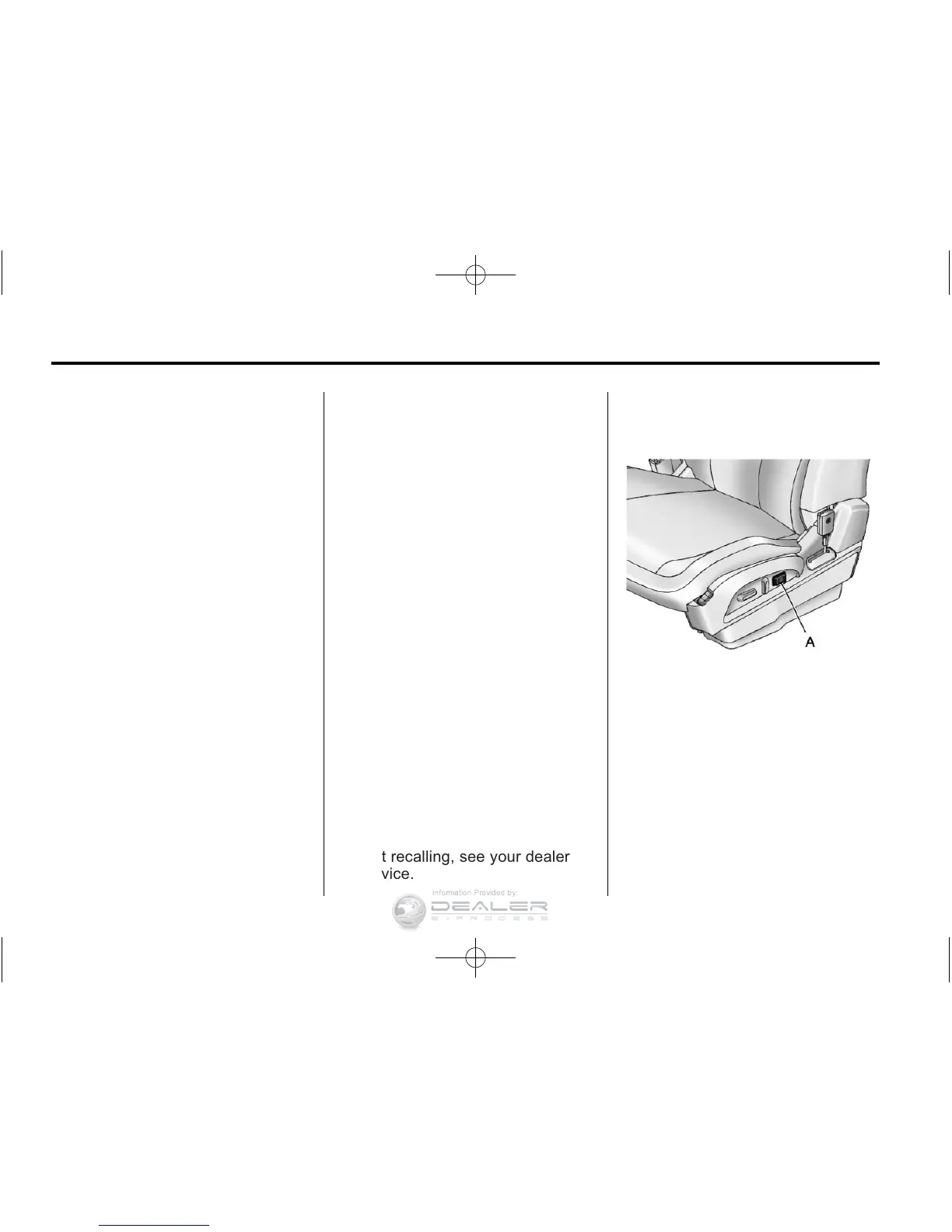
Power Lumbar
Eight-Way Power Seat Shown,
Four-Way Similar
If available, the switches are on the
outboard side of the seats.
Press and hold the front or rear
of the switch (A) to increase or
decrease lumbar support. Release
the control when the seatback
reaches the desired level of lumbar
support.














 To Next Page