PAGE 22 I NSTRUCTION MANUAL TX3550S
Call Acknowledge
If your SelCall transmission is successful, the radio you called
should respond with an ‘acknowledge’ signal – usually 2
quick beeps. This will confirm to you that the radio you called
is now alerting its user to your signal.
SelCall Memories
Your radio is fitted with one ‘Call’ memory and 10 user
programmable SelCall memories labelled ‘C0’ to ‘C9’ There is
also one additional location labelled ‘Id’.
Memory locations ‘C0’ to ‘C9’ are for storing frequently
called SelCall Idents. The additional location labelled ‘Id’
contains your radio’s own SelCall Ident. You should only
select this memory location if you need to change your radio’s
factory programmed SelCall Ident.
To Store a SelCall Ident in Memory
1. Briefly press CALL.
is displayed along with the last
sent SelCall Ident.
2. Press
to select the required Ident memory location ‘C0’
to ‘C9’ (or select ‘Id’ to change your radios own SelCall
Ident). If an ALPHA label is displayed you will need to
press F then ALPHA to switch to Numeric mode.
3. Press and hold the LEVEL
key until the radio beeps. The
right-hand digit of the SelCall Ident will flash.
4. Press
or to select the required number in the
flashing digit position.
5. Briefly press the
LEVEL
key again to select the next digit
position.
6. Repeat steps 4 and 5 to enter all 5 digits as required.
7. Now press and hold the LEVEL
key. The entire Ident will
flash for a few seconds then the radio will beep as the
new Ident is stored.
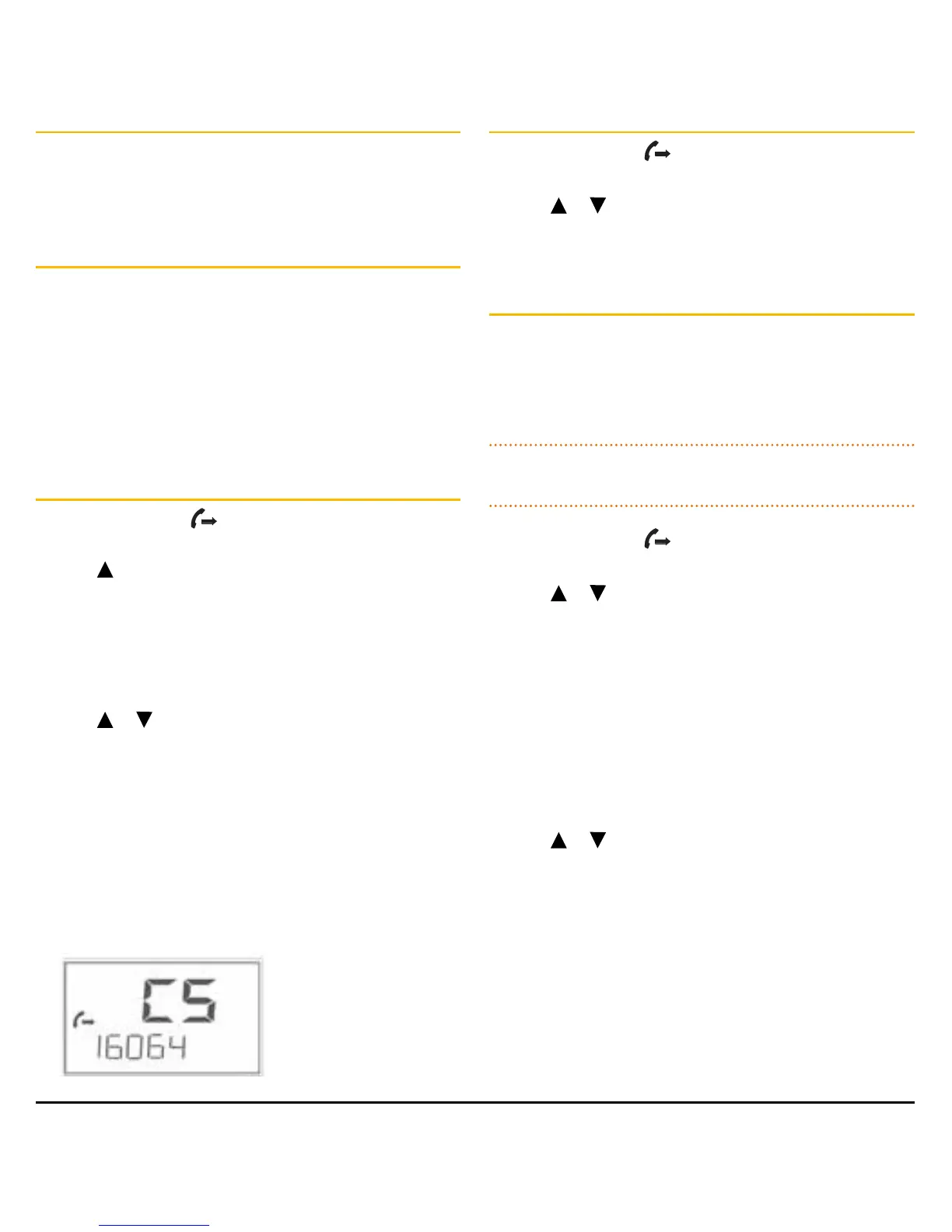
e.g. Programming Call Memory C5
Recalling SelCall Idents
1. Briefly press CALL.
is displayed along with the last
sent or received SelCall Ident.
2. Press
or to select the required Ident memory in
locations ‘C0’ to ‘C9’.
3. Press and hold CALL to send the Ident.
Naming Your SelCall Idents
Your radio allows you to label each SelCall Ident using a
5 character name to make it easier to identify callers. If
an incoming SelCall matches one of those in your radio’s
memory, the label can be displayed instead of the SelCall
Ident.
NOTE: Before adding an ALPHA label to a SelCall Ident, you
must first store the required Ident in memory as described left.
1. Briefly press CALL.
will be displayed along with the
last sent SelCall Ident.
2. Press
or to select the required Ident memory in
locations ‘C0’ to ‘C9’.
3. Briefly press the F then ALPHA to select the ALPHA mode.
‘ALPHA’ will be displayed briefly.
4. If the ALPHA label is empty, ‘- - - - -’ will be displayed,
otherwise it will display the last ALPHA label programmed
into that memory.
5. Press LEVEL
key until the radio beeps. The left-hand
position of the Alpha label will flash.
6. Press
or to select the required character in the
flashing position then briefly press
LEVEL key again to select
the next position.
7. Repeat step 6 to enter up to 5 characters as required.
8. Now press and hold the LEVEL key. The entire Alpha label
will flash for a few seconds then the radio will beep as the
label is stored.



 To Next Page