TX3550S INSTRUCTION MANUAL PAGE 29
To Switch Between Alpha and Frequency
Display Modes
1. Select a receive-only channel.
2. Briefly press the
F
key followed by the
ALPHA
key to
switch between Alpha and Frequency (numeric) modes.
NOTE: If you have not previously set an Alpha name, a
default Alpha name comprising the Channel Bank and the
channel number will be displayed. e.g. RXA99.
To Edit the Alpha Label
1. Press and hold
MENU
until the radio beeps. The left hand
character will be flashing.
2. Press the
or
key to change the flashing character.
3. Press the
LEVEL
key to move to the next character
position.
4. Repeat steps 2 and 3 to edit each character.
5. When finished, press and hold the
LEVEL
key to store the
new label. The display will flash then the radio will beep.
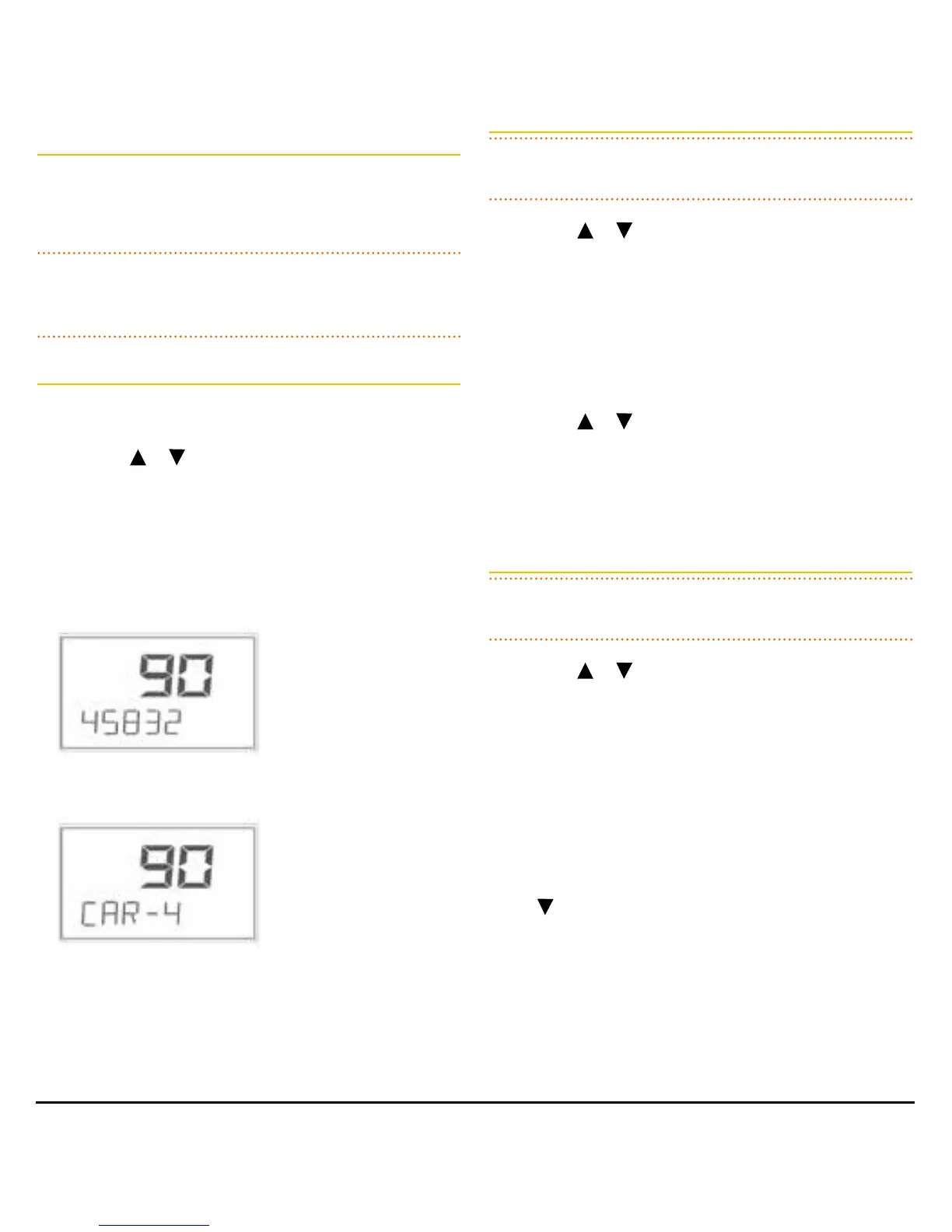
RX-Only Channel Frequency (458.325 MHz)
RX-Only Alpha Label
To Edit the Frequency of a Receive-only Channel
NOTE: You do not need to enable the channel editor to edit
a current Receive-only channel.
1. Press the
or
keys to select the desired Receive-only
channel.
2. If the channel’s ALPHA label is displayed briefly press the
F
key followed by the
ALPHA
key to switch to Frequency
(numeric) mode.
3. Press and hold
MENU
until the radio beeps. The right
hand digit will be flashing.
4. Press the
or
to select a new frequency. To switch
between 12.5/25 kHz and 1 MHz frequency steps briefly
press the
LEVEL
key.
5. When the desired frequency is selected, press and hold
the
LEVEL
key to store the new setting.
To Delete a Receive-only Channel
NOTE: You do not need to enable the channel editor to
delete Receive-only channels.
1. Press the
or
to select the desired Receive-only
channel.
2. If the channel’s
ALPHA
label is displayed briefly press the
F
key followed by the
ALPHA
key to switch to Frequency
(numeric) mode.
3. Press and hold
MENU
until the radio beeps. The right
hand digit will be flashing.
4. Briefly press the
LEVEL
key to select the 1 MHz digit (this
will allow faster frequency stepping) then press and hold
the key until ‘–OFF–‘ is displayed.
5. To store the setting, press and hold the
LEVEL
key.
The deleted channel will no longer be visible in normal
operating mode.


 To Next Page
 Loading...











